

Send an envelope from an XPM client's page in Annature and the recipient details are filled in from XPM for you. Once everyone has signed, the completed envelope is filed straight back to the client in XPM, so there's nothing to download and upload yourself.
How to send an envelope
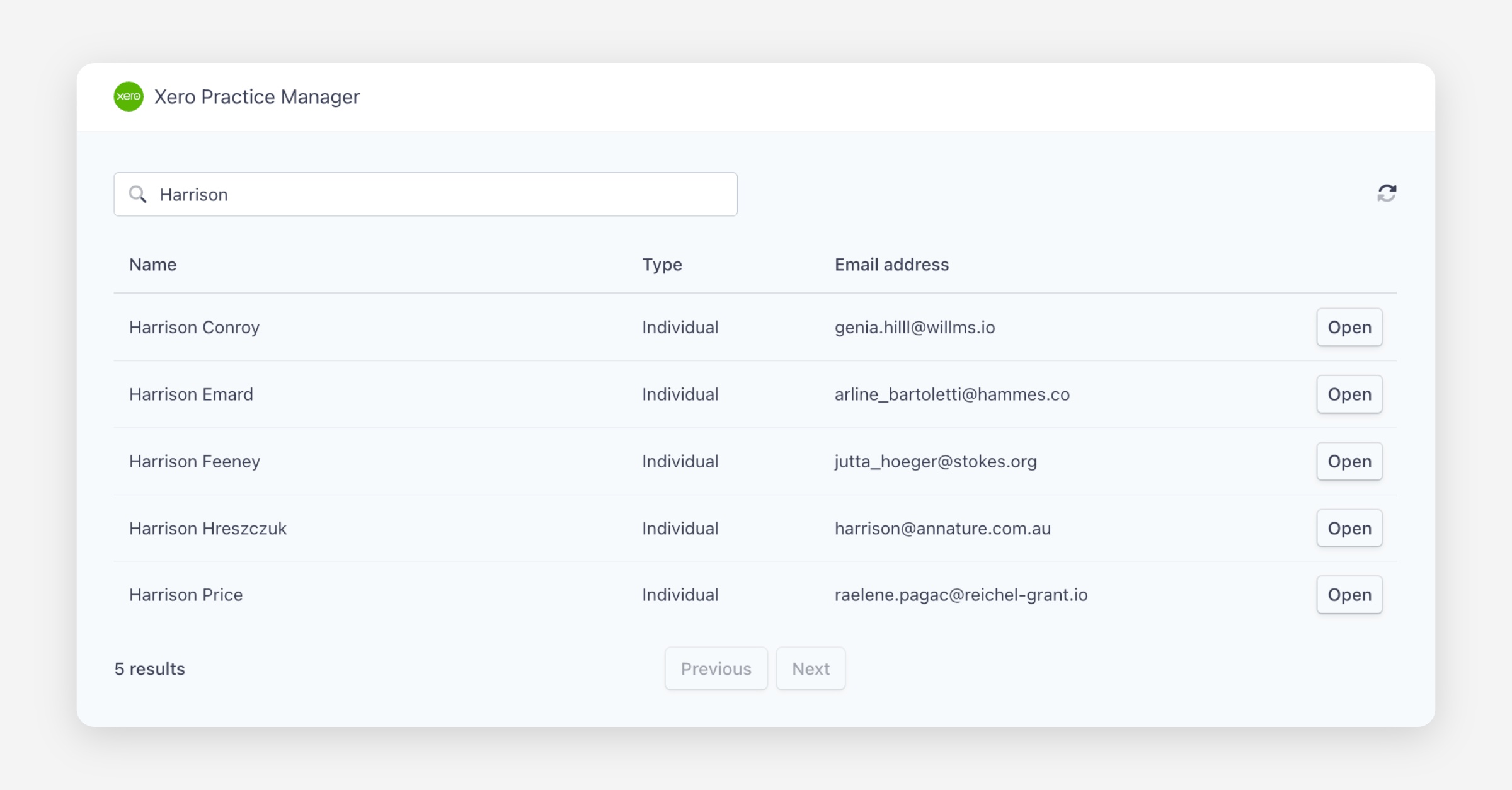
Select Xero Practice Manager from the left-hand menu, search for the client and click Open.
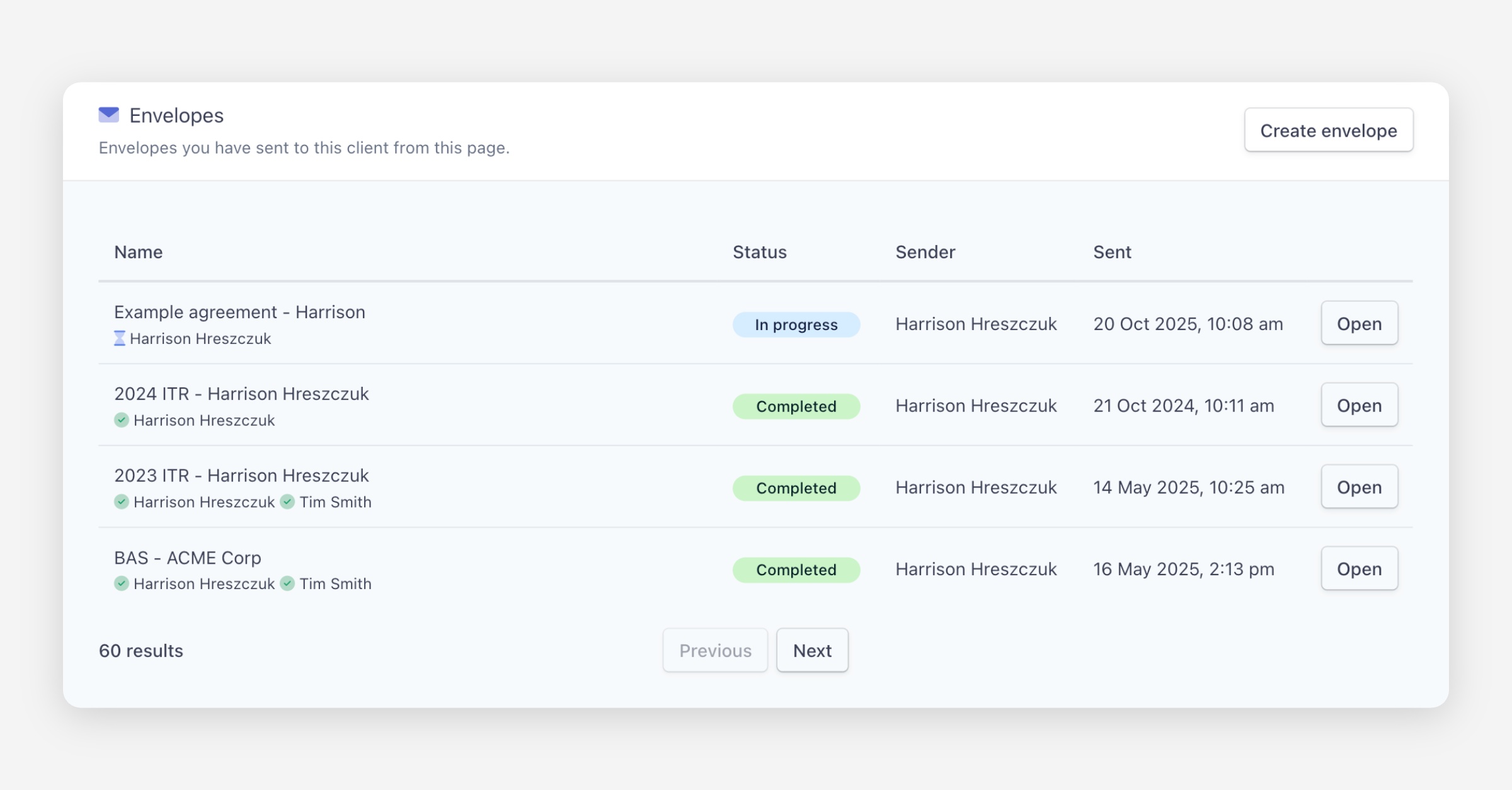
Under Envelopes, click Create envelope.
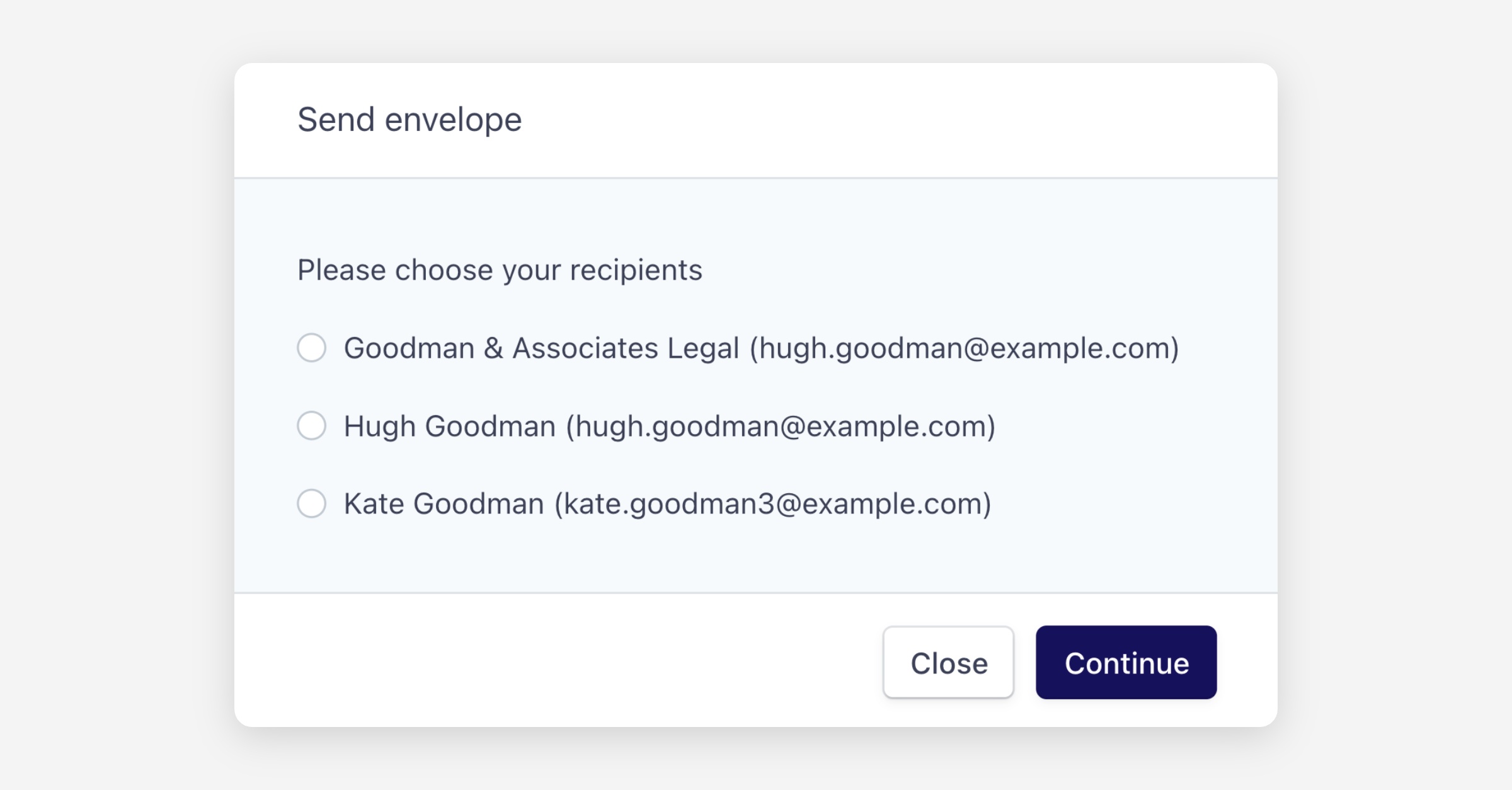
Select the recipients to include. For a company or trust with several contacts, you can select all the people who need to sign.
Recipient details are filled in from the XPM client record.
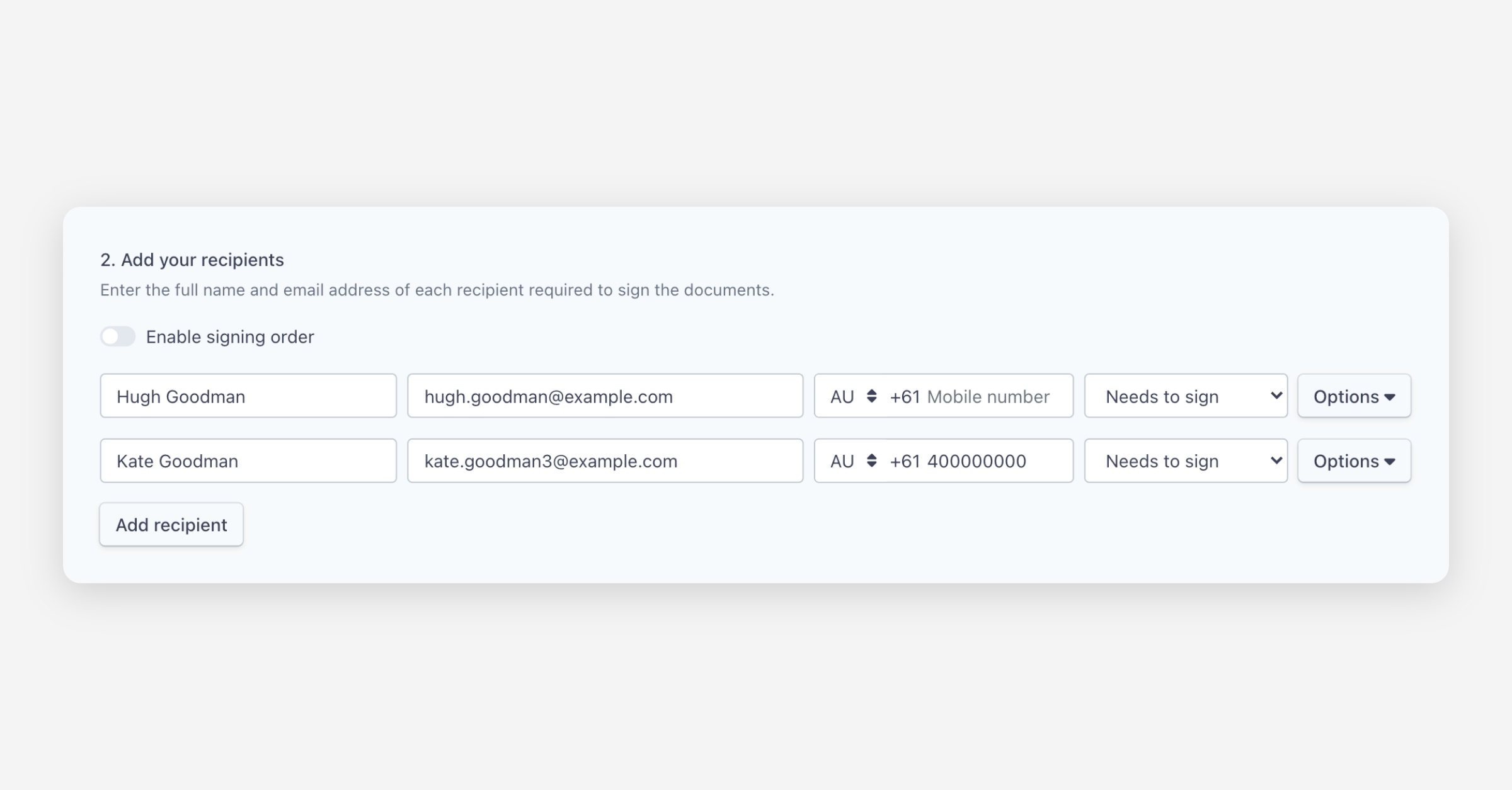
Prepare and send the envelope as usual.
After the envelope is completed
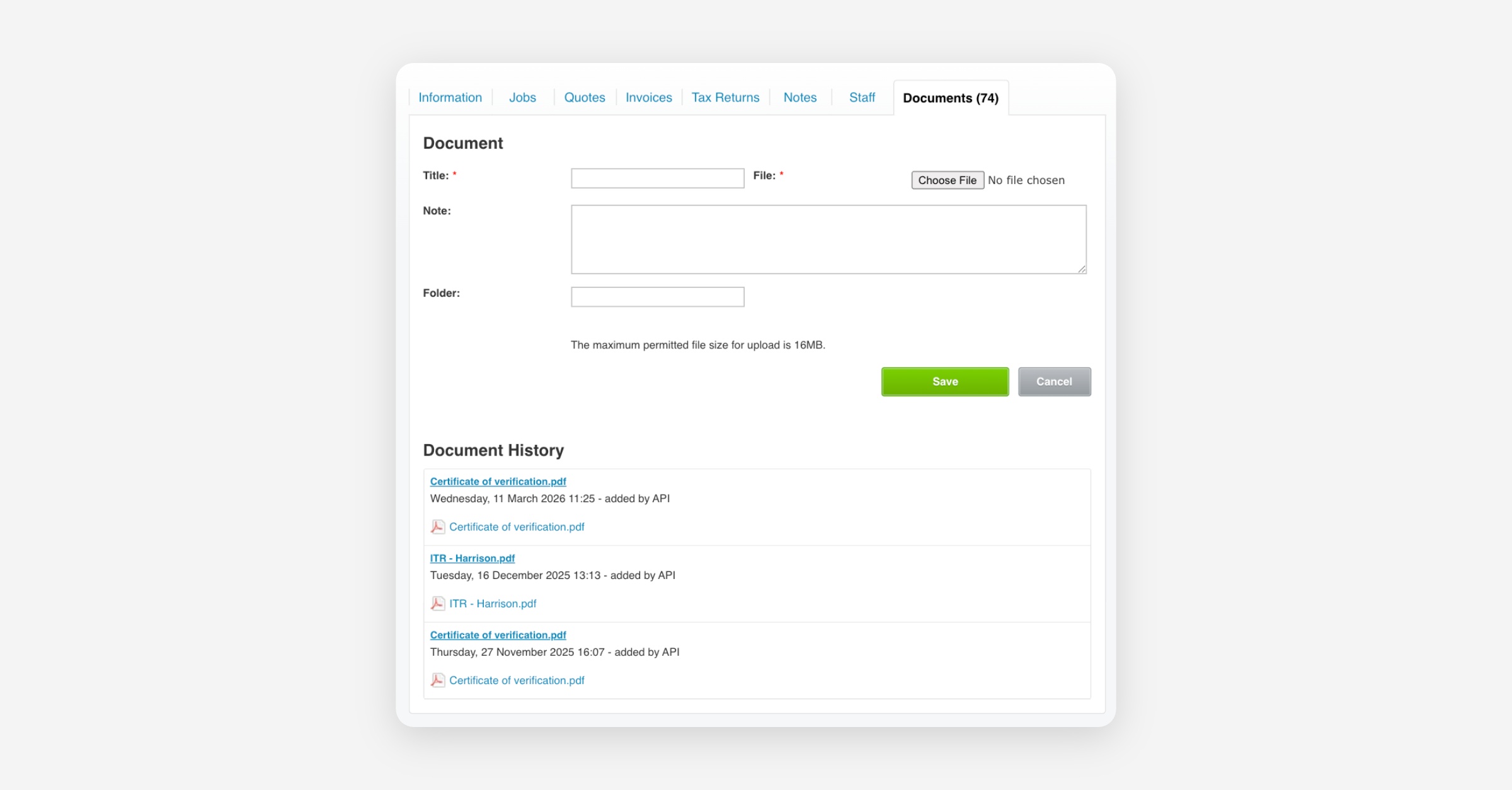
A copy of the signed envelope is filed automatically under the client's Documents tab in XPM.
You can see every envelope sent to the client under Envelopes on the client's page in Annature.