
Domain locking
Restrict user accounts to verified email domains to prevent duplicate organisations and unauthorised access.
Every user account in Annature must be linked to a unique email address. This ensures secure access, accurate permissions, and smooth management across your organisation.
💡 Note:
If a user’s email address already exists in Annature, they won’t be able to create a new organisation or be added to another one by an Administrator.
New users should always be added to an existing organisation by an Administrator. Learn more in our Team members article.
If an account or organisation has been created in error, please contact our support team to close it before adding the user to the correct organisation.
Multiple Accounts
In some cases, a person may need more than one Annature account — for example, if they work as a contractor across multiple organisations.
To do this, they’ll need to use a different email address that isn’t already linked to another account.
Most email providers support email aliases using the +something format before the @ symbol. This creates a unique email address that still delivers to the same inbox.
For example:[email protected] → main account[email protected] → secondary account
Using an alias allows you to create or join another organisation without needing a new inbox.
Domain Locking
Because each email address can only be linked to one Annature account — and accounts cannot be merged — we offer domain locking to prevent duplicate or stray sign-ups.
When a domain is locked:
New users can’t accidentally create a separate organisation using your company domain.
All new team members must be invited directly to your existing organisation by an Administrator.
If a user accidentally creates a new account or trial using your company email, they won’t be able to join your organisation until support closes their duplicate account.
To help prevent this, Annature periodically locks verified company domains.
Administrators can check your domain’s status in Settings.
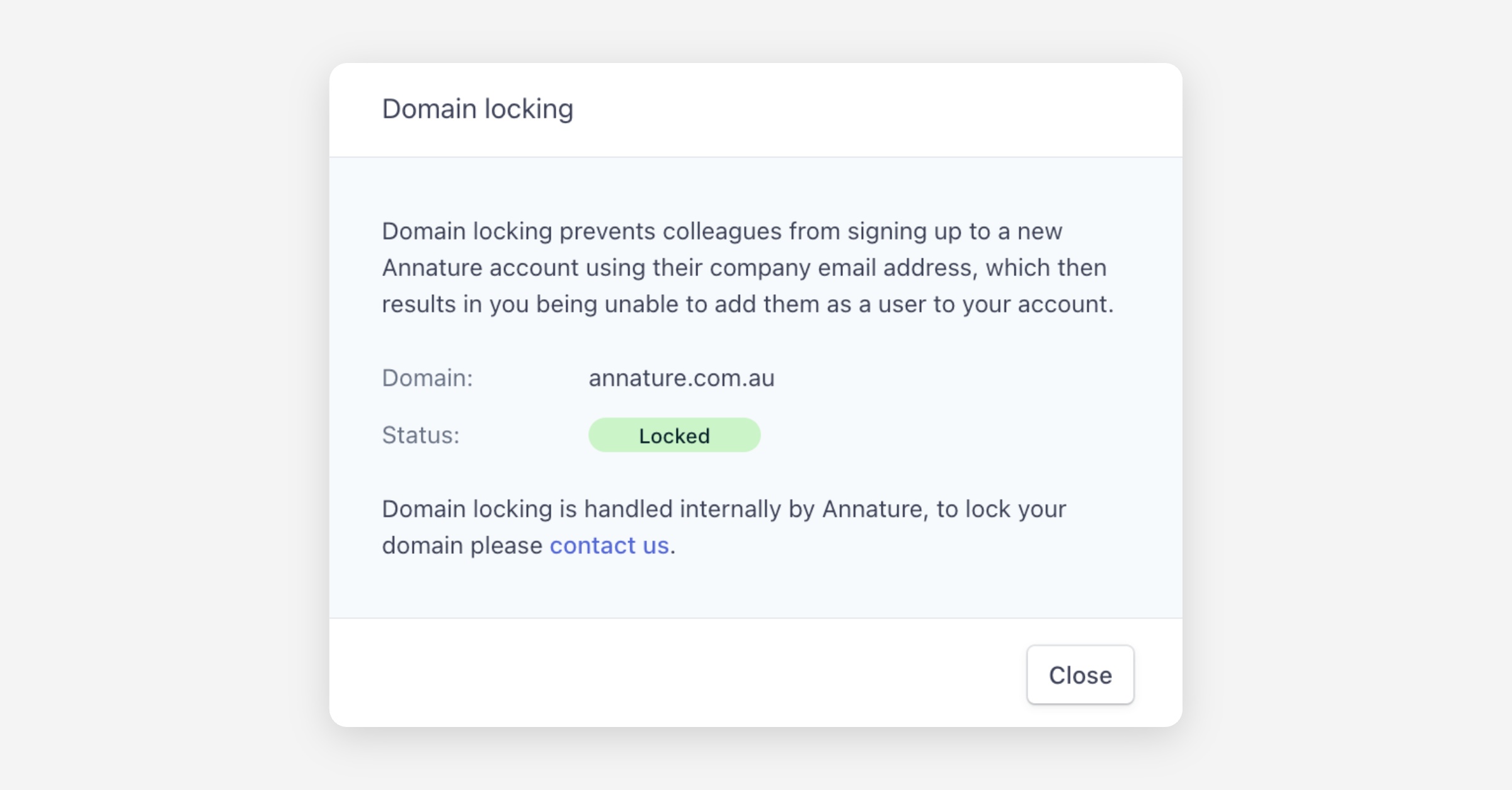
⚙️ Need to lock or unlock your domain?
Contact our support team, and we’ll handle it for you.
Article Recap
Each email address can only be linked to one Annature account.
If multiple accounts are required for one person, use an email alias (e.g.
+somethingbefore the@).Annature periodically locks company domains to prevent accidental duplicate accounts.
If a team member creates a new organisation by mistake, their account must be deleted by support before they can be added to the correct one.
Was this helpful?