
Introduction to Templates
Save pre-configured envelopes with documents, fields, and roles so you can reuse them with just a few clicks.
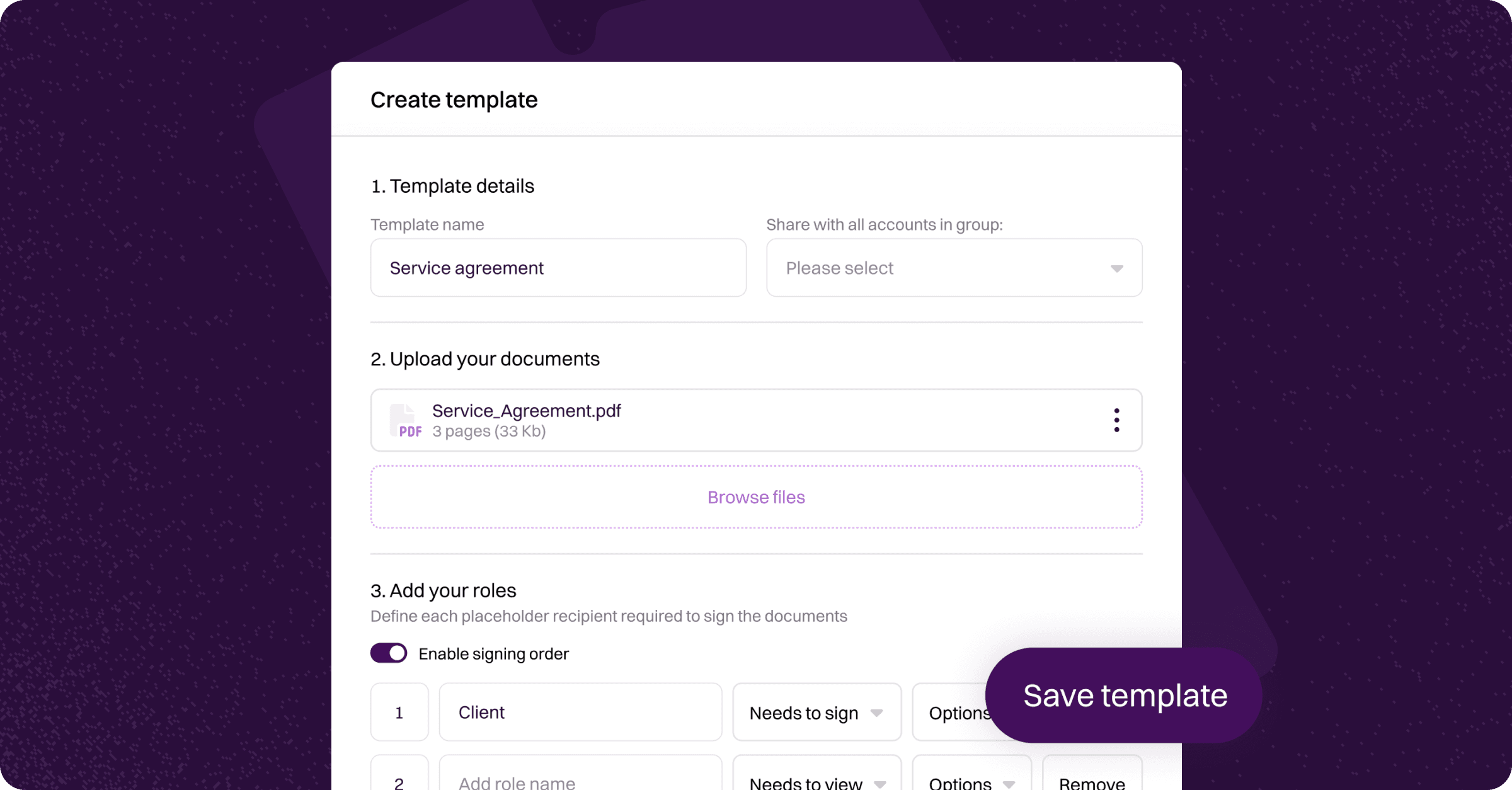
Templates allow you to save a pre-configured envelope — including documents, fields, roles, and default settings — so you can reuse it whenever you need to send the same type of document. Instead of setting up the same envelope from scratch each time, you create it once as a template and send it with just a few clicks.
Templates are ideal for any document you send regularly, such as employment contracts, onboarding forms, NDAs, tax returns, or client agreements.
The Templates page can be accessed by clicking Templates in the left-hand navigation menu. The page displays a table of all templates in your organisation, showing:
Name — The template name.
Group — The group the template is shared with (visible to administrators).
Creator — The team member who created the template.
Created — The date the template was created.
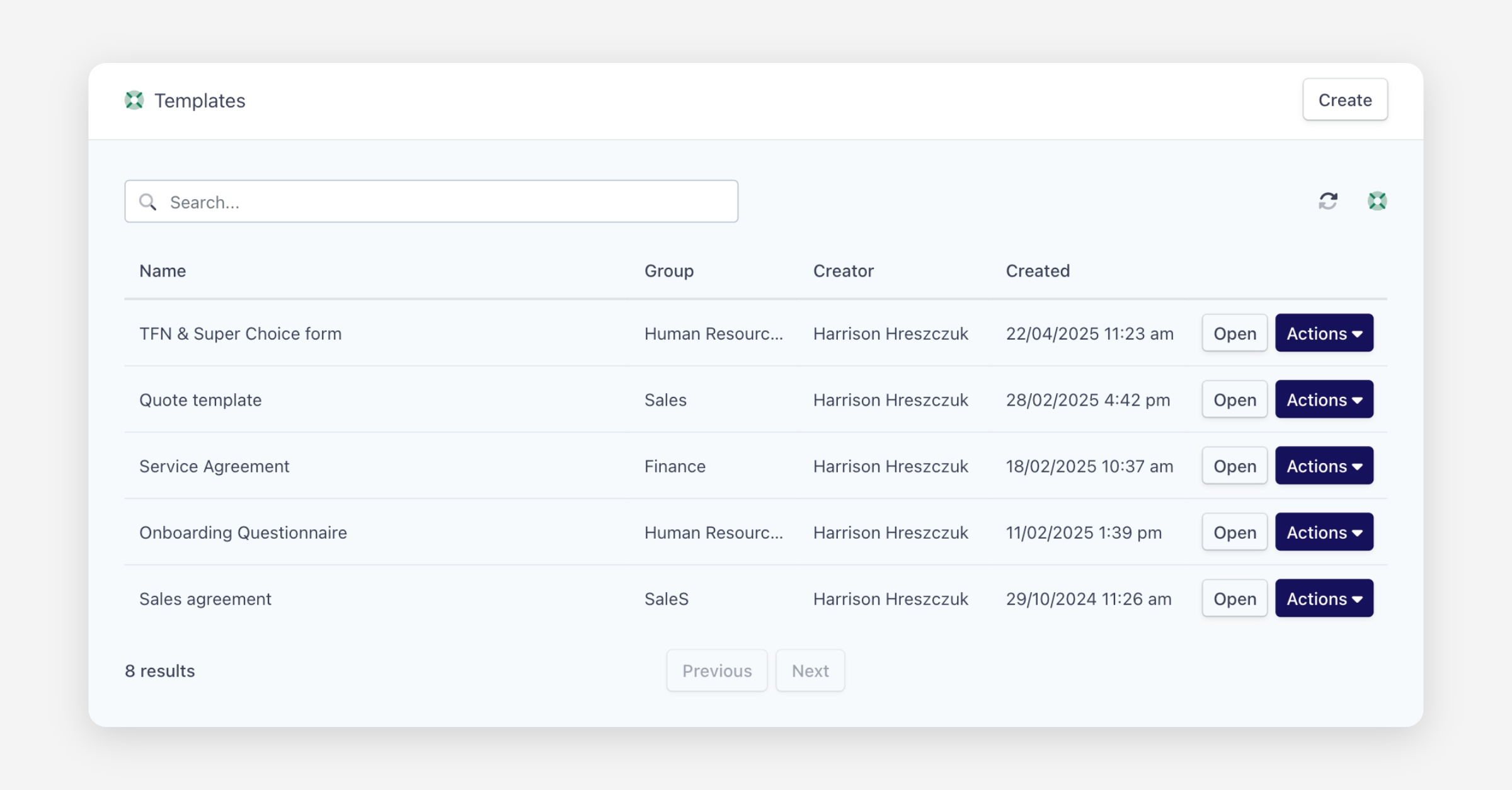
Each template has an Open button to view or edit it, and an Actions dropdown with two options for sending:
Quick send — Opens a streamlined view where you enter recipient details and send immediately. Best for when no changes to the template are needed.
Use template — Opens the full envelope creation view with the template pre-applied, allowing you to modify documents, fields, and settings before sending.
For details on creating templates, see the Creating a Template article. For details on sending, see the Sending a Template article.
Was this helpful?