
Introduction to Annature Payments
Collect payments directly within your signing flow so clients can review, sign, and pay in one step.
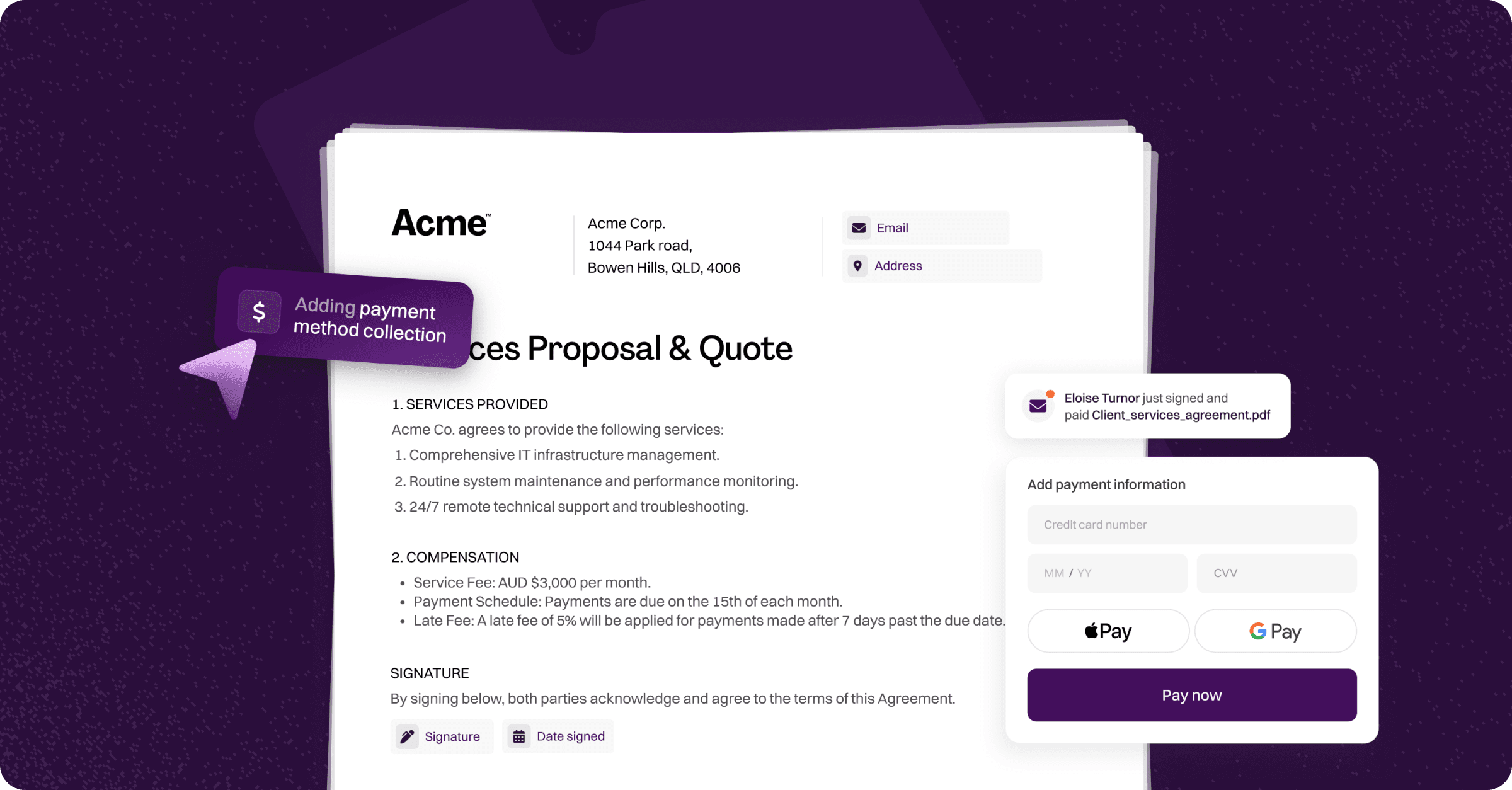
Annature Payments lets you collect payments directly within your signing flow. Instead of sending documents and chasing payments separately, your clients can review, sign, and pay — all in one step.
Payments are powered by Pinch Payments and tracked in real time from a dedicated payments dashboard, giving you full visibility over every transaction.
Payment types
Annature supports three payment products:
Sign & Pay — Attach a payment request to any envelope so your client pays when they finish signing. Enter payment details manually, or pull them directly from a Xero invoice to pre-fill the amount, description, and reference.
Payment Pre-Approval — Collect your client's card or bank details during the signing process for future charging. Payment details are securely tokenised and stored with Pinch Payments as a pre-approval, allowing you to charge the client at a later date — either manually or automatically when a Xero invoice falls due.
ASIC Payments — Collect ASIC annual review fees directly within an envelope. Annature automatically extracts payment details from the uploaded ASIC statement using OCR, and your client pays as part of the signing process. Payments are settled to ASIC on a T+1 business day cycle.
All payment products can be set as required (the client must complete payment or provide their details to finish the envelope) or optional (the client can skip and complete the envelope without taking action).
Getting started
Before you can collect payments, your organisation must complete the payments registration process. This verifies your business and bank details so payments can be securely processed and routed.
Once registration is approved, payment options become available when preparing an envelope.
See the following articles for detailed instructions:
Was this helpful?