
View Your Invoices
Access, review, and download your full Annature invoice history from billing settings.
Only the organisation owner can view or manage billing-related information, including invoices.
If you need to review past payments, download invoices for your records, or track your billing history, you can do so directly from your Billing settings.
How to View Your Invoices
Log in to your Annature account.
Navigate to Settings → Billing.
Select View invoices.
You’ll now see your full invoice history listed by date.
To open or download a PDF copy, simply click the invoice.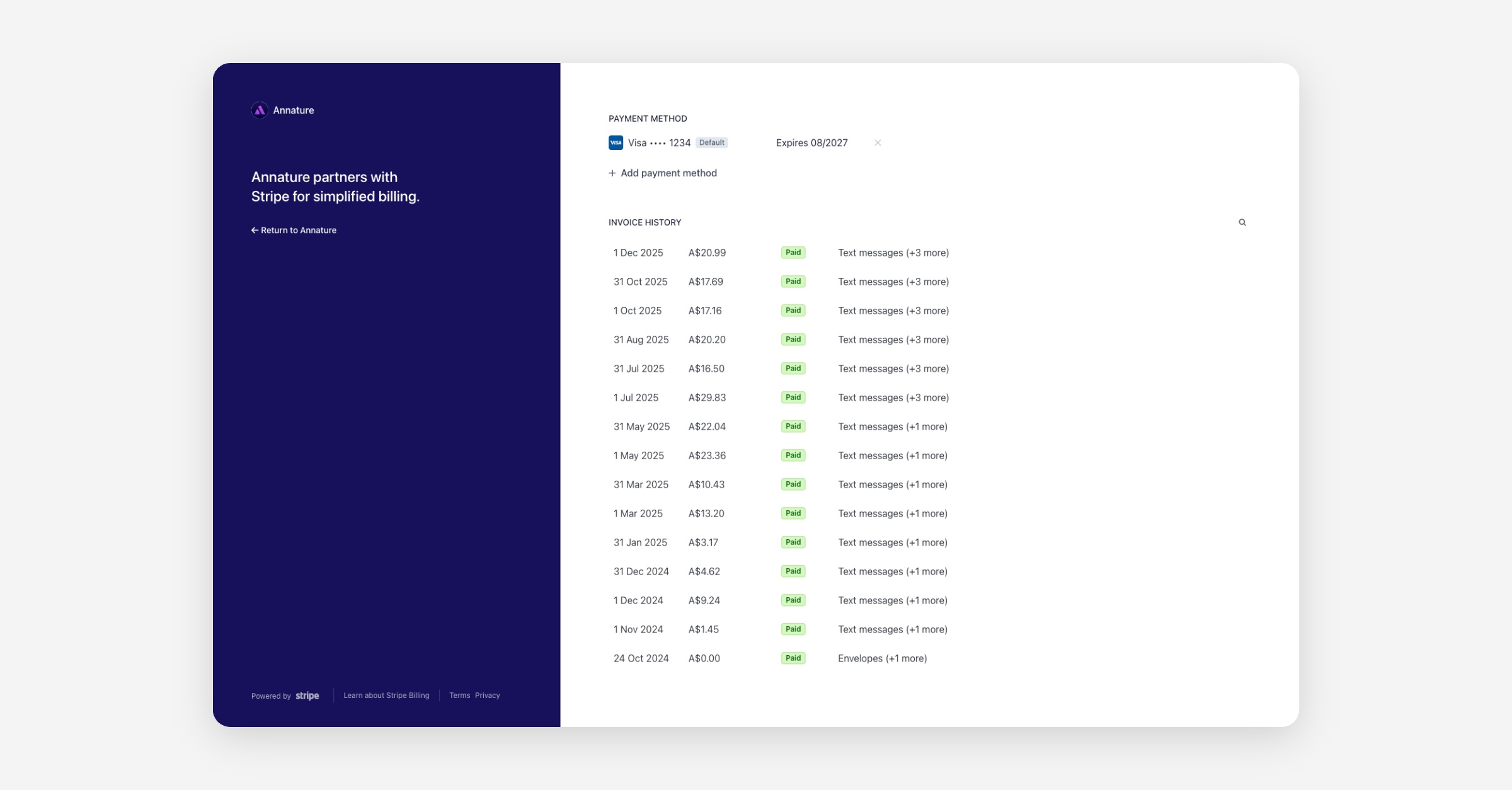
Having easy access to your invoices helps with bookkeeping, reconciliation, and financial record-keeping.
If you need help locating a specific invoice or have billing-related questions, our support team is here to assist.
Was this helpful?