
What Document File Types Are Supported?
Annature supports PDF and .DOCX uploads.
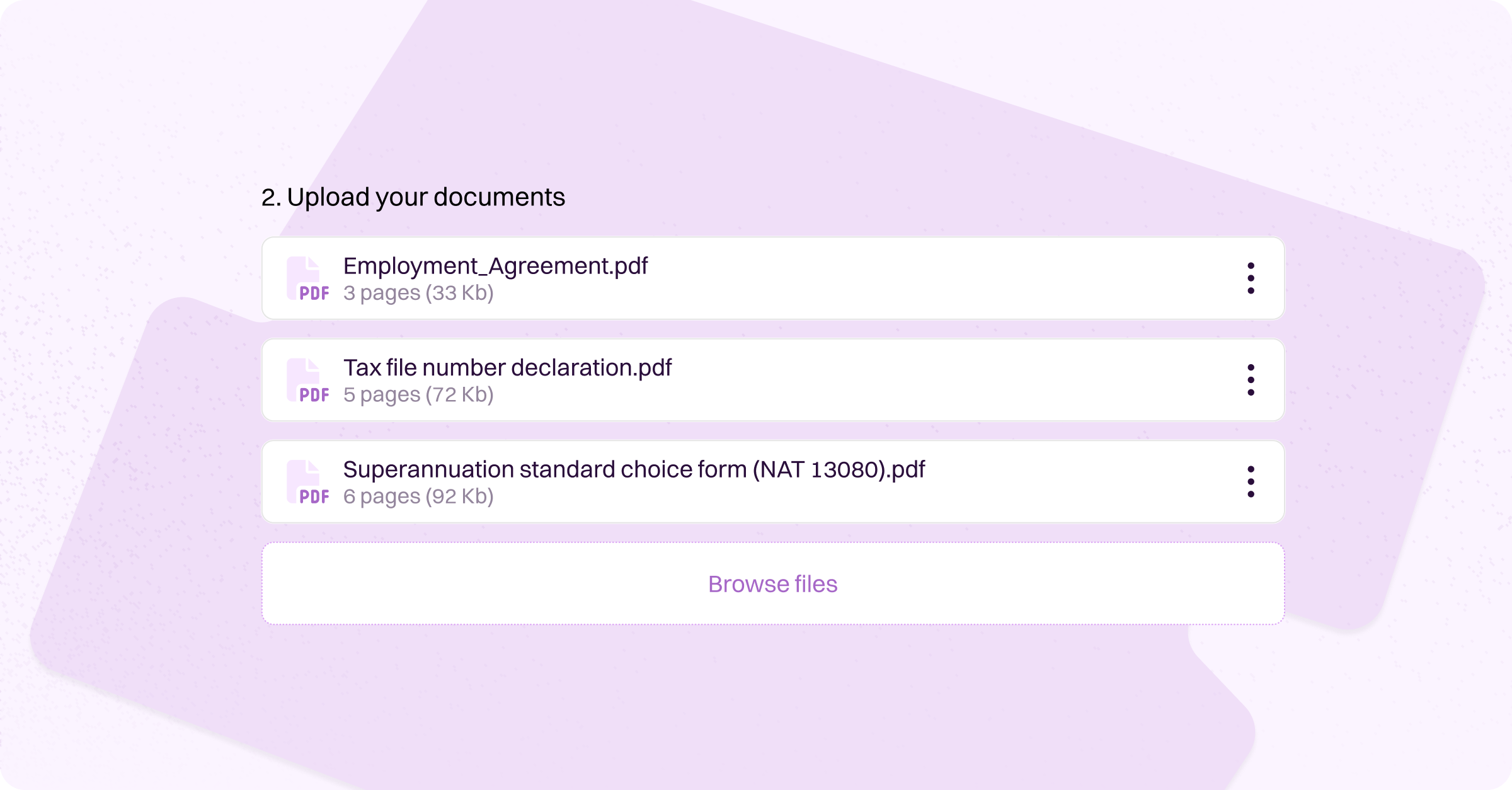
Annature supports the most widely used and reliable document formats, making it easy to prepare and send envelopes without worrying about compatibility issues. Our goal is to ensure your documents upload smoothly, render clearly, and provide a seamless signing experience for your recipients.
Supported File Types
Annature currently supports the following formats:
PDF (application/pdf)
DOCX (application/vnd.openxmlformats-officedocument.wordprocessingml.document)
These formats are secure, versatile, and ideal for eSigning workflows — whether you're sending contracts, agreements, forms, or reports.
If your file is already in PDF or DOCX format, you're ready to upload it straight into an envelope. If not, most applications offer quick export options to convert your document before sending.
By focusing on industry-standard file types, Annature ensures high-quality document handling, consistent formatting, and a dependable experience from upload to signature.
If you’re unsure whether your file is ready to send, simply convert it to PDF or DOCX and you’ll be good to go.
Was this helpful?