
I've Noticed a Charge on My Credit Card I Don't Recognise
Explains why an Annature charge may appear on your statement and how to resolve unrecognised transactions.
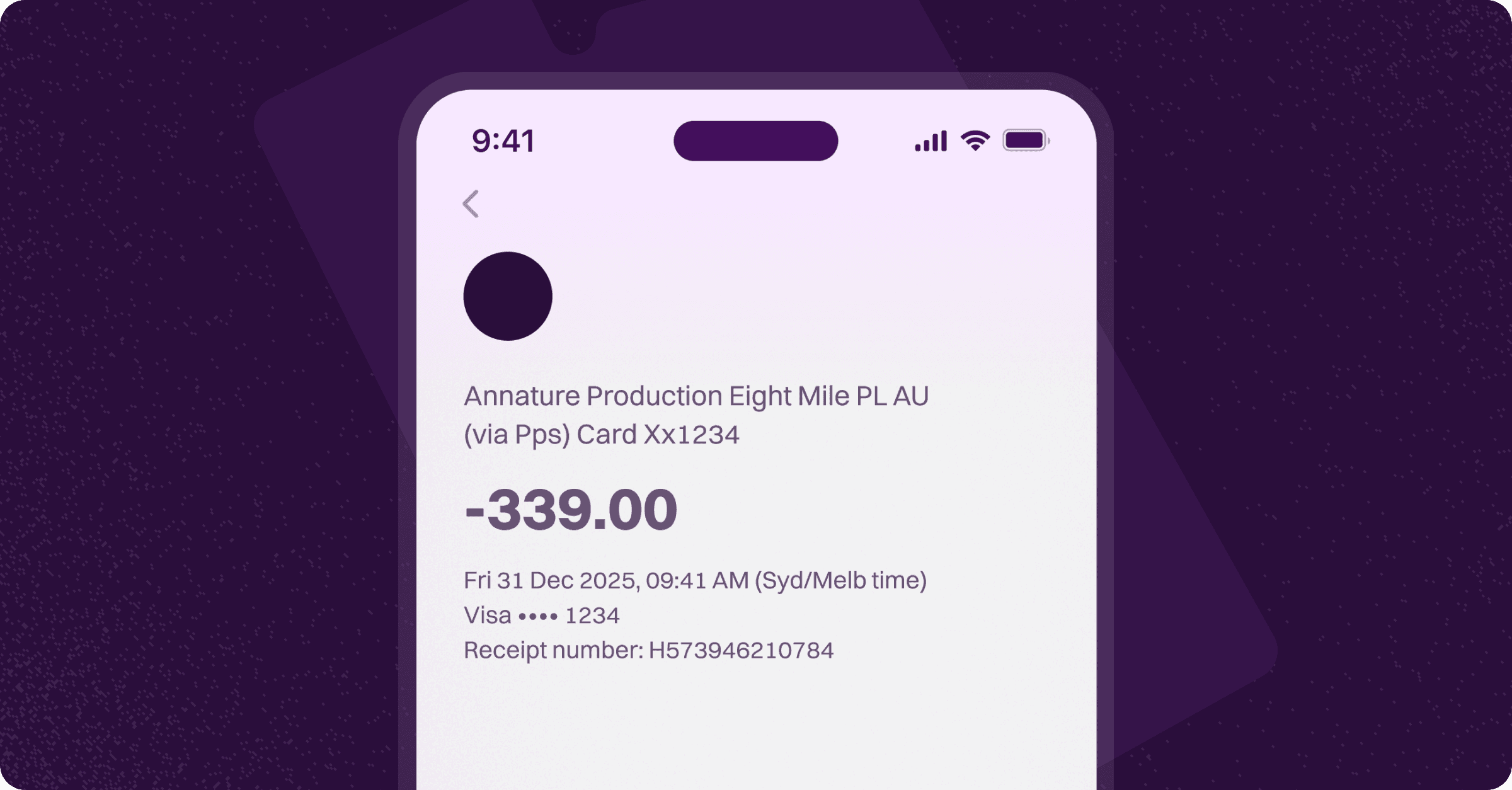
If you have noticed a transaction on your bank or credit card statement from ANNATURE PRODUCTION or a similar description and do not recognise it, it is most likely related to an ASIC annual statement payment that was processed through Annature on behalf of your accountant.
Why Does the Charge Appear as Annature?
Many Australian accountants use Annature to send ASIC annual statements to their clients for review, signing, and payment — all in one step. When you signed your ASIC annual statement and paid the fee, the payment was processed through Annature's secure payment platform. Because of how payment processing works, the charge appears on your bank statement under Annature's name rather than ASIC or your accountant's business name.
What Should I Do?
Check your email — Search your inbox for an email from Annature containing your signed ASIC annual statement and payment confirmation. This will include the details of the transaction.
Contact your accountant — Your accountant or accounting firm will be able to confirm the charge and provide details about the ASIC annual statement they sent you through Annature.
If you are still unsure about the charge after checking your email and speaking with your accountant, you can contact Annature support at [email protected] and we will help you identify the transaction.
Was this helpful?