

Create a check
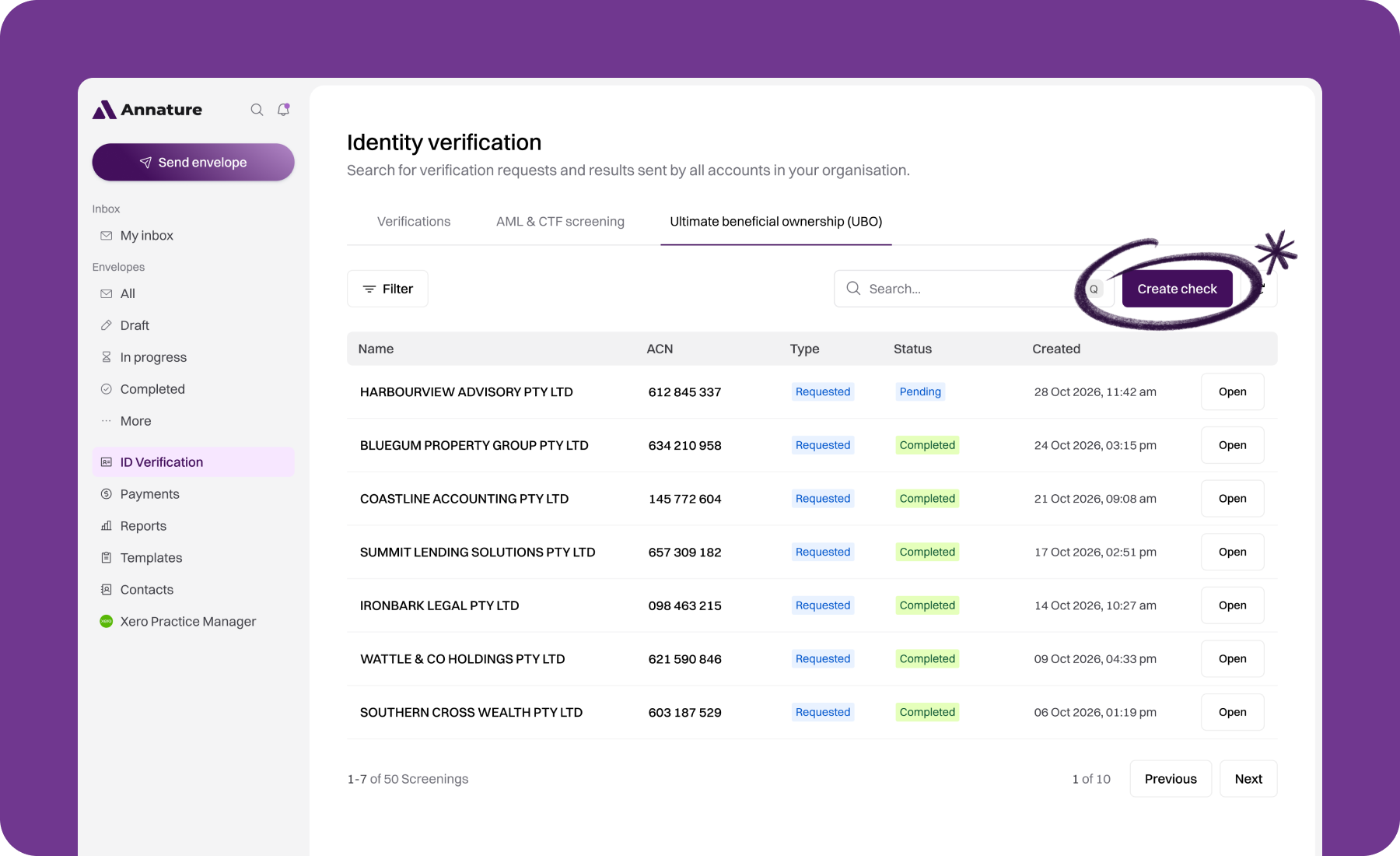
Go to Identity verification and open the Ultimate beneficial ownership (UBO) tab.
Click Create check.
Enter the company name and click Search.
Click Select next to each company you want to check. You can select up to 5 companies per request.
Click Create check. If you've selected more than one company, the button reads Create checks.
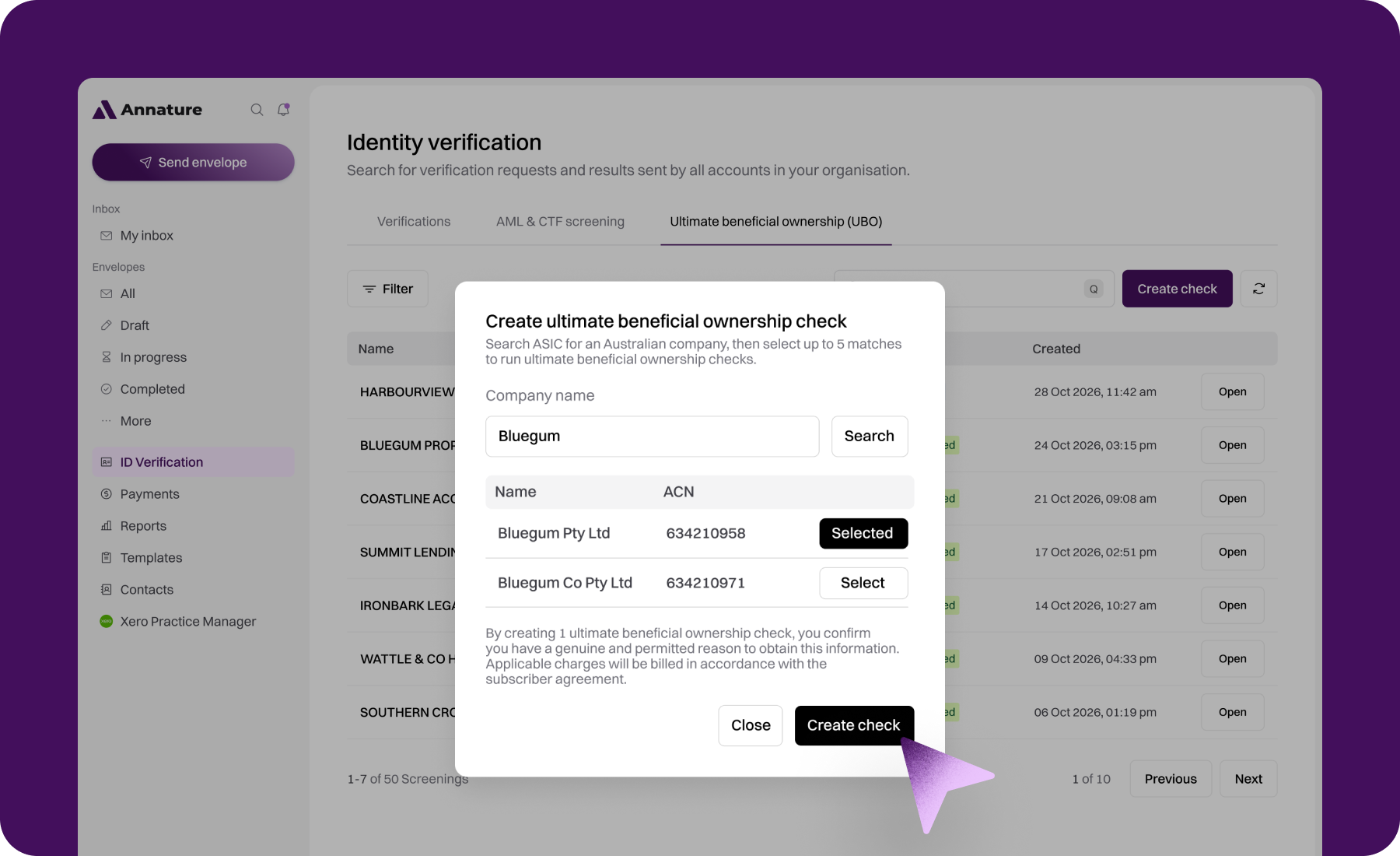
By creating a check, you confirm you have a genuine and permitted reason to obtain the information. Each requested company is charged at $59.90.
Search tips
Search results only include registered Australian companies. Deregistered companies, sole traders, partnerships and trusts won't appear.
Use the company's registered name as it appears on ASIC, for example "Ocean Sleeper Pty Ltd" rather than a trading name.
If several companies have similar names, use the ACN column to make sure you select the right one.
While your check runs
New checks appear in your list with a Pending status.
Most checks finish in about 30 seconds.
Large companies and complex structures with many linked companies can take 5 to 10 minutes, because every company in the structure is investigated with ASIC.
We don't send an email when a check finishes, so check back on the dashboard. Click the refresh button next to Create check to update the list. Once the status changes to Completed, click Open to review the results.
If a check is still Pending after 10 minutes, contact support with the company name and ACN.