
Organisation-Wide Text Messaging
Enable or disable SMS sending across your entire organisation for security, policy, or cost reasons.
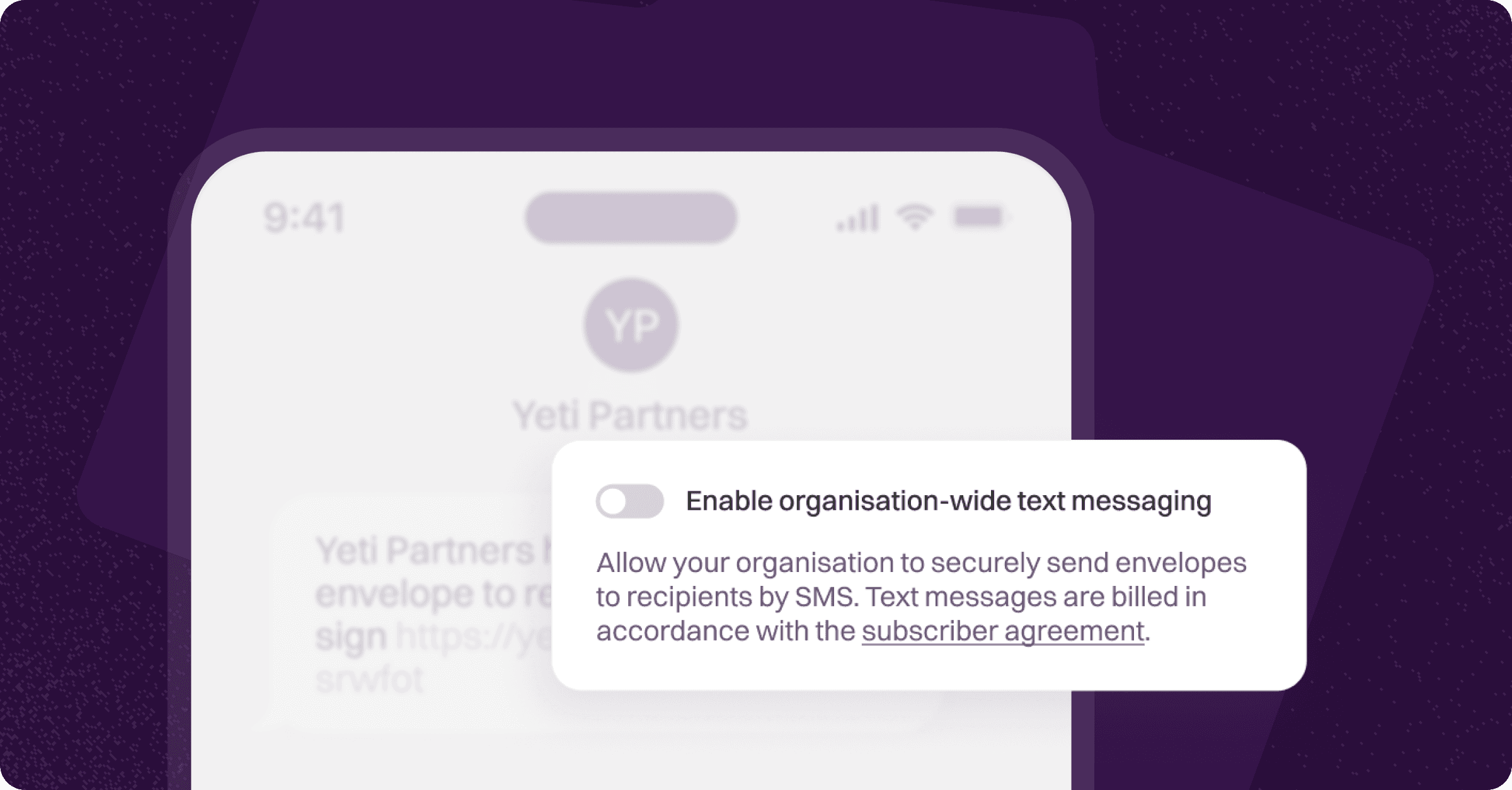
Annature allows you to send envelopes via SMS and use SMS for Two-Factor Authentication (2FA). However, if your organisation prefers not to use text messaging (whether for security, policy, or cost-control reasons), the feature can be turned off completely.
Only the organisation owner can modify these settings.
Turn Off SMS for Your Entire Organisation
Log in to your Annature account.
Navigate to Settings → Billing.
Locate the SMS settings section.
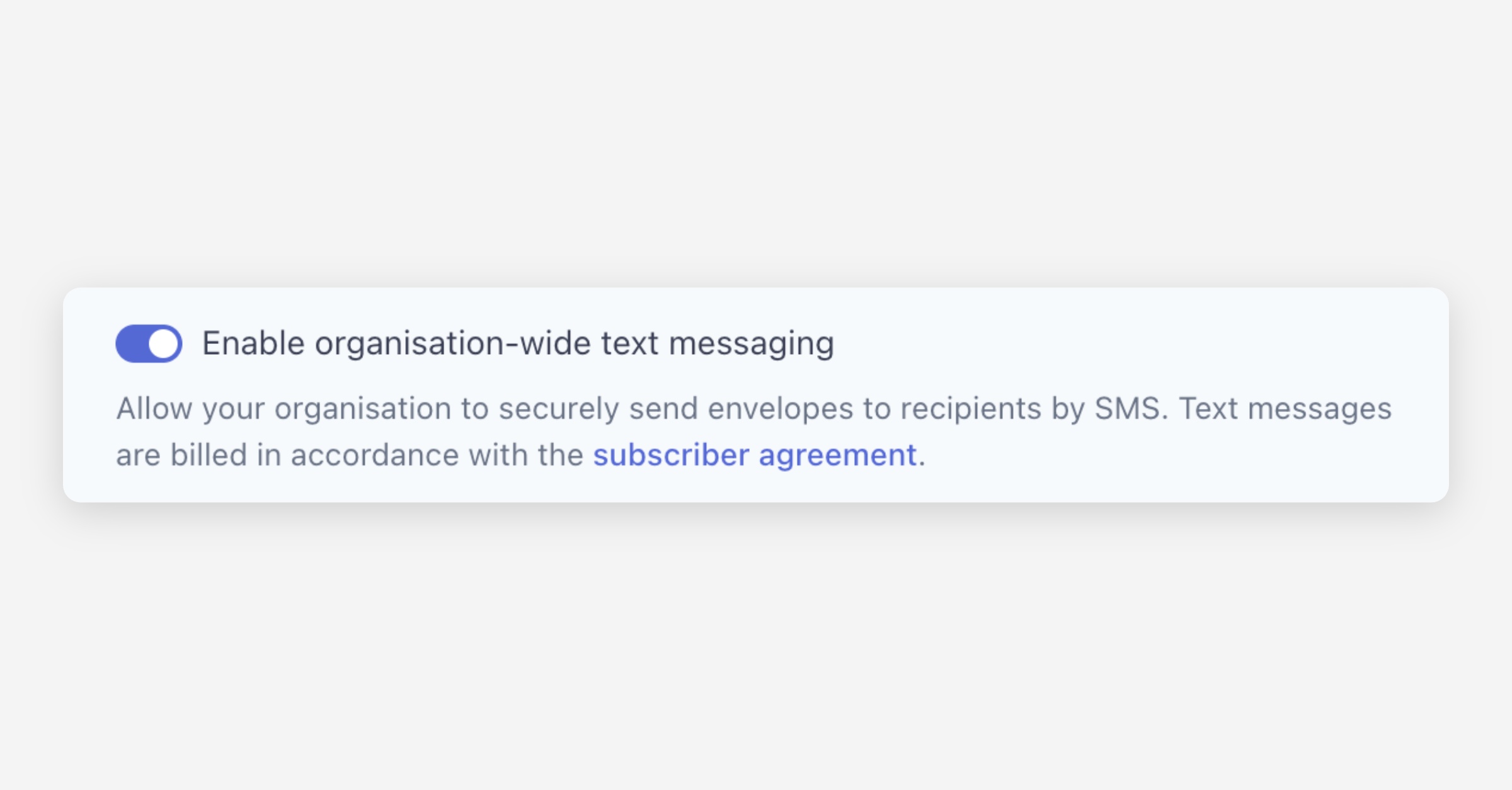
Toggle SMS off to disable text messaging organisation-wide.
What Happens When SMS Is Disabled
If SMS is turned off:
Your team cannot send envelopes via SMS
SMS-based 2FA will no longer be available
Recipients will only receive notification and signing links via email
This gives your organisation complete control over how SMS is used — or not used — within your Annature environment.
If you decide to re-enable SMS in the future, simply return to Settings → Billing and toggle the option back on.
If you need help managing SMS or adjusting your team’s sending options, our support team is always here to assist.
Was this helpful?