
How to Subscribe
Activate your Annature subscription with a self-serve setup directly from the app.
Only the organisation owner can modify subscription and billing settings.
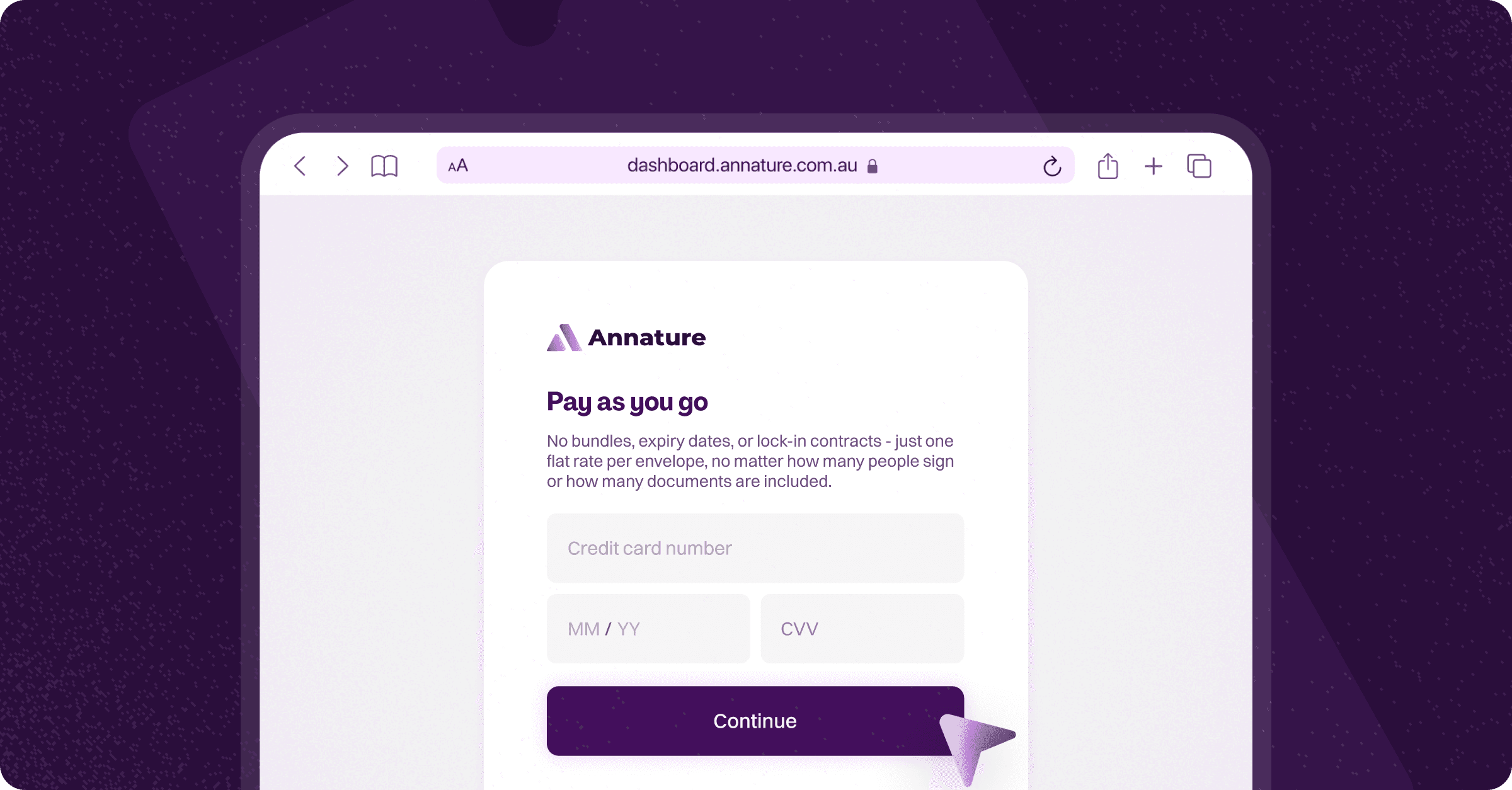
If you're exploring Annature’s Pay-As-You-Go plan, the good news is that it's completely self-serve and can be activated directly within the app.
This plan is billed monthly based on usage — if you don’t use the platform, you won’t be charged.
Subscribe After Your Trial Ends
When your trial expires, and you’re ready to continue using Annature:
Go to Settings → Billing.
Click the Subscribe button.
Enter your payment card details.
Click Confirm to activate your subscription.
Your account will switch immediately to Pay-As-You-Go billing, and you can continue sending envelopes without interruption.
Learn More About Billing
Want to understand how invoicing works or when charges occur? Explore our guides in the Billing & Subscription help category to learn more about:
How subscription renewals work
How usage is billed
Updating payment details
Viewing invoices
Sending More Than 100 Envelopes Per Year?
If your organisation sends 100+ envelopes annually, a Customised subscription may offer better value — with discounted per-envelope rates and a tailored quota that matches your usage.
Learn more about how Customised subscriptions work in Customised subscriptions, or visit the Annature Pricing Page to request a tailored quote: https://www.annature.com.au/pricing.
If you need help choosing the right plan or understanding pricing, our support team is always here to assist.
Was this helpful?