
Branding
Apply your organisation's logo, colours, and identity across envelopes and email notifications.
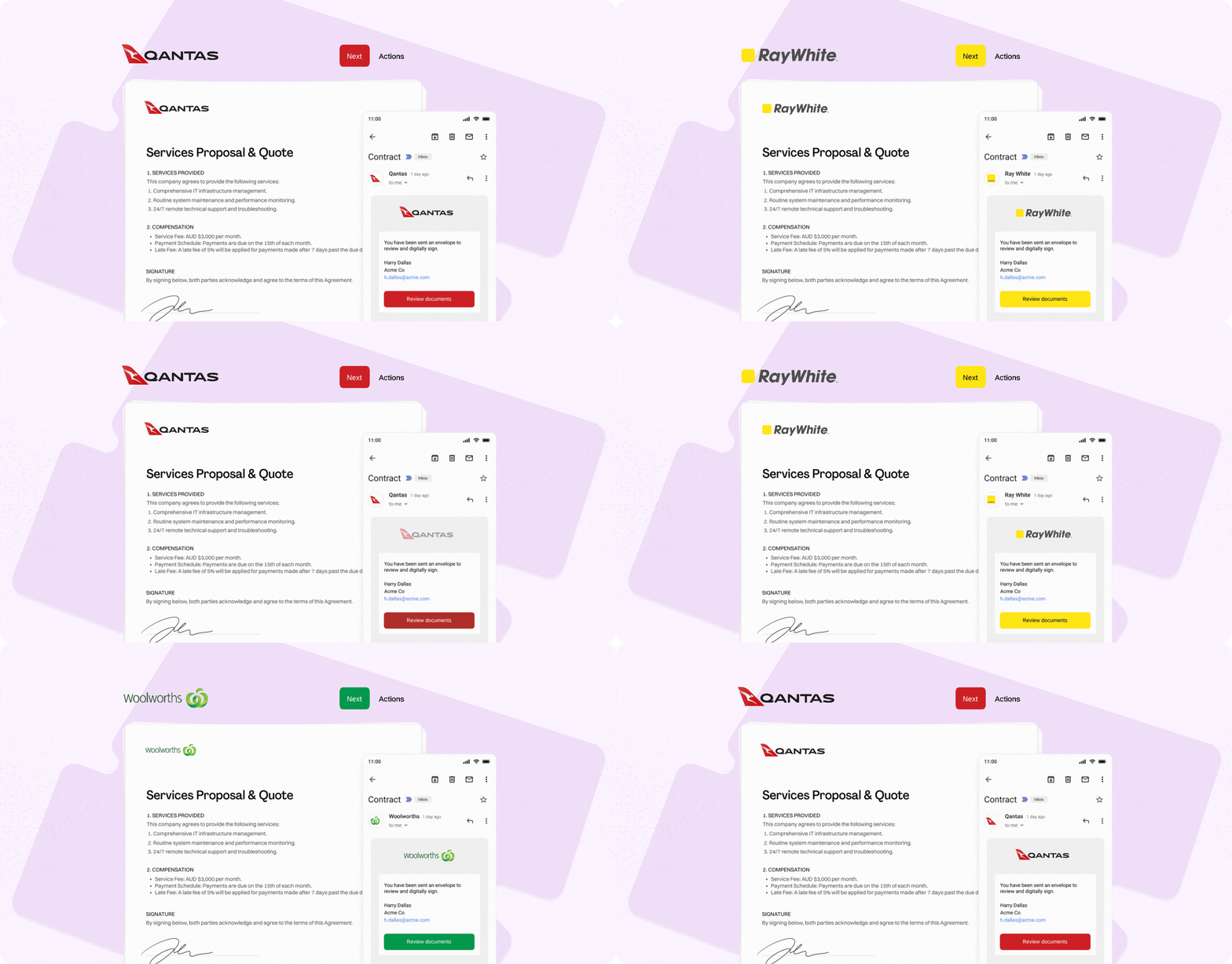
Annature is built to feel like an extension of your business — not a generic signing tool. Strong branding helps reassure your clients, reinforce trust, and create a seamless experience from the moment they receive an email to the moment they complete their signature.
With Annature, you can easily apply your organisation’s visual identity across your envelopes and notifications, ensuring every communication looks and feels like it came directly from your business.
Make Annature Your Own
Administrators can customise branding in Settings → Organisation and Branding, where you can:
Upload your organisation’s logo
Your logo appears in the signing session, on email notifications, and throughout the client experience.Select your primary brand colour
This colour is used in buttons, highlights, and elements within the signing interface — creating a polished, on-brand experience for signers.Add supporting brand details
Including your business name, contact information, and other optional identity elements.
Learn more in our Organisation & Branding guide and our Groups guide.
These small touches make a big impact. Your clients will feel confident knowing the documents they receive genuinely come from you.
Why Branding Matters
Custom branding:
Strengthens client trust and recognition
Delivers a professional and cohesive experience
Reduces confusion for recipients (especially in industries where trust is critical)
Helps prevent phishing concerns by aligning visuals with your known brand
With Annature, your brand becomes part of every signature request — from the emails your clients receive to the signing session itself.
Want to Customise Even Further?
Explore additional personalisation options in our help articles, including templates, messaging, SMS branding, and more.
Branding your Annature experience ensures every interaction is consistent, recognisable, and unmistakably yours.
Make your first impression count — and every interaction after that.
Was this helpful?