
Email notifications
Choose which envelope events trigger email alerts, from recipient actions to delivery failures.
Annature provides flexible email notification settings so you can stay up to date with every stage of your envelope activity. Whether you want alerts about recipient actions, delivery issues, or completed documents, you can tailor your preferences to suit your workflow.
To manage your notification settings, go to Settings → Email notifications.
Branding Options
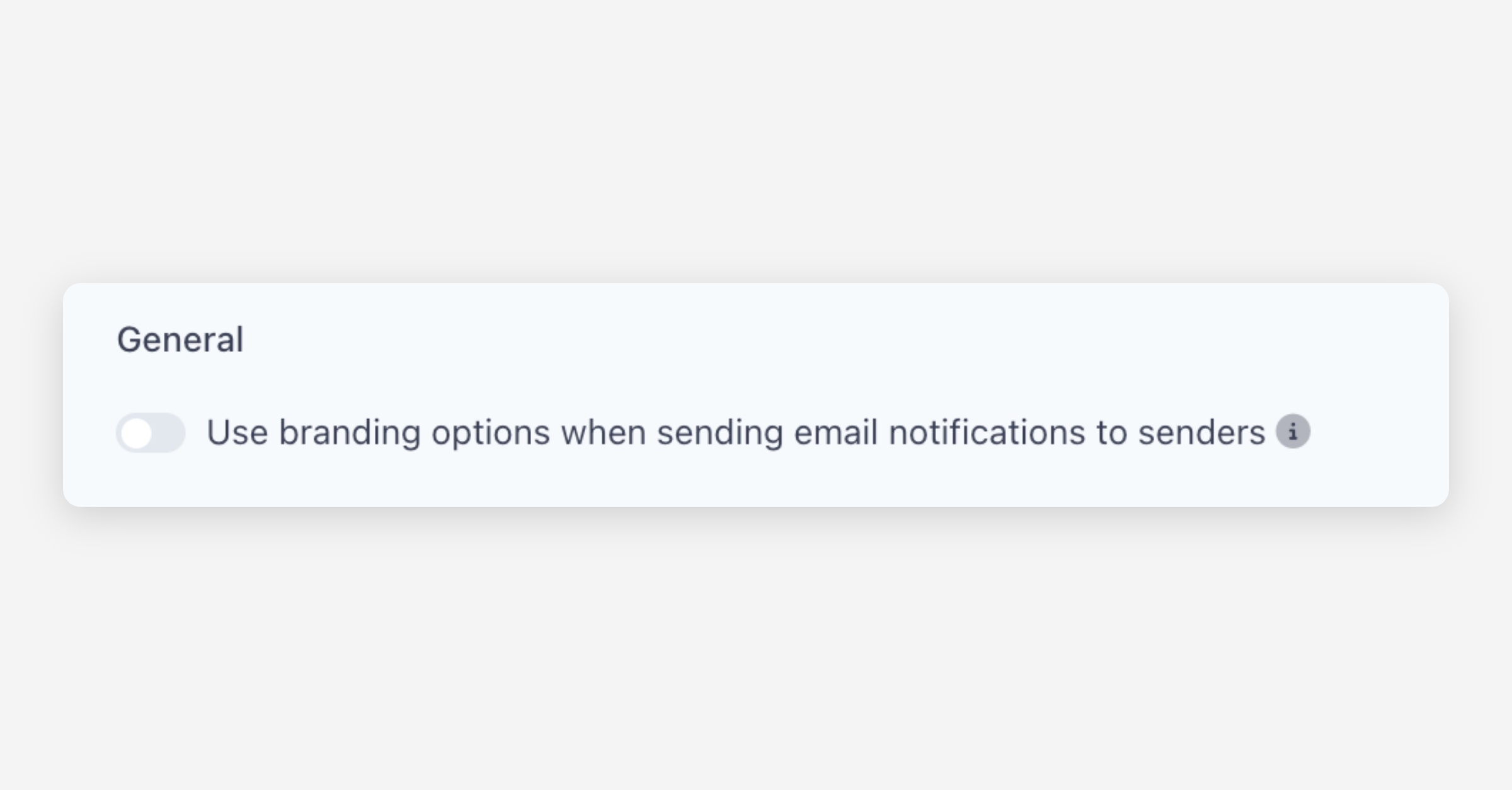
At the top of the page, you’ll find an option to decide whether sender-facing notifications use your organisation’s branding.
By default, Annature uses Annature branding for internal notifications — such as completion emails sent to you as the sender.
This helps you easily distinguish between:
Internal system notifications (e.g., completion, failure, or decline alerts)
→ These appear with Annature branding, making them instantly recognisable as system-generated.Client-facing signing emails
→ These use your organisation’s branding, maintaining a polished and consistent experience for your recipients.
We recommend leaving this setting as-is to maintain clear separation between system messages and branded client communication.
However, you can enable branded internal notifications at any time by toggling the option.
Recipient Event Notifications
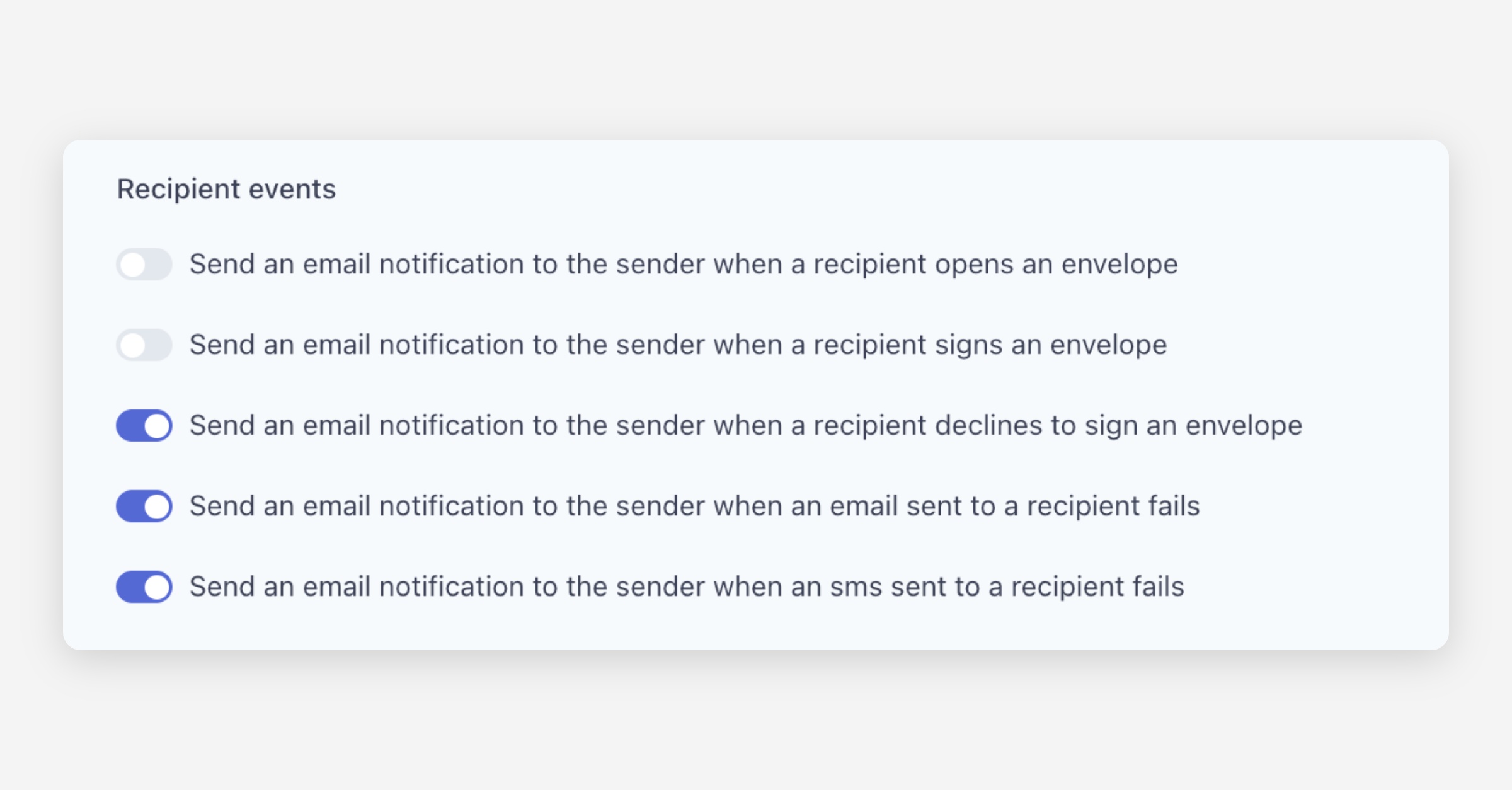
Annature allows you to receive alerts when important events take place.
You can toggle notifications for:
When a recipient opens an envelope
When a recipient signs an envelope
When a recipient declines to sign
When an email fails to deliver
When an SMS fails to deliver
These notifications help you act quickly when something requires follow-up or attention.
Email Attachment Options
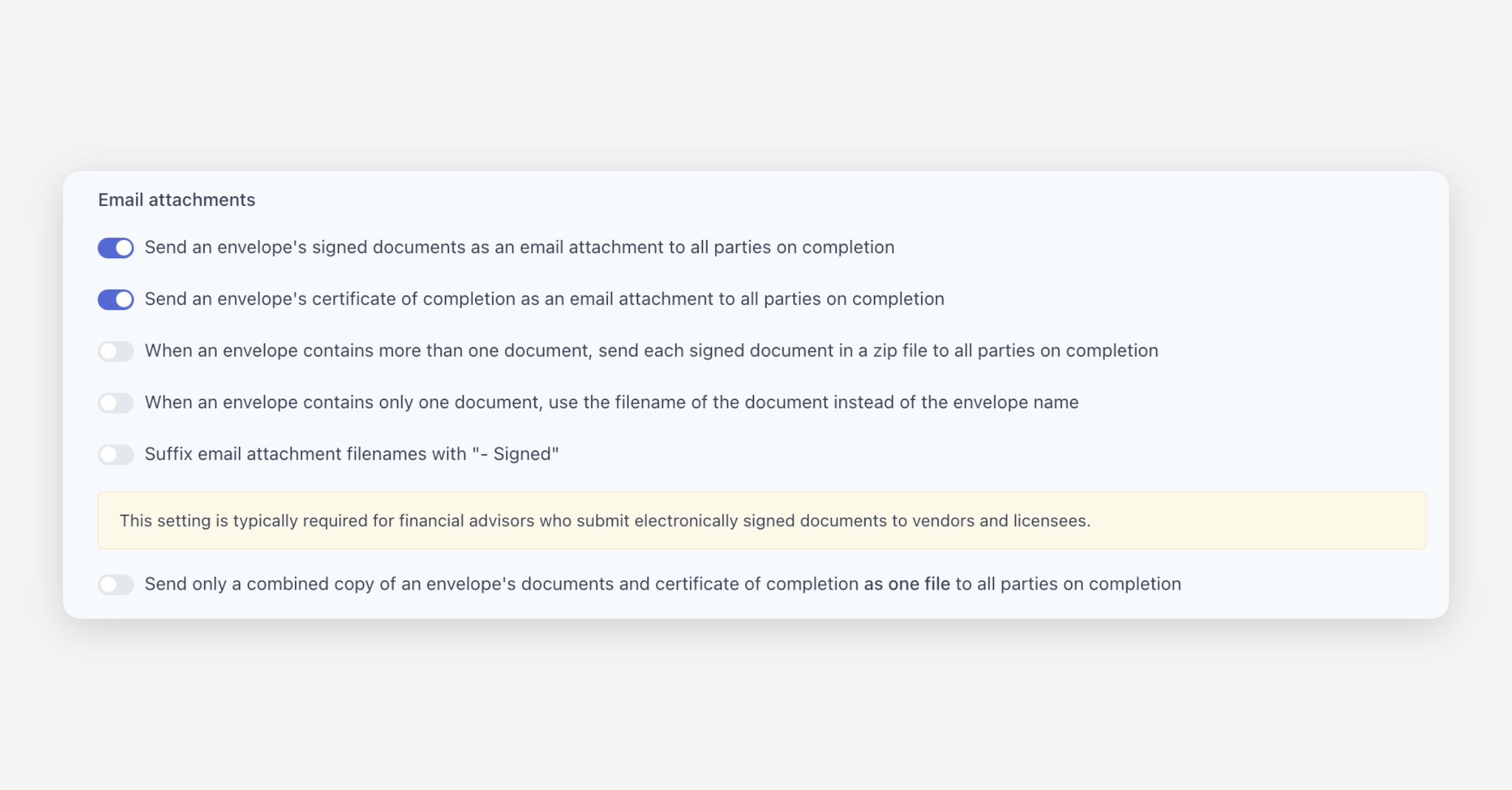
You can customise how completed documents are delivered to both senders and recipients.
Options include:
Automatically sending signed documents as attachments to all parties
Attaching the Certificate of Completion on completion
Sending multiple documents as a ZIP file when an envelope contains more than one
Using the original document filename instead of the envelope name when there is only one document
Adding a “- Signed” suffix to attachment filenames
Sending a single combined file containing all documents + certificate
These settings allow you to create a delivery experience that aligns with your industry requirements and internal processes.
Global Email Notifications
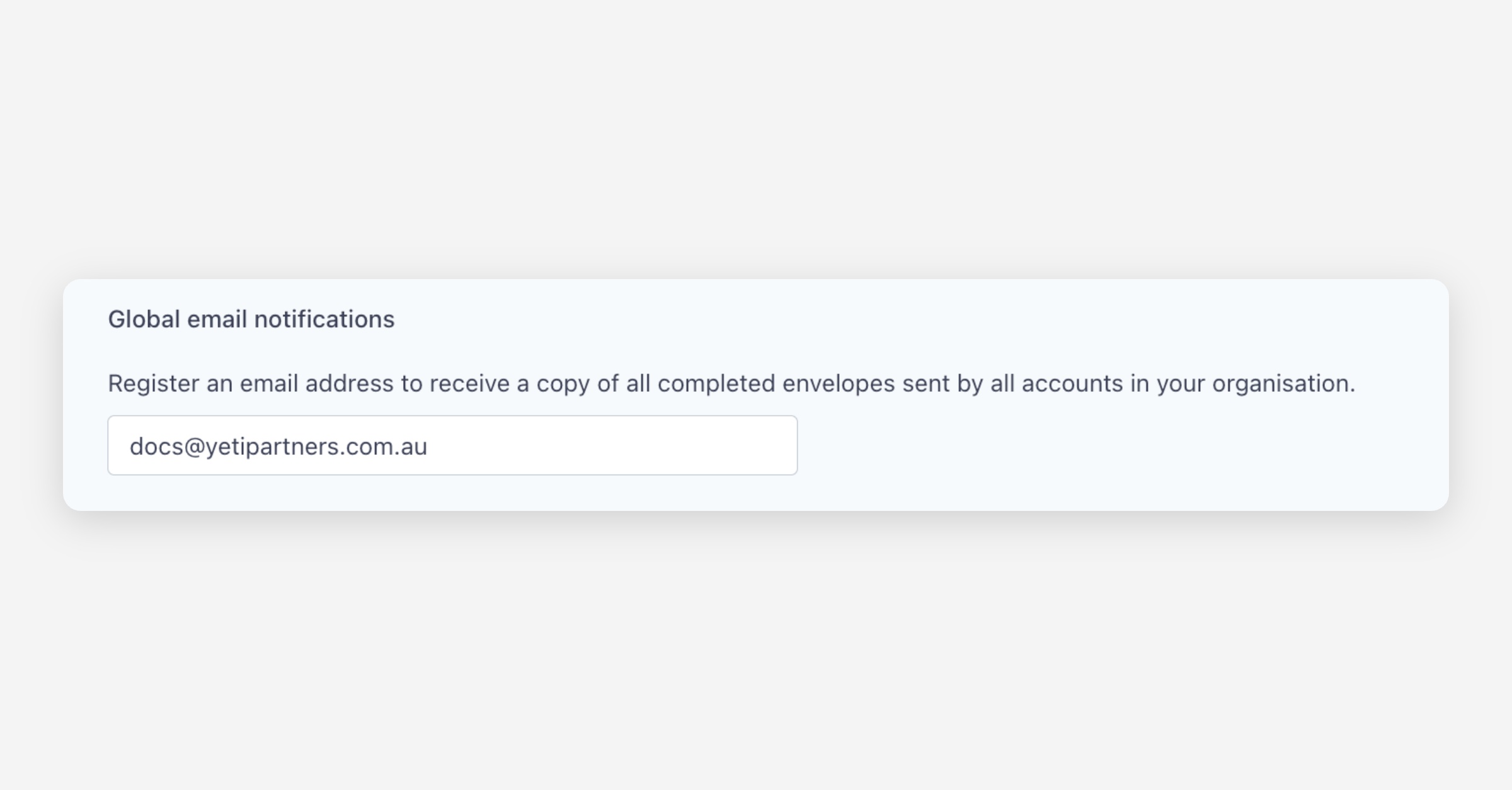
If your organisation needs centralised visibility over all completed envelopes, you can register a global email address to receive copies of every completed envelope sent by any team member.
To set this up:
Scroll to the bottom of the Email Notifications page
Enter the preferred email address
Click Save changes
This is ideal for:
Compliance teams
Back-office administrators
Shared departmental inboxes
Organisations needing archive copies of all signed documents
Saving Your Settings
After selecting the notification and attachment preferences that best suit your needs, click Save changes to apply them.
Email notifications give you the visibility you need to monitor document progress, follow up efficiently, and keep your signing workflows running smoothly. With Annature, you stay informed every step of the way.
Was this helpful?