
Update Your Billing Details
Keep your organisation’s billing information accurate and up to date.
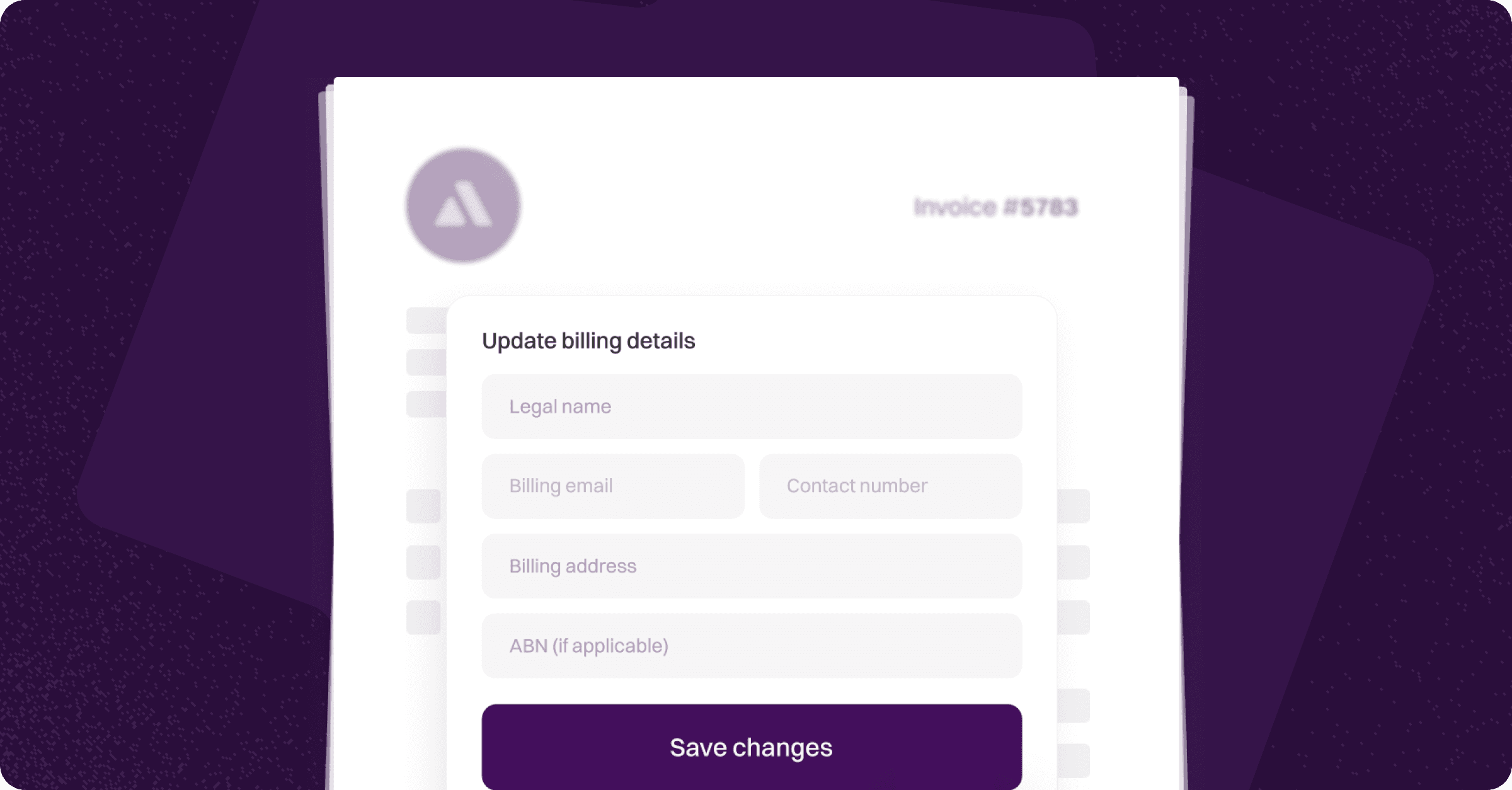
Only the organisation owner can modify billing details within Annature.
Maintaining correct billing information ensures your invoices, receipts, and subscription notifications reach the right place without interruption.
How to Update Your Billing Details
Log in to your Annature account.
Go to Settings → Billing.
On the right-hand side of the Billing page, you’ll find all editable billing fields.
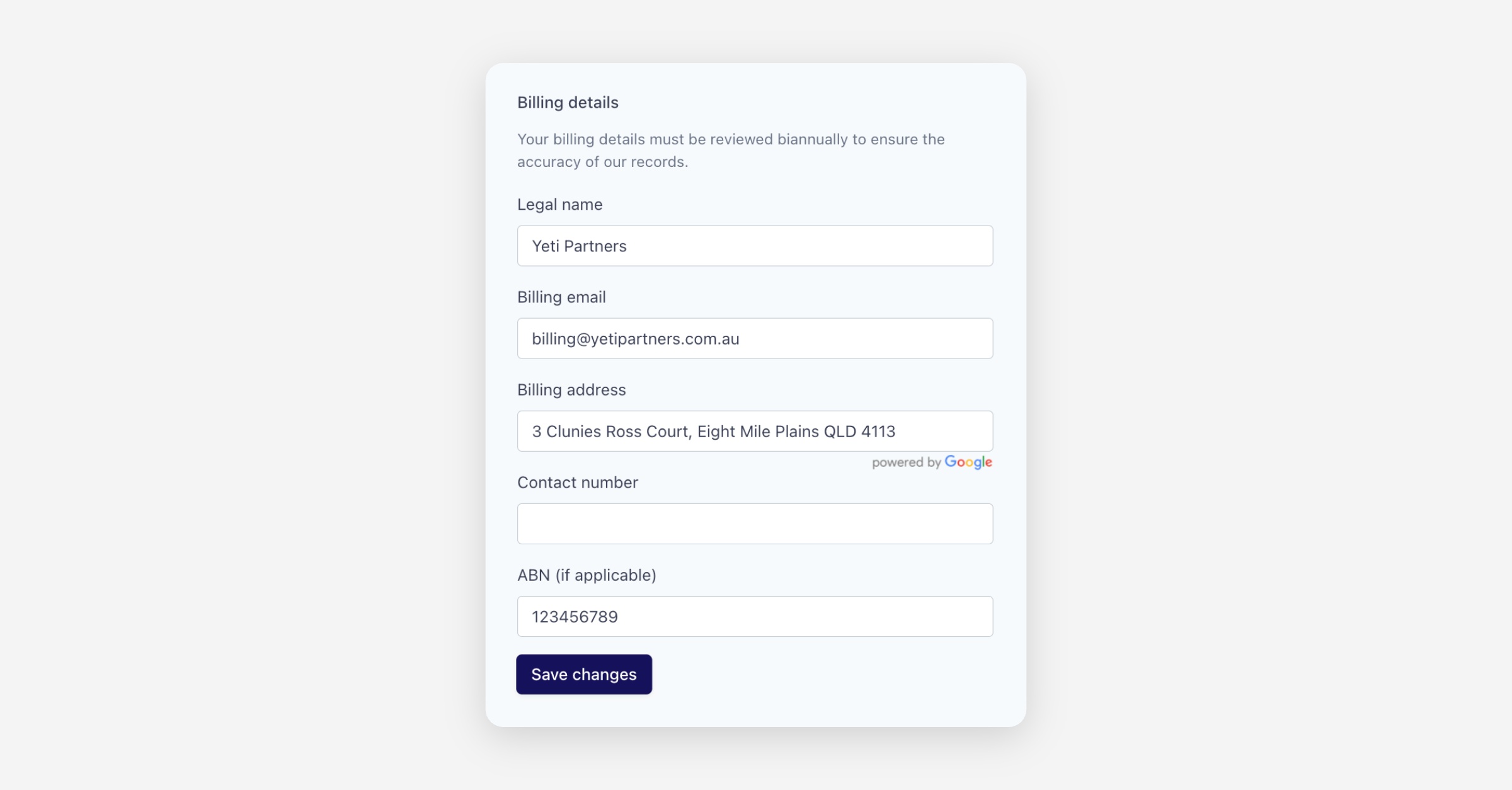
Update the necessary details, then click Save changes.
What You Can Update
Within the Billing section, you can confirm or update:
Legal business name
Billing email address (This is where all invoices and receipts will be delivered)
Billing address
Contact phone number
ABN (if applicable)
Important:
Make sure your billing email is accurate so you don’t miss important subscription or invoice communications.
Keeping your billing details up to date helps ensure smooth account management and uninterrupted access to Annature’s services. If you need help with billing changes, our support team is always here to assist.
Was this helpful?