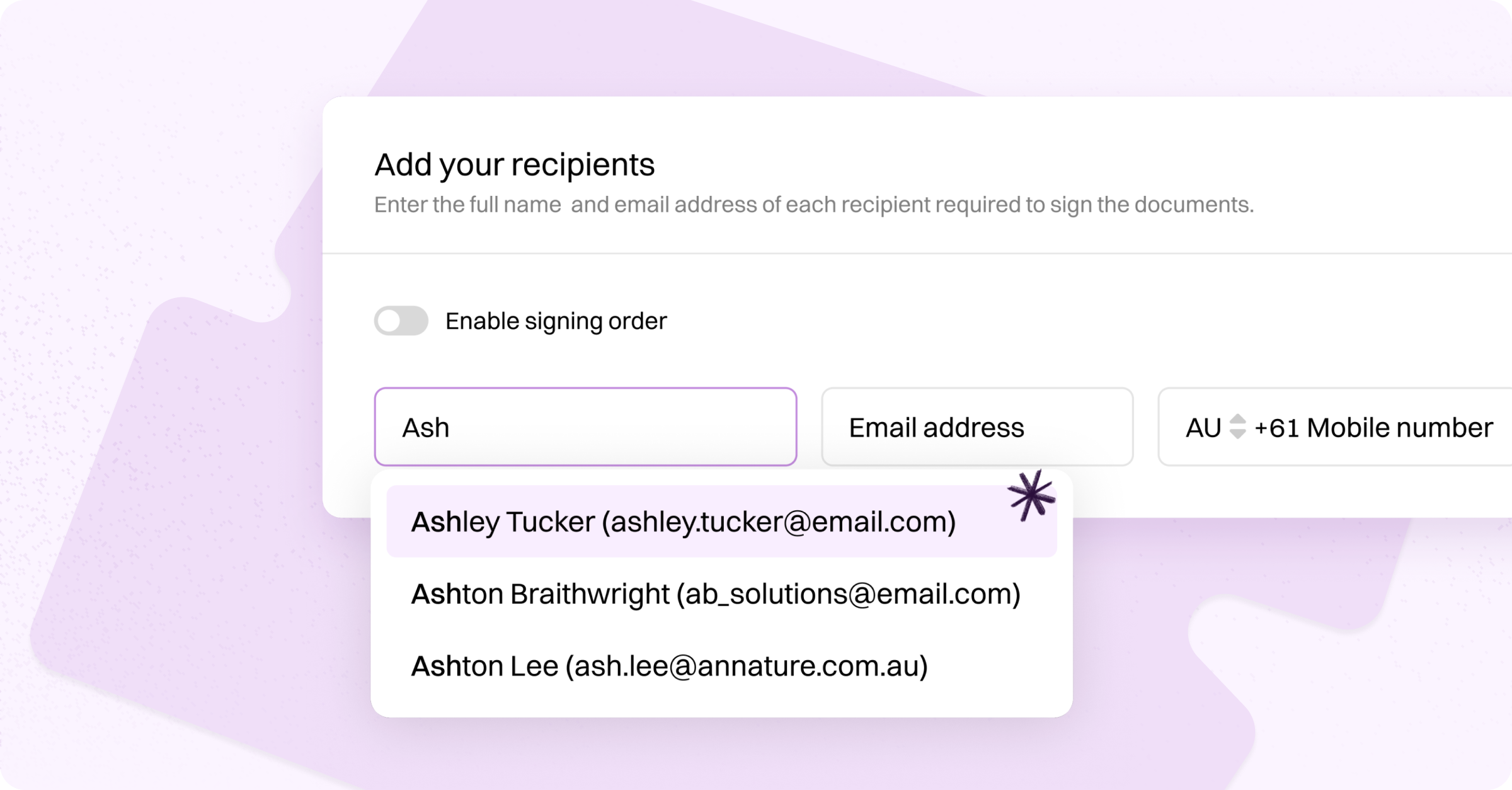

When creating an envelope, start typing a recipient's name in the Full name field.
A dropdown will appear showing matching contacts from your address book, displaying their name and email address. Select a contact from the list and their details will be automatically filled in.
This saves time and reduces errors when sending envelopes to recipients you have worked with before.