
How can I use SMS?
Explore the ways SMS works in Annature, from delivering envelopes to two-factor authentication.
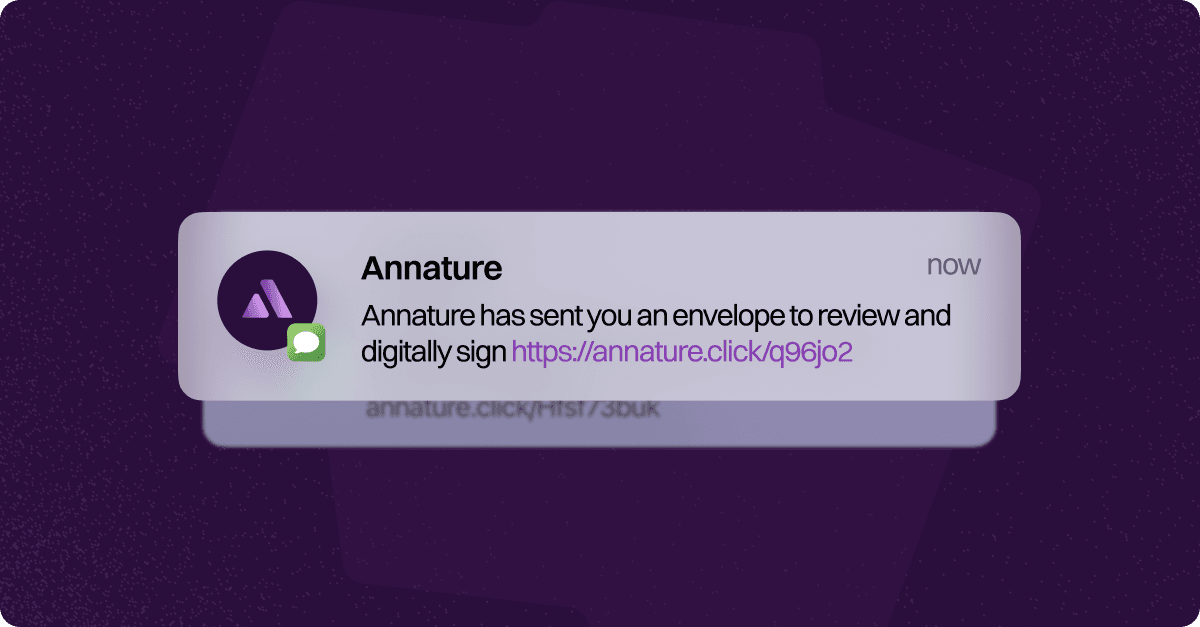
SMS is a powerful and reliable tool in Annature — designed to make signing and verification faster, more secure, and more accessible. Whether you’re streamlining how recipients access documents or strengthening security with two-factor authentication, SMS helps create a seamless experience for both senders and signers.
Ways to Use SMS in Annature
1. Send a Link to Sign Documents
Use SMS to send recipients a secure link to access and sign their documents directly from their mobile device.
This is especially useful when recipients don’t have easy access to their email or prefer the convenience of signing via text message.
2. Two-Factor Authentication (2FA) for Added Security
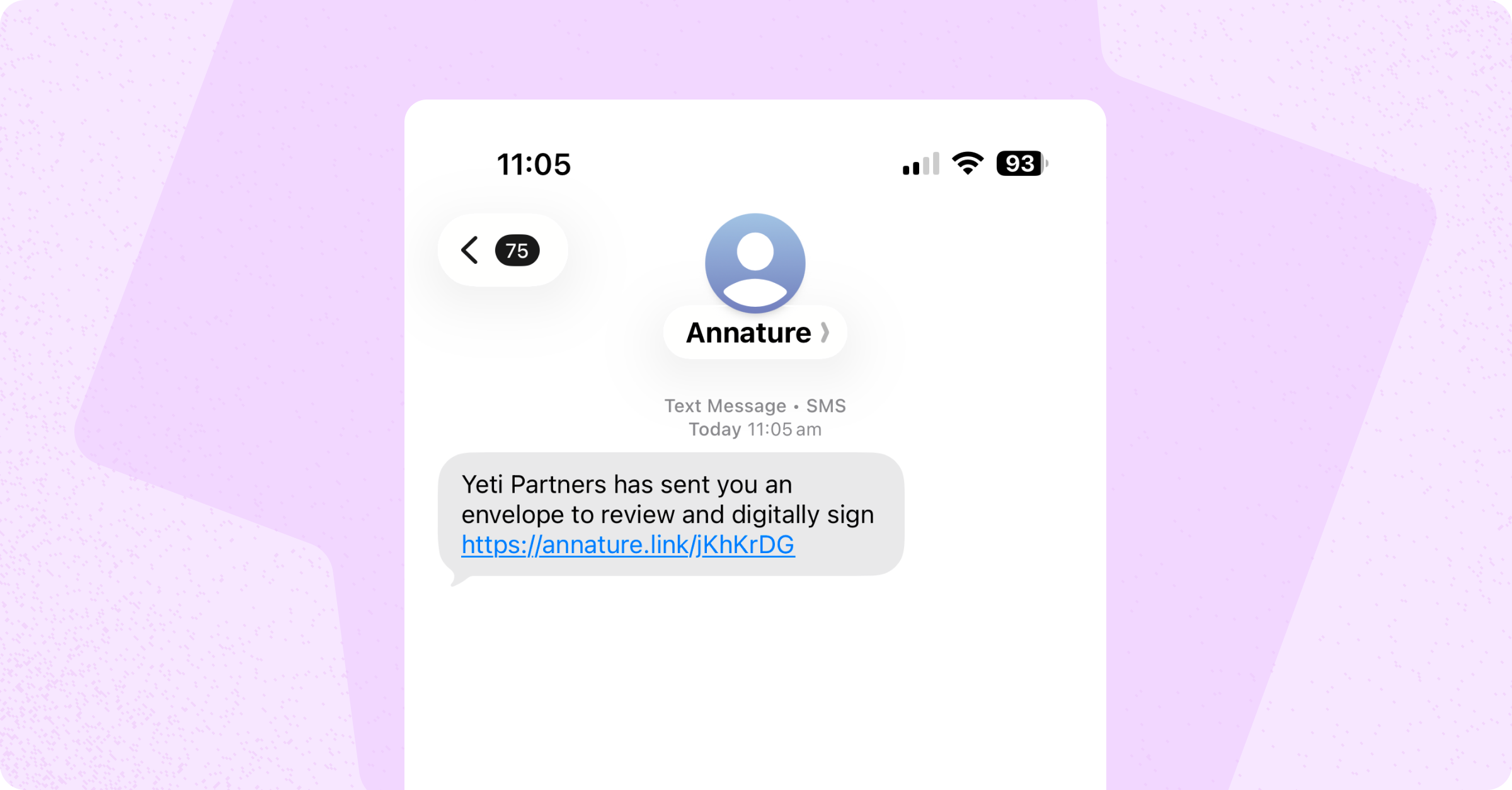
Annature supports Two-Factor Authentication (2FA) via SMS for extra protection.
When 2FA is enabled, the recipient will receive a one-time passcode (OTP) by SMS, which must be entered before accessing the envelope.
This ensures only authorised users can view and sign sensitive documents.
Learn how to enable and use SMS-based 2FA in our guide on Envelope Authentication.
Customise Your SMS Branding
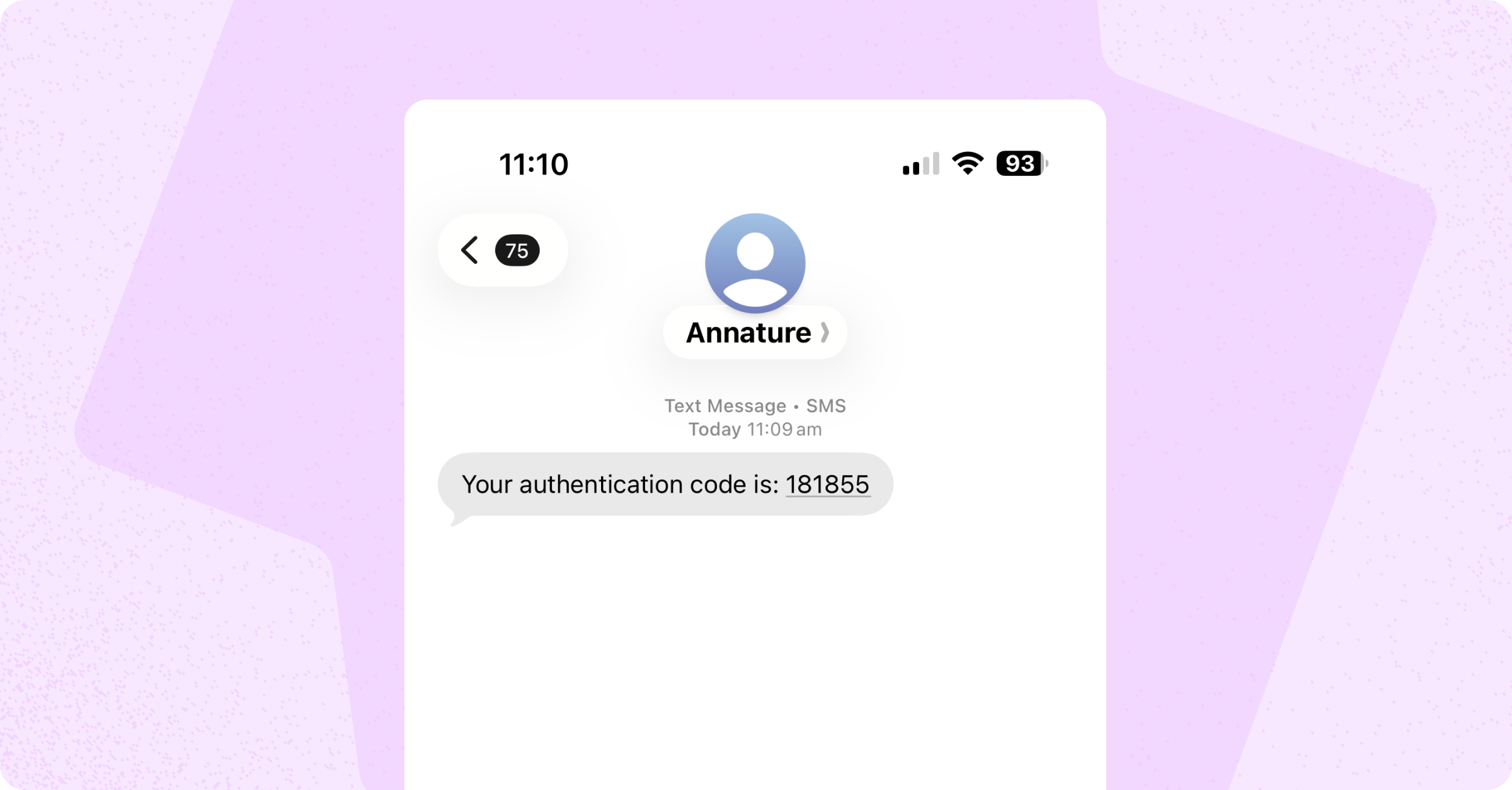
Make your messages recognisable by setting your business name as the SMS sender ID.
You can also personalise the SMS message to reflect your brand tone and style — creating a consistent experience for your clients from start to finish.
By default, your organisation name (or group name) also appears at the start of every SMS message. This wording can be updated or removed entirely.
There is no charge for changing the sender ID. To set this up, contact your account manager or email [email protected].
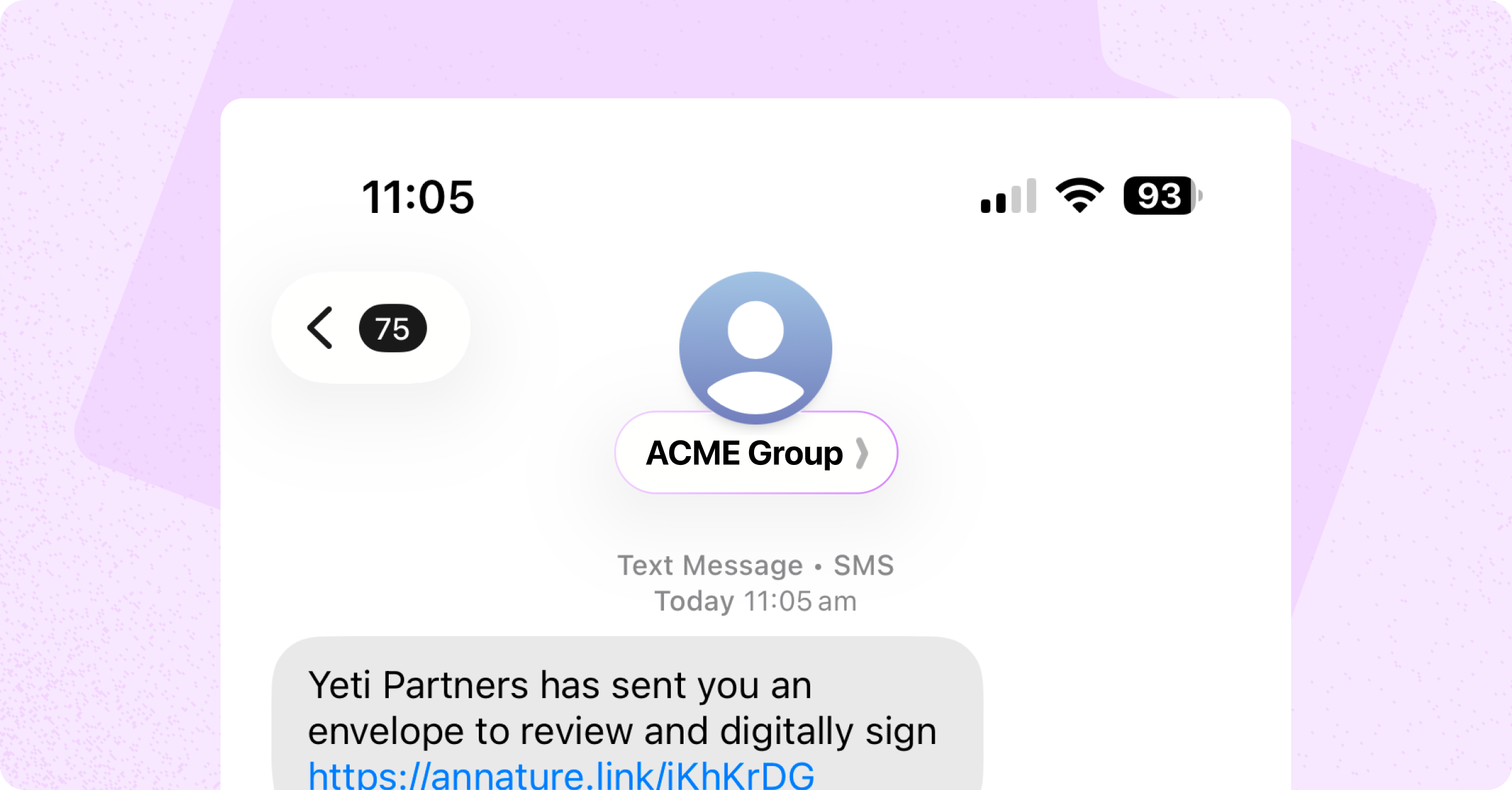
SMS adds convenience for recipients and confidence for businesses — delivering secure, real-time communication that keeps your signing process moving smoothly.
Was this helpful?