
Envelope preferences
Configure certificate redaction, email notification behaviour, sending warnings, and signing options across your organisation.
Envelope Preferences allow you to customise how envelopes behave across your organisation, including certificate of completion settings, email notifications, sending warnings, and signing options.
The Envelope Preferences page can be accessed by any Annature Admin by navigating to Settings > Envelope preferences.
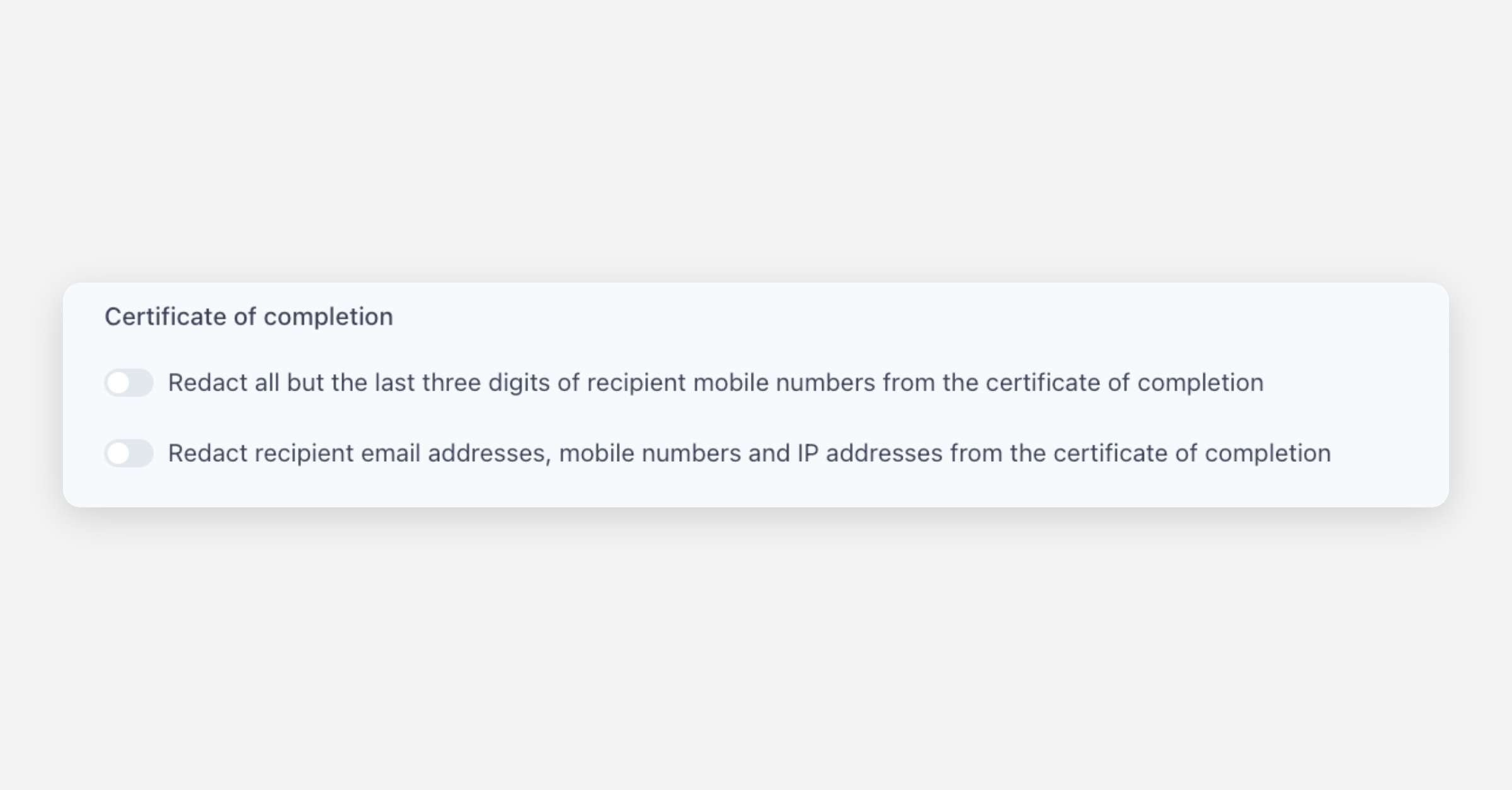
Certificate of Completion
These settings control what information is included or redacted on the certificate of completion that accompanies each completed envelope.
Redact all but the last three digits of recipient mobile numbers from the certificate of completion — When enabled, mobile numbers on the certificate will be partially hidden (e.g.
••••••789), providing an additional layer of privacy while still allowing identification.Redact recipient email addresses, mobile numbers and IP addresses from the certificate of completion — When enabled, all sensitive recipient information is removed from the certificate of completion entirely. Use this for maximum privacy.
Email Notifications
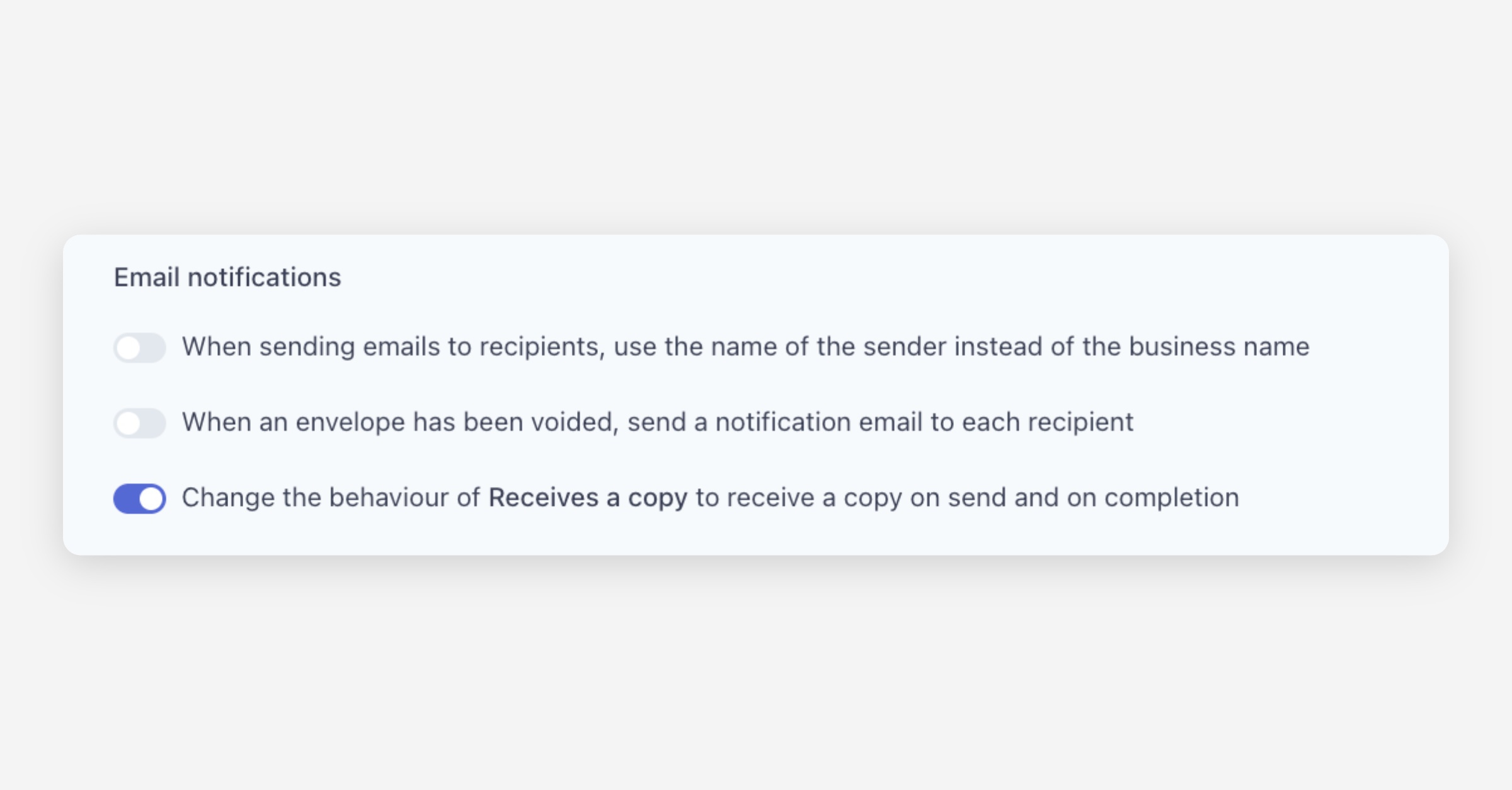
These settings control how email notifications are sent to recipients and other parties.
When sending emails to recipients, use the name of the sender instead of the business name — When enabled, envelope emails will display the individual sender's name rather than the organisation or group business name.
When an envelope has been voided, send a notification email to each recipient — When enabled, all recipients will receive an email notification if an envelope they were part of is voided by the sender.
Change the behaviour of Receives a copy to receive a copy on send and on completion — By default, recipients marked as "Receives a copy" only receive the completed documents once the envelope is finished. When enabled, they will also receive a copy of the envelope when it is first sent, in addition to receiving the completed documents.
Sending Preferences
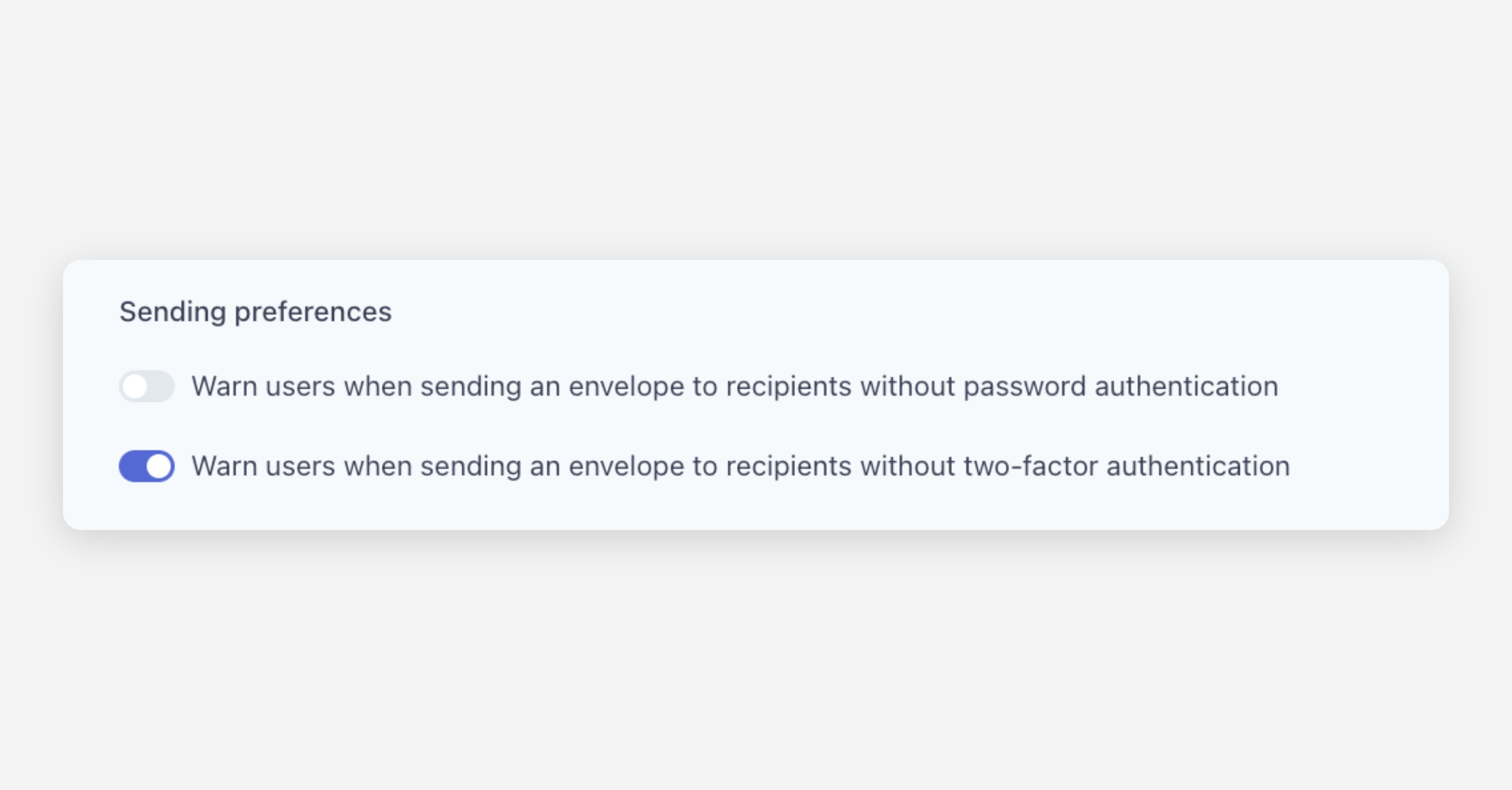
These settings allow you to add warnings when senders create envelopes without certain security measures.
Warn users when sending an envelope to recipients without password authentication — When enabled, users will see a warning if they attempt to send an envelope where one or more recipients do not have password authentication configured.
Warn users when sending an envelope to recipients without two-factor authentication — When enabled, users will see a warning if they attempt to send an envelope where one or more recipients do not have SMS two-factor authentication enabled.
Signing Preferences
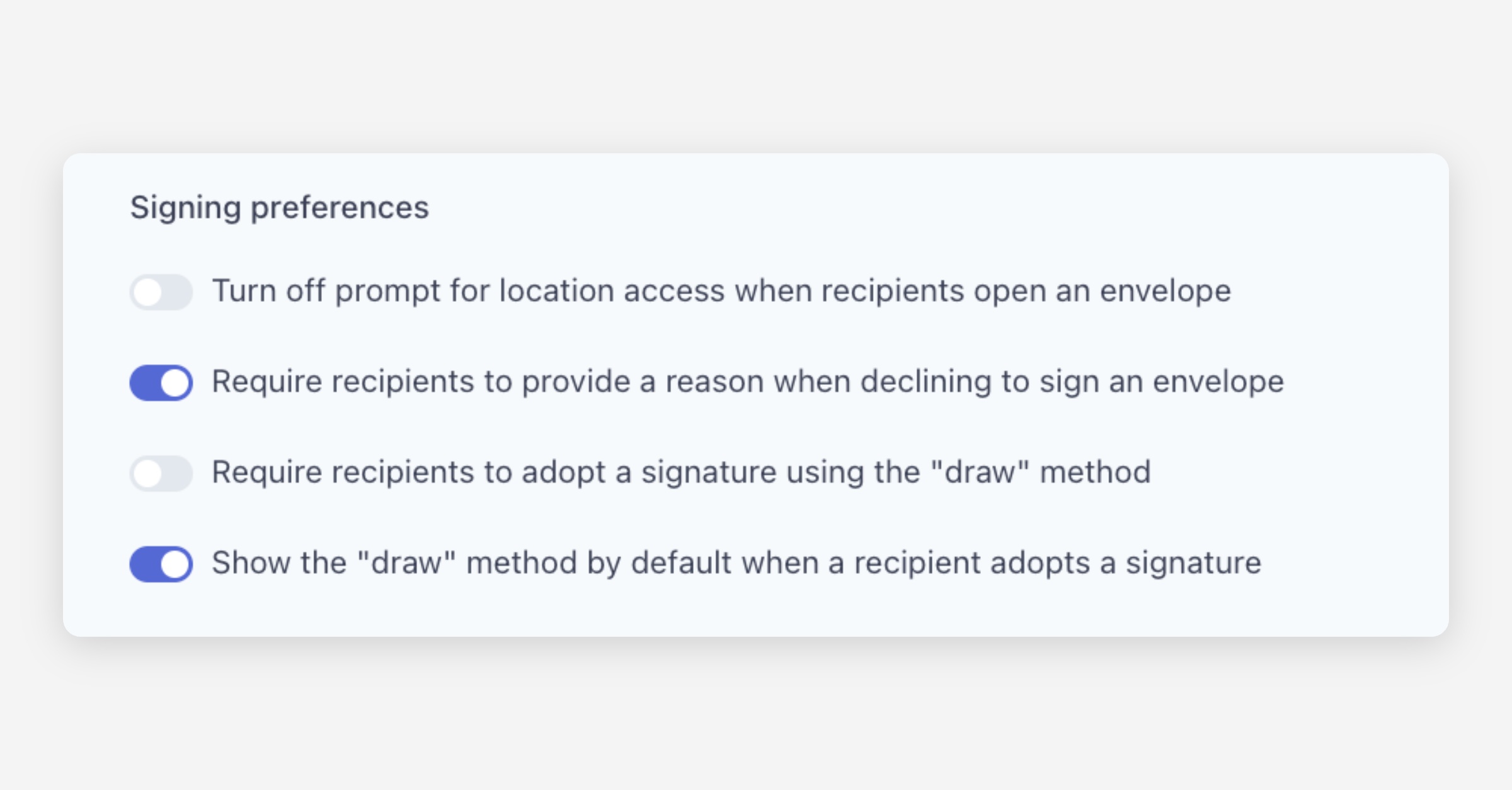
These settings control the recipient experience when signing envelopes.
Turn off prompt for location access when recipients open an envelope — By default, Annature may prompt recipients to share their location for audit purposes. When enabled, this prompt is disabled and location data will not be requested.
Require recipients to provide a reason when declining to sign an envelope — When enabled, recipients who choose to decline signing must enter a reason for their refusal. This reason is recorded and visible to the sender.
Require recipients to adopt a signature using the "draw" method — When enabled, recipients must draw their signature (using a mouse, trackpad, or touch screen) rather than using a typed or auto-generated signature.
Show the "draw" method by default when a recipient adopts a signature — When enabled, the signature adoption modal will default to the draw option instead of the typed signature option.
Allow recipients to reassign envelopes to someone else — When enabled, your recipients can hand off their signing responsibility to someone else.
Recipient Authentication
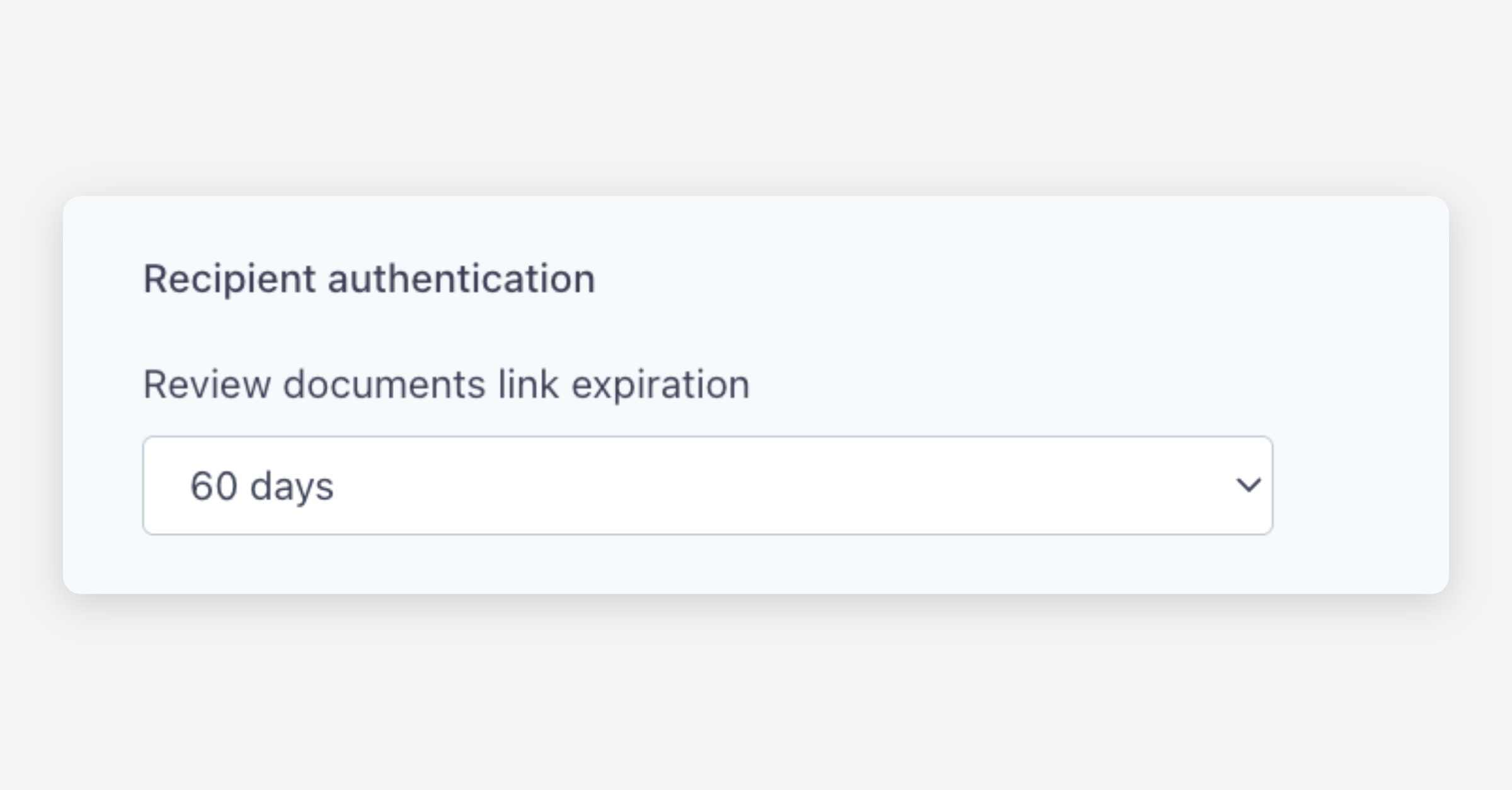
Review documents link expiration — Set how long the unique link sent to recipients remains valid. Options include 7 days, 14 days, 28 days, 60 days, or 90 days. After this period, the link will expire and the recipient will need a new link to access the envelope.
Once you have configured your preferences, click Save changes to apply them, or Cancel to discard.
Was this helpful?