

Connecting takes a few minutes. You sign in to Worksorted and approve access, and your Worksorted clients are then available in Annature, ready to send envelopes to.
Only the Owner of your Annature organisation can connect an integration. Each organisation can connect one Worksorted company.
How to connect
- In Annature, go to Settings and select Integrations.
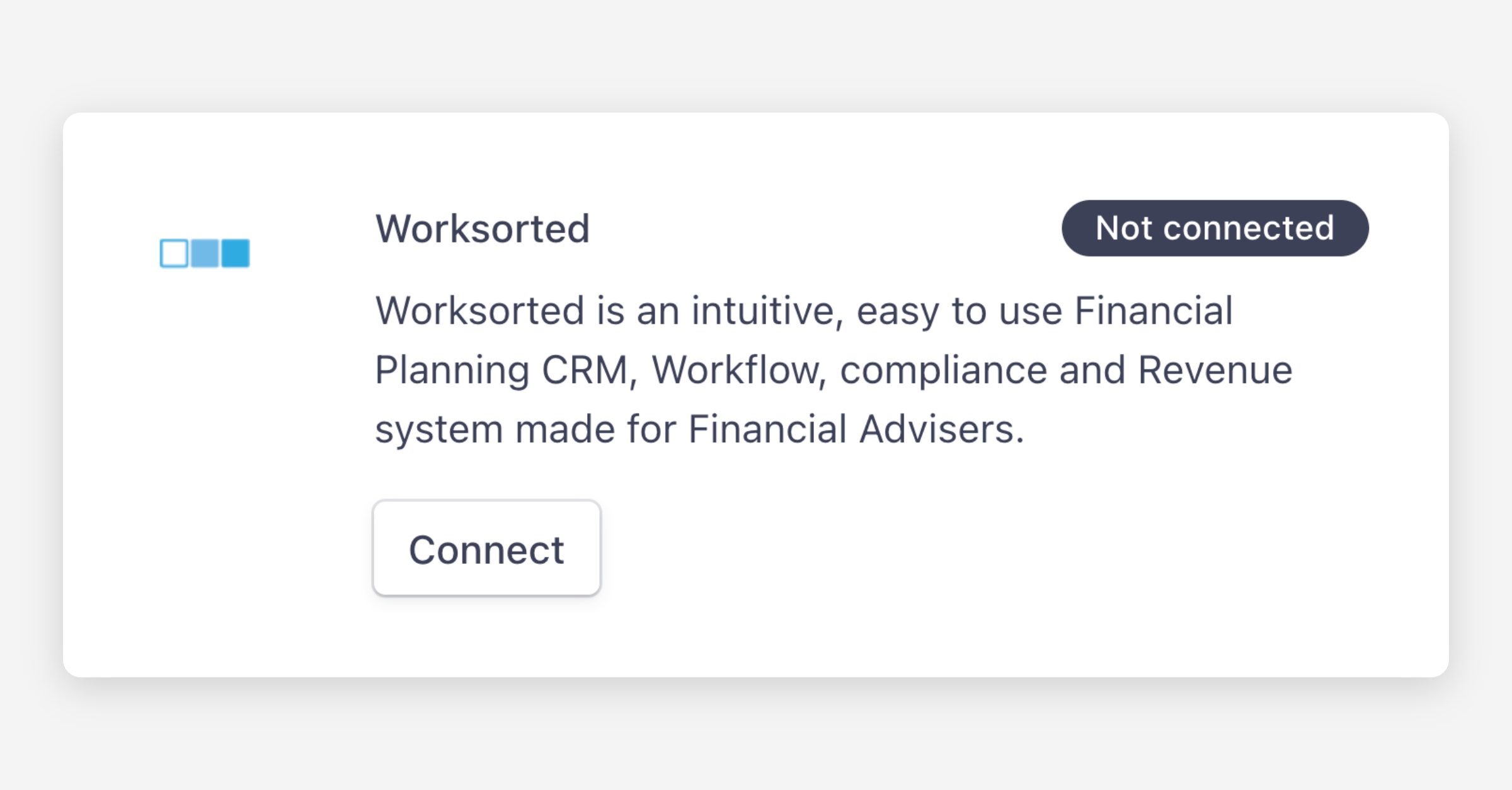
- Find Worksorted and click Connect.
- Sign in to Worksorted and approve access for Annature.
- If your Worksorted login has access to more than one company, choose the company to connect and click Save changes.
You'll see Your Worksorted account has been connected, and the Worksorted card shows as Connected. Worksorted now appears in your left-hand menu.
Who can see your Worksorted clients
The connection is shared with your whole organisation, so everyone in your team can open the Worksorted page and send envelopes to your Worksorted clients.
Next steps
- To bring your clients into your Annature address book, see Importing and syncing Worksorted clients. This is optional.
- To start sending, see Sending envelopes to Worksorted clients.