

If you already have your own Pinch Payments account, you can connect it to Annature and use Payment Pre-Approval to collect your clients' card or bank details as they sign. It only takes a few minutes.
New to Pinch? You don't need this page. Register for Annature Payments instead. Registering creates your Pinch account for you and sets up the connection once you're approved.
Before you start
An active Pinch Payments account, with access to the Pinch Portal to get your API keys.
You must be the Owner of your Annature organisation to connect an integration. Owner only
Have both Annature and the Pinch Portal open, as you'll move between them briefly.
Get your Pinch API keys
Log in to the Pinch Portal and go to Integrations.
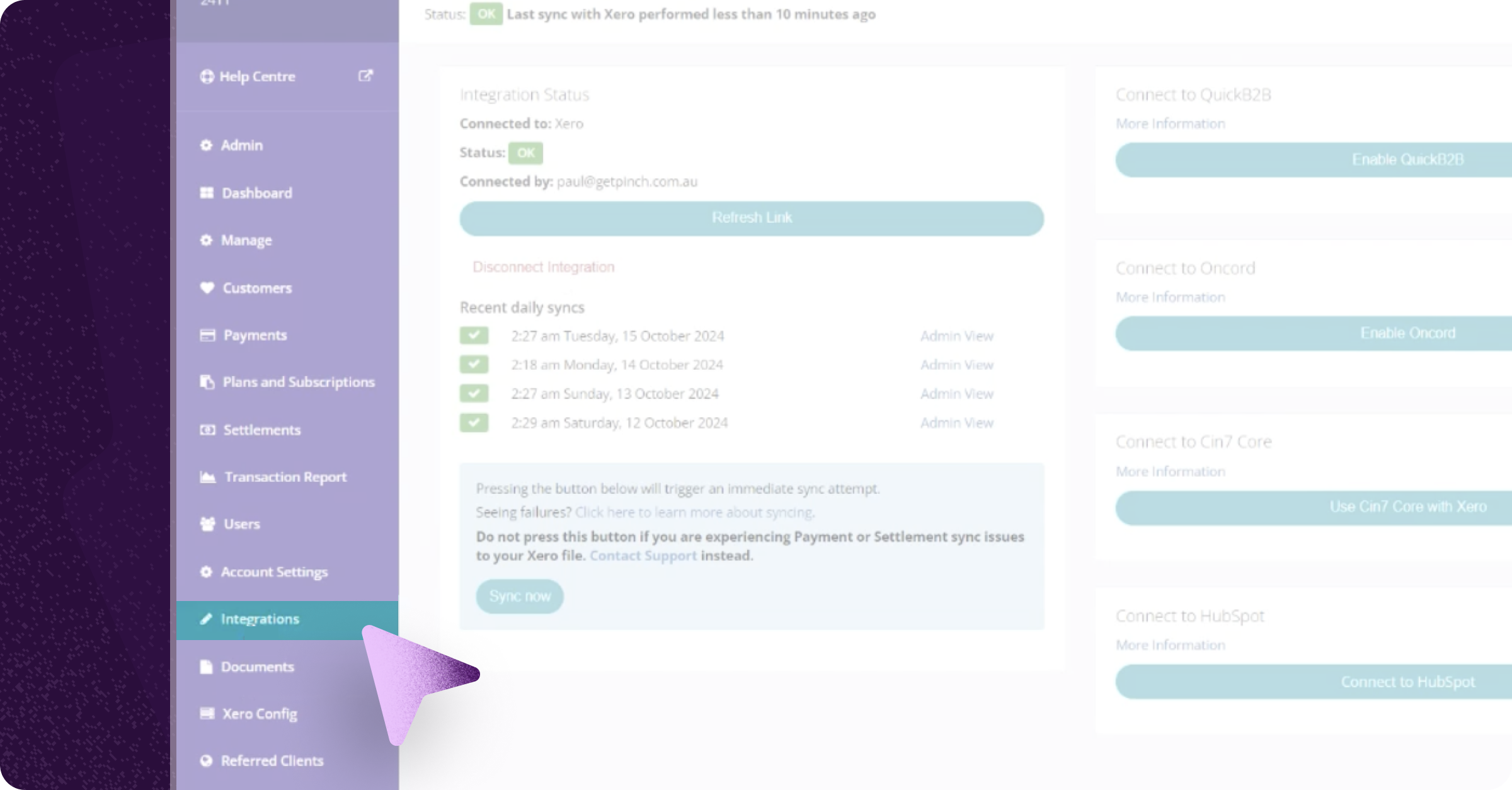
Find your API credentials and copy your Merchant ID, Secret Key and Publishable Key.
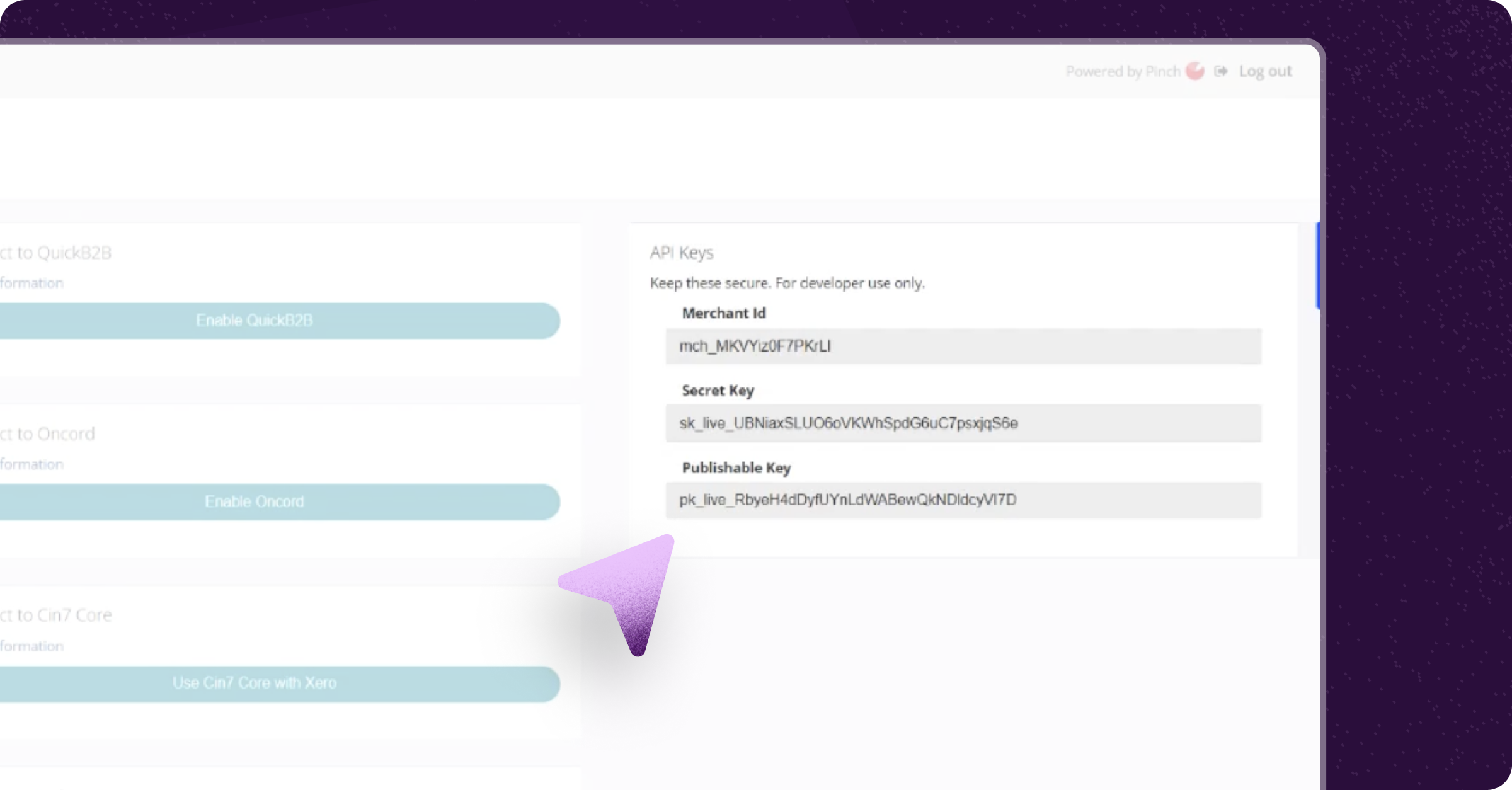
Treat your Secret Key like a password. Don't share it or paste it anywhere other than Annature.
Connect Pinch in Annature
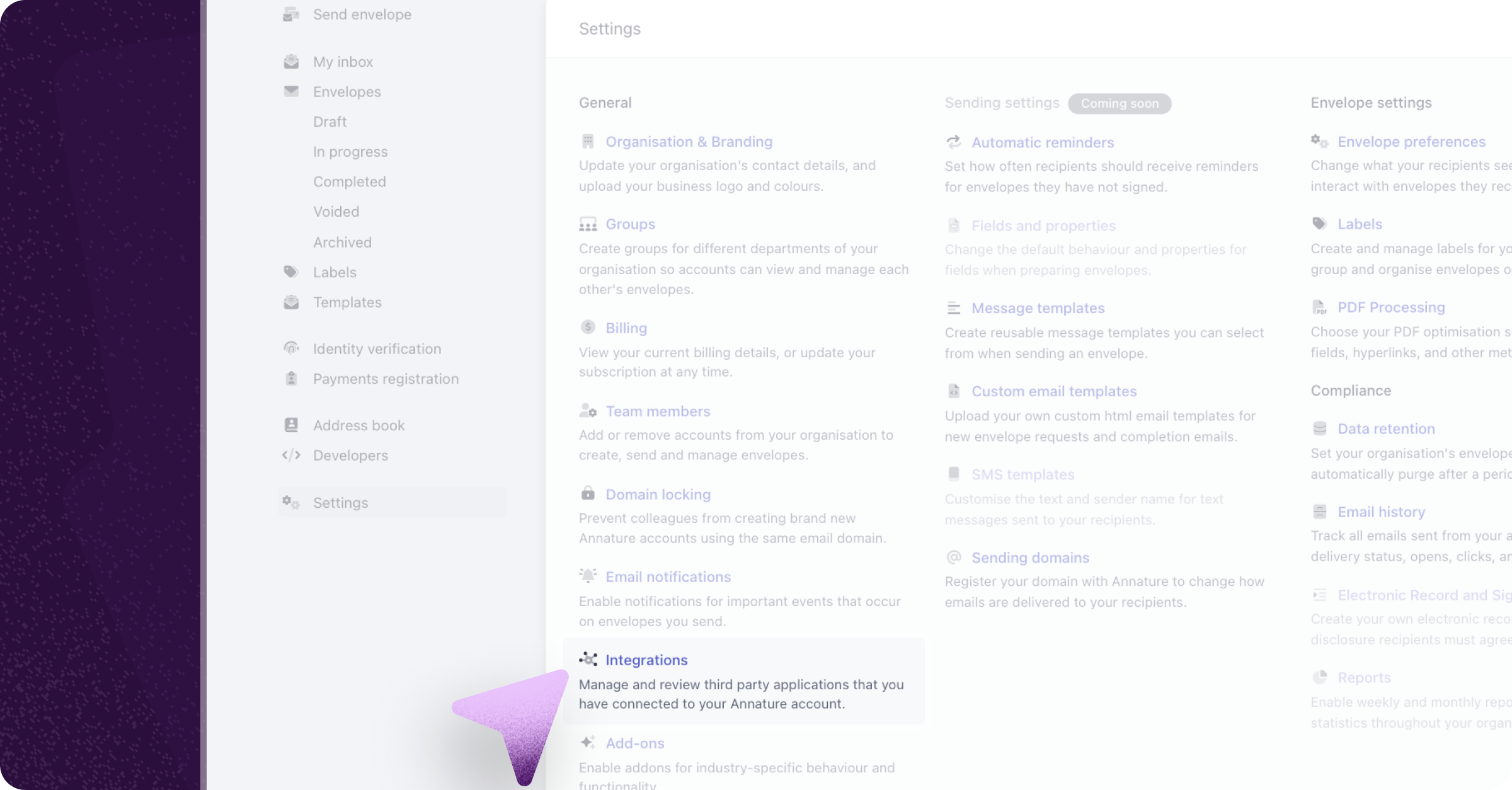
In Annature, go to Settings and select Integrations.
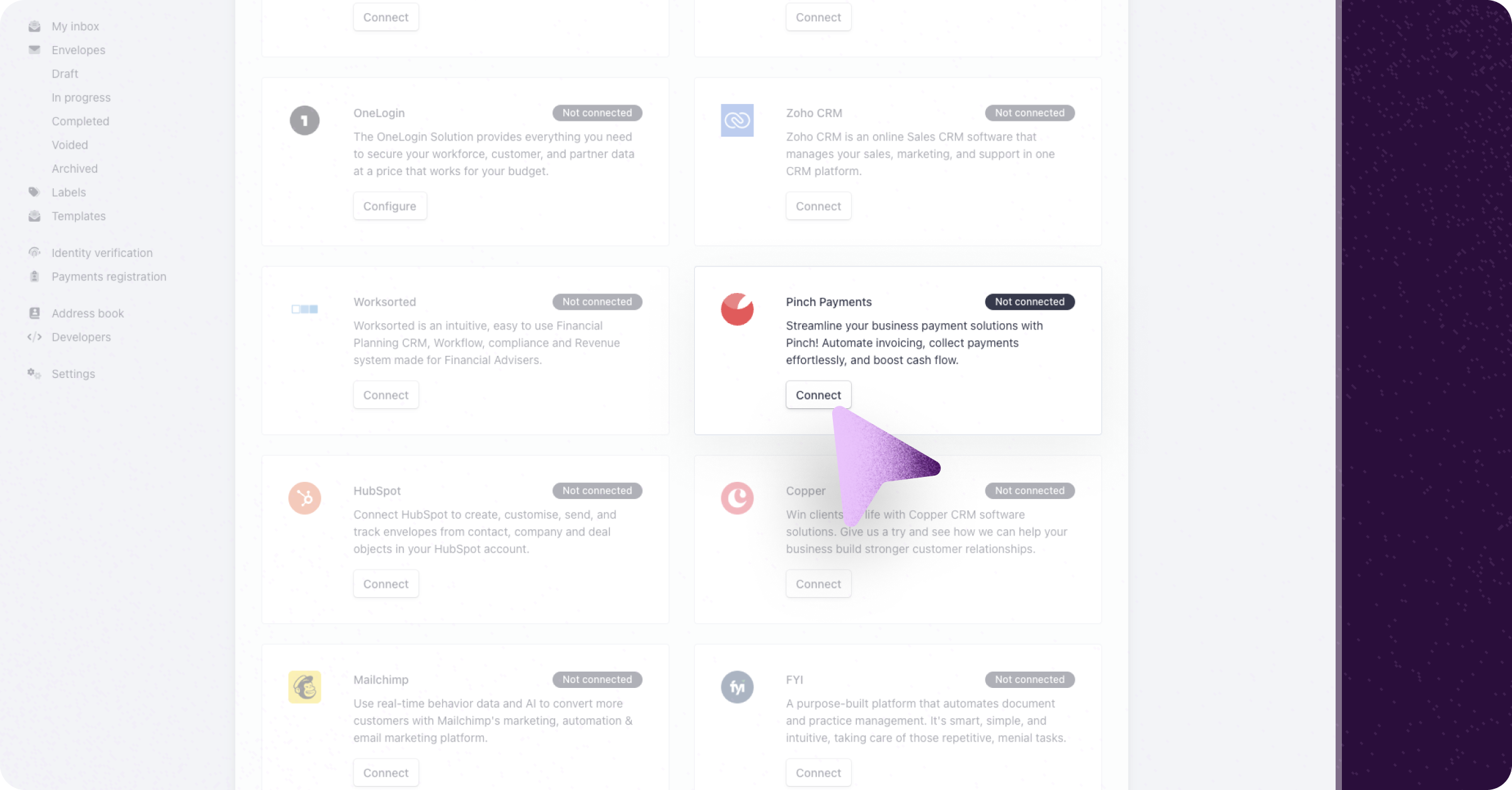
Find Pinch Payments and click Connect.
Enter your Merchant ID, Secret Key and Publishable Key.
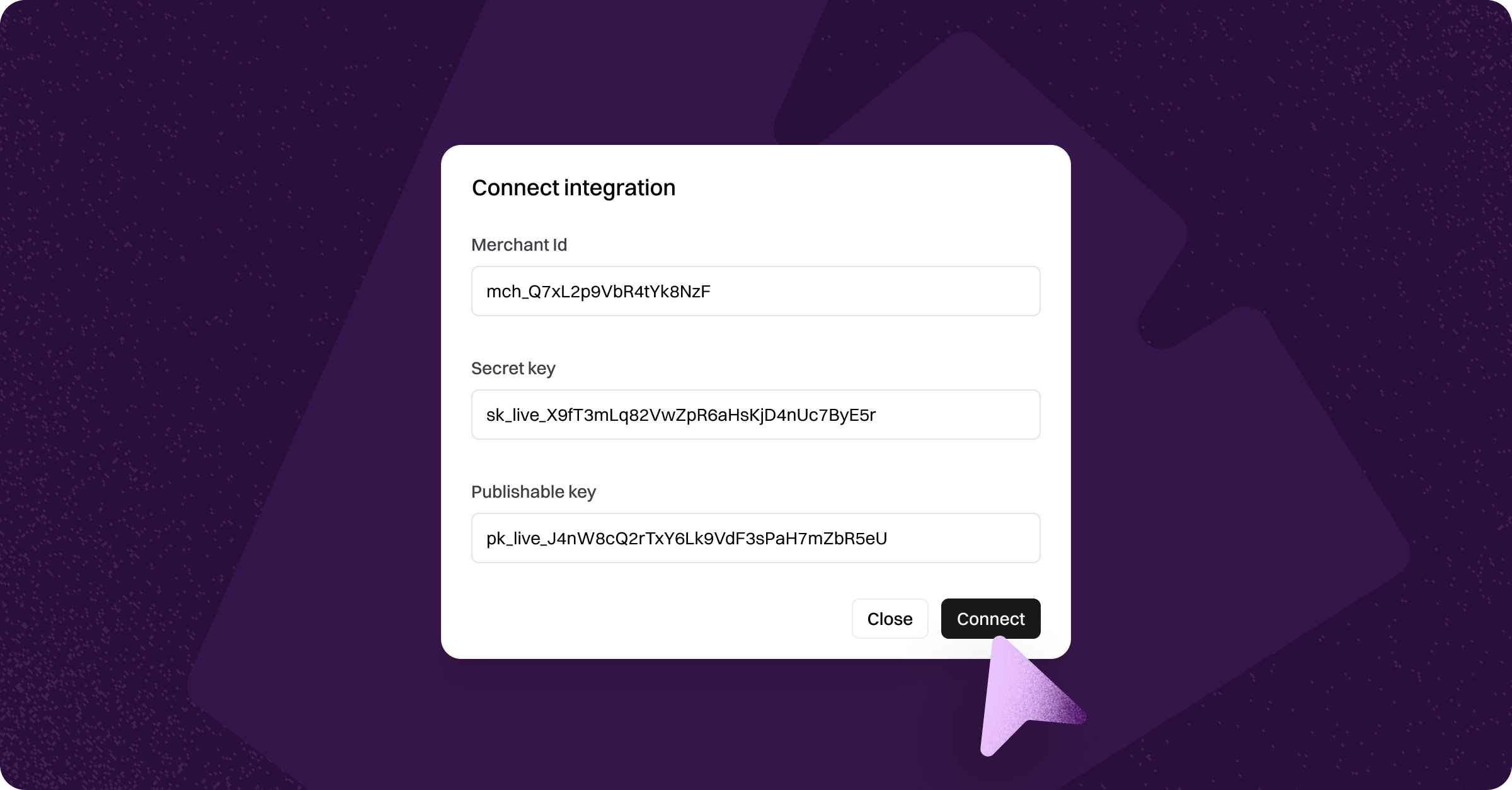
Click Connect.
Once connected, the Payment method field is available when you prepare an envelope. See Payment Pre-Approval to start collecting payment details.
Using Sign & Pay or ASIC Payments
Sign & Pay and ASIC Payments need an Annature Payments account. If you already have a Pinch account and want to use them, contact us and we'll talk you through your options.