
Stamps for Electronic Notarisation
Support for digital stamps commonly used in Japan as an alternative to handwritten signatures.

Annature supports stamps for electronic notarisation, commonly used in Japan. This feature allows recipients to apply their own digital stamp during the signing session, providing a familiar and compliant alternative to handwritten signatures. Stamps work in a similar way to signature fields, while maintaining the same security, auditability, and ease of use Annature is known for.
What is a Stamp?
A Stamp is a visual mark applied to a document to indicate approval, identity, or notarisation. In Japanese business and legal processes, stamps (such as inkan or hanko) are often used to represent identity, approval, or notarisation. Annature brings this practice into a secure digital workflow.
Adding a Stamp Field to a Document
Stamp fields are added when preparing an envelope:
Open the envelope you’re preparing.
From the Fields panel, select Stamp.
Drag and drop the Stamp field onto the document.
Applying a Stamp When Signing
During the signing session, the assigned recipient will be prompted to complete the Stamp field.
At this point, the recipient can:
Upload an image of their stamp, or their saved stamped will be applied automatically.
Once applied, the stamp becomes part of the final, tamper-evident document.
Saving a Default Stamp
Recipients can save time by storing a default stamp for future use:
Go to My Account.
Upload or create your Stamp (and Signature, if required).
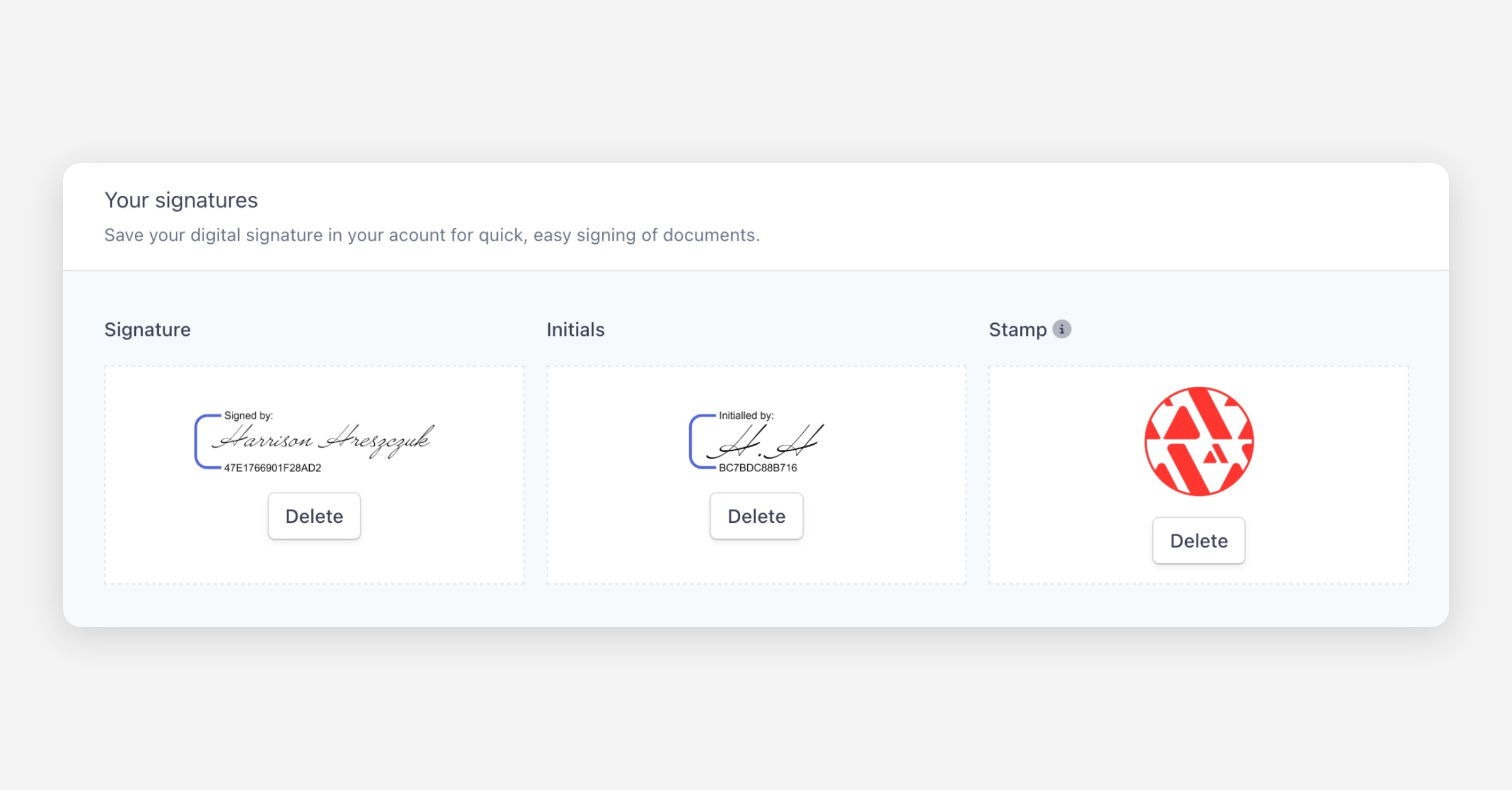
Saved stamps are available automatically whenever a Stamp field is presented during signing.
Security and Audit Trail
Every stamp applied in Annature is protected by a full audit trail. This includes who applied the stamp, when it was applied, and how the document was completed—ensuring trust, transparency, and compliance across every notarisation workflow.
If you need help setting up Stamp fields or managing saved stamps, our support team is ready to assist.
Was this helpful?