
Attachments Field
Allow recipients to upload files like certificates, documents, or photos directly within an envelope.
The attachments field allows your recipients to upload files directly to an envelope. This is useful for capturing certificates, documents, photos, and other supporting files as part of the signing process.
How it works
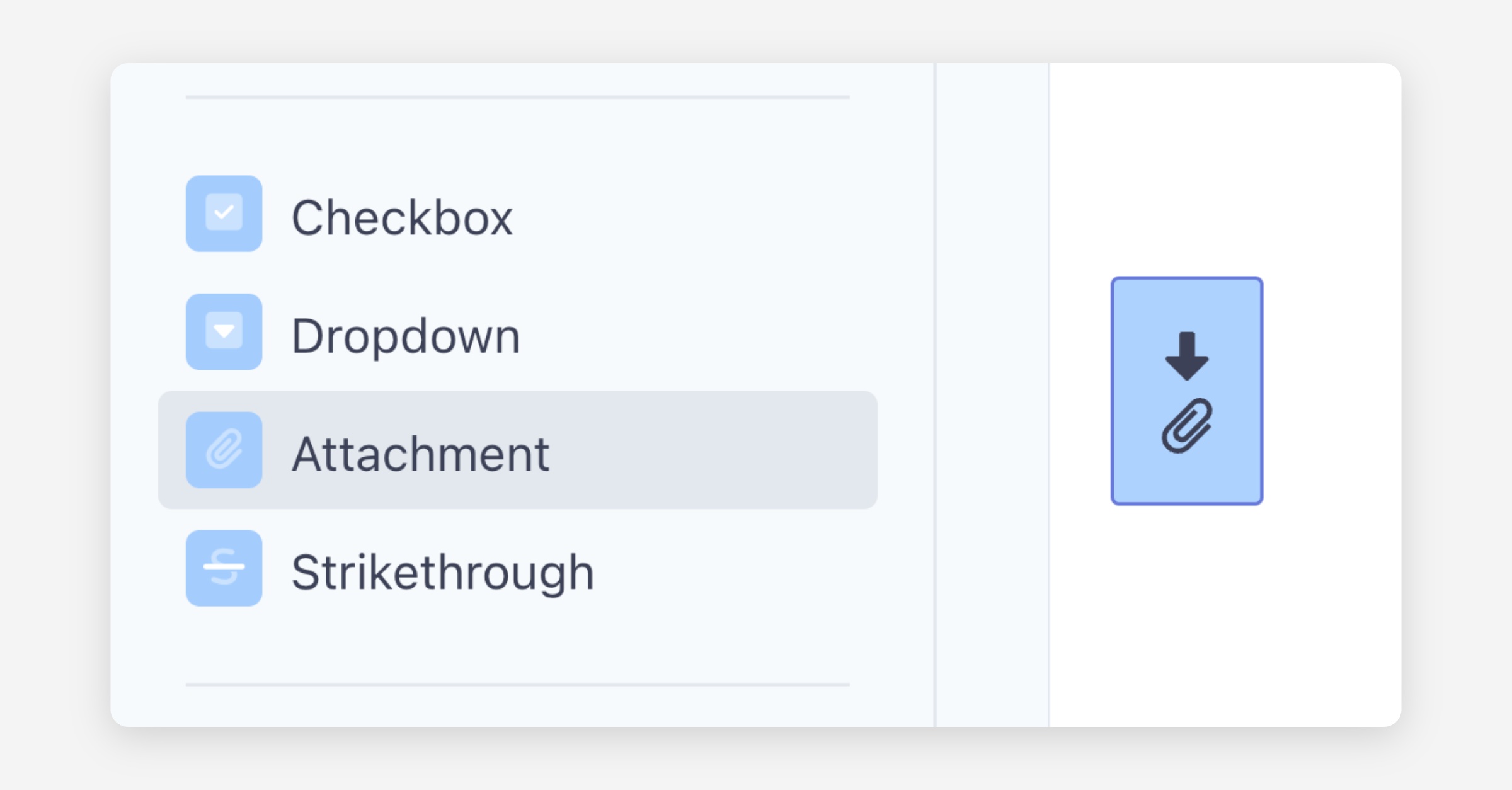
When preparing your envelope, drag an Attachments field onto the document and assign it to a recipient. Mark the field as required or optional depending on your needs — if set to required, the recipient will not be able to complete the envelope without uploading their files.
Key behaviour to note
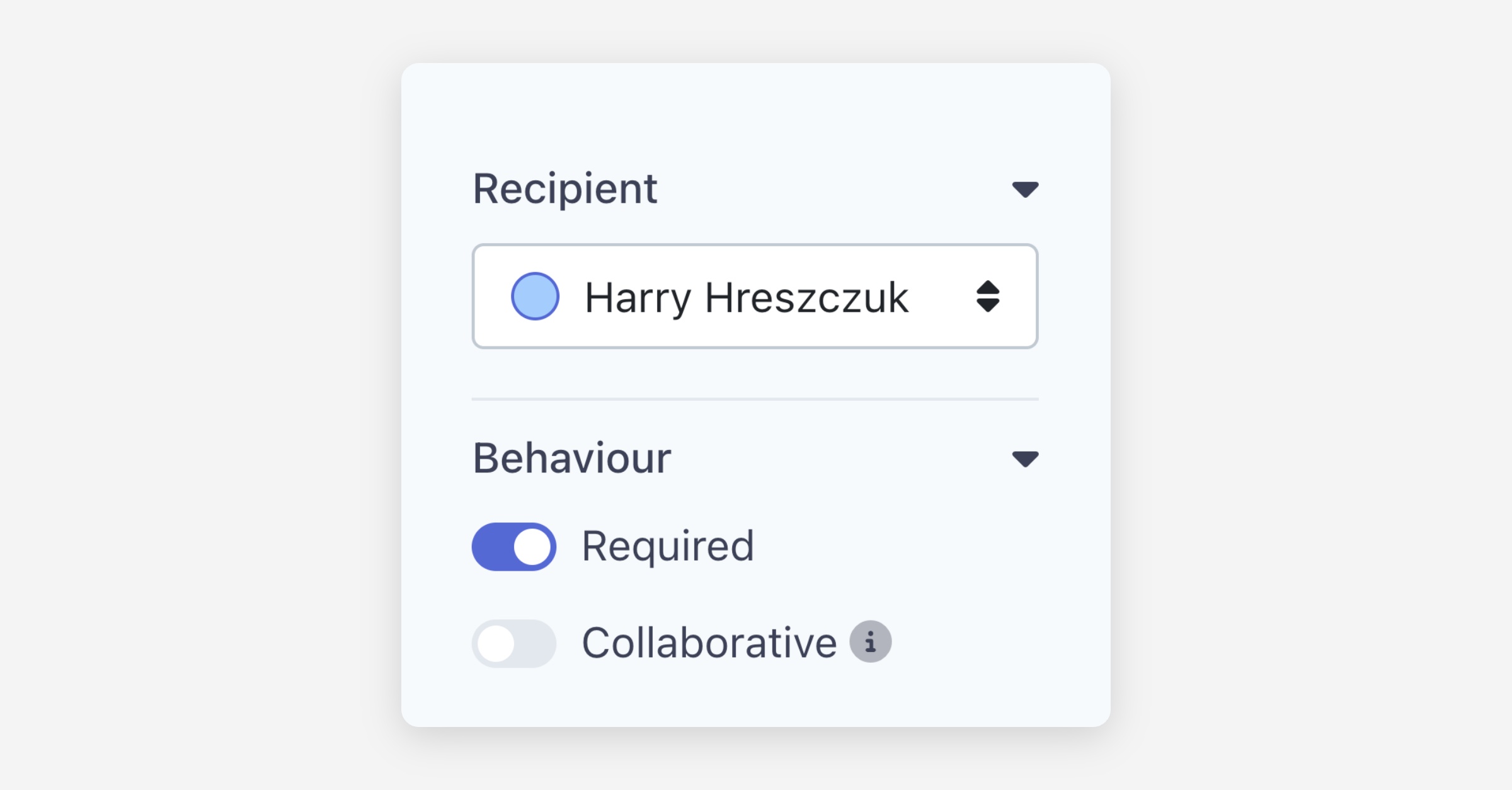
Required — When toggled on, the recipient must upload at least one file in order to complete the envelope. If your recipient may not have their files ready at the time of signing, consider turning this off so they can complete the envelope and provide attachments later.
Collaborative — When toggled on, all recipients on the envelope can see and interact with the attachments field, and any files uploaded. For example, if Recipient A uploads a file, Recipient B can download it or remove it from the envelope.
For recipients
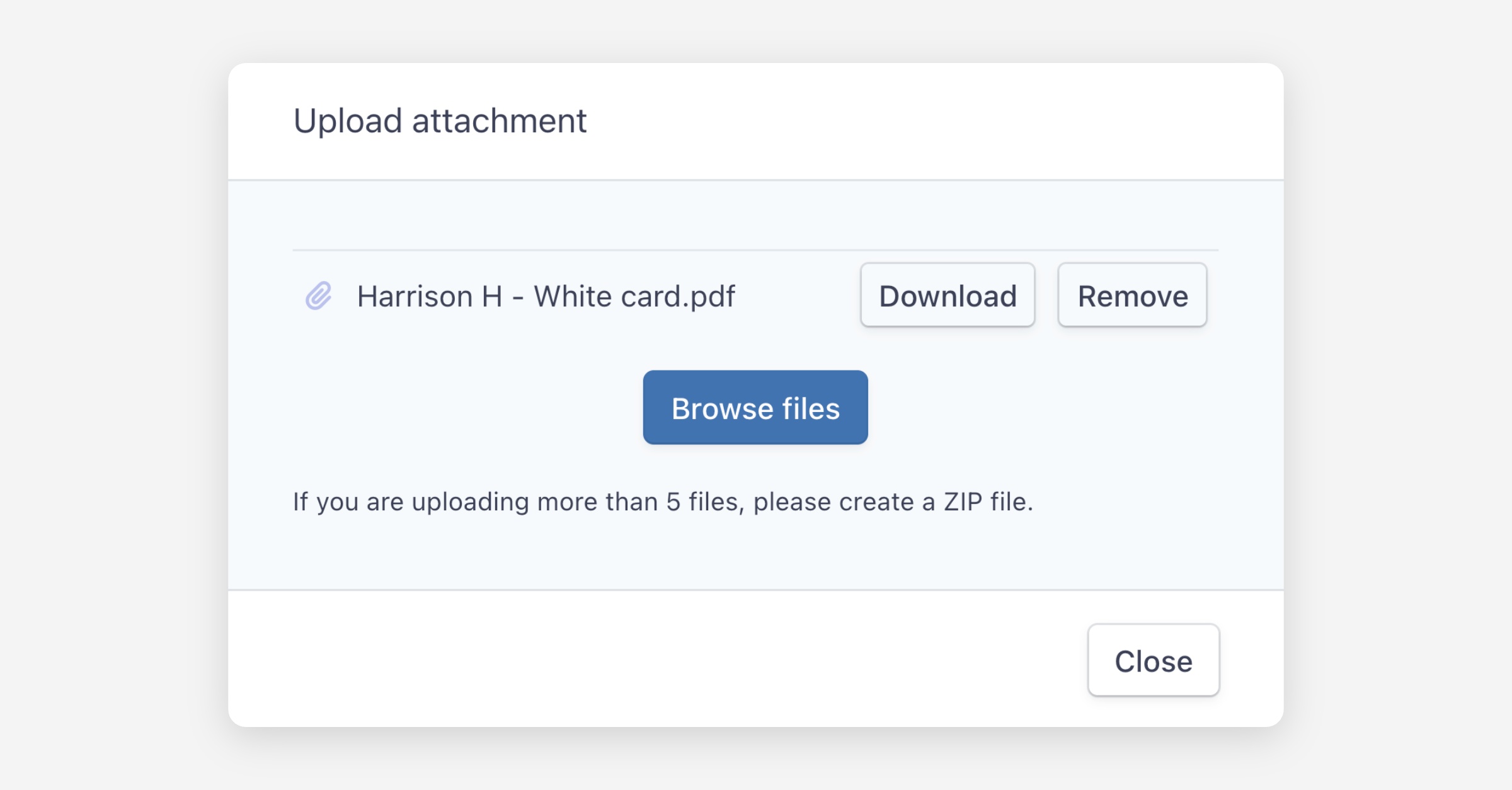
When your recipient reaches the attachments field, they can upload as many files as needed then close the prompt. On a mobile device, they also have the option to take a photo directly, which is useful for capturing certificates or other hard copy documents.
Viewing attachments
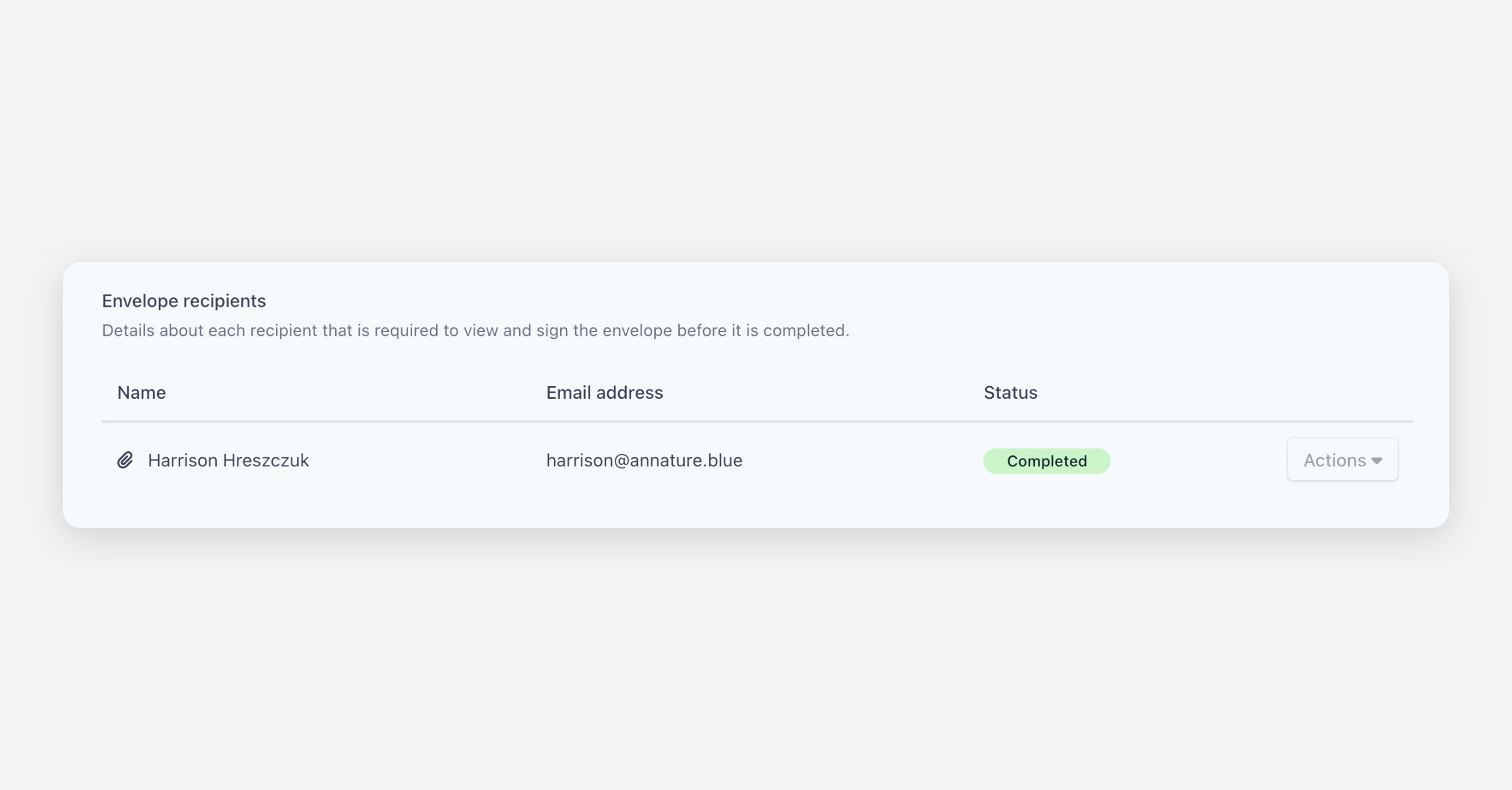
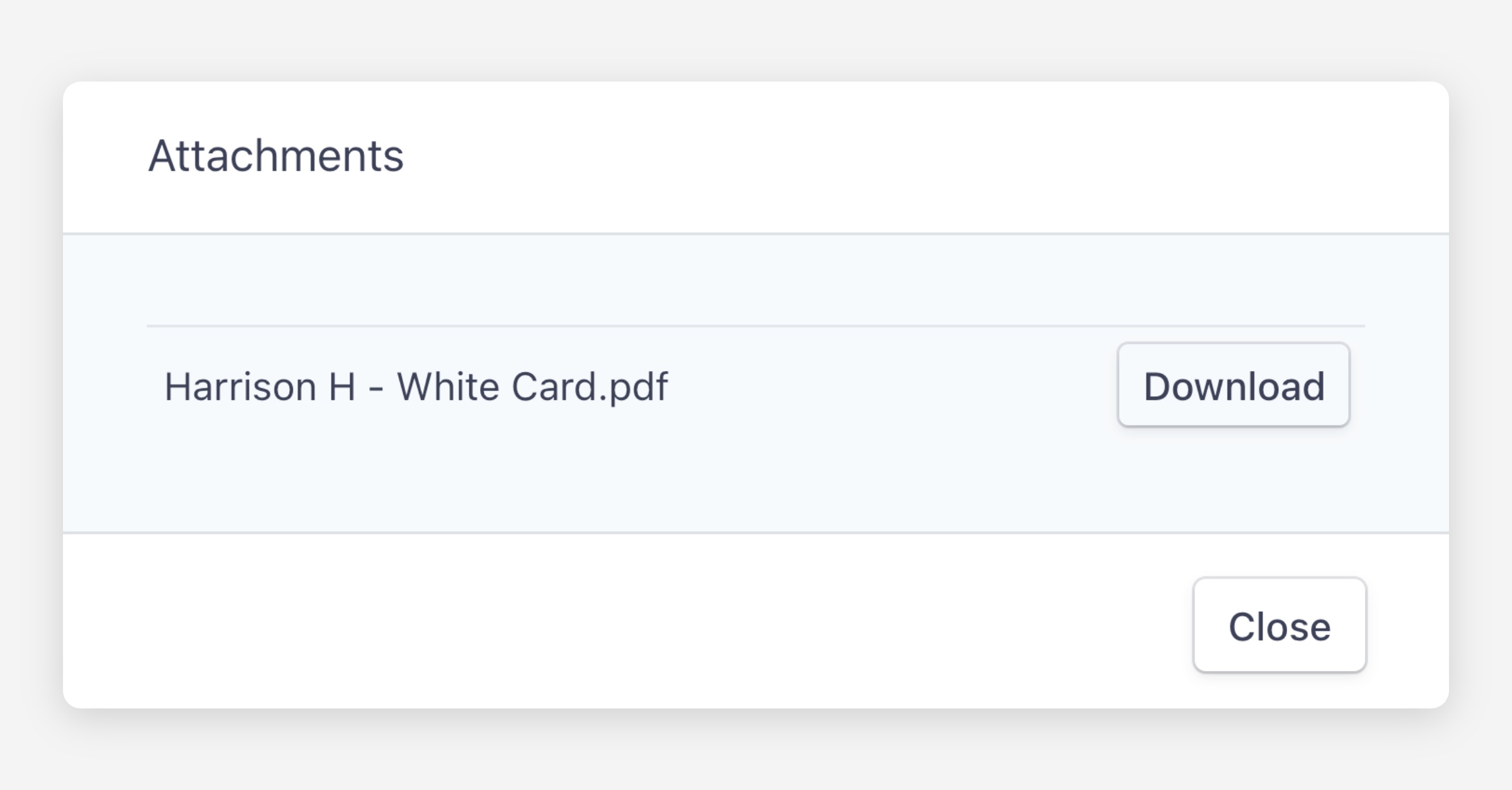
To view files uploaded by a recipient, navigate to the completed envelope and click the icon beside the recipient's name.
Was this helpful?