
Require tax details
Collect your client's TFN, BSB, and account number as part of the identity verification process.
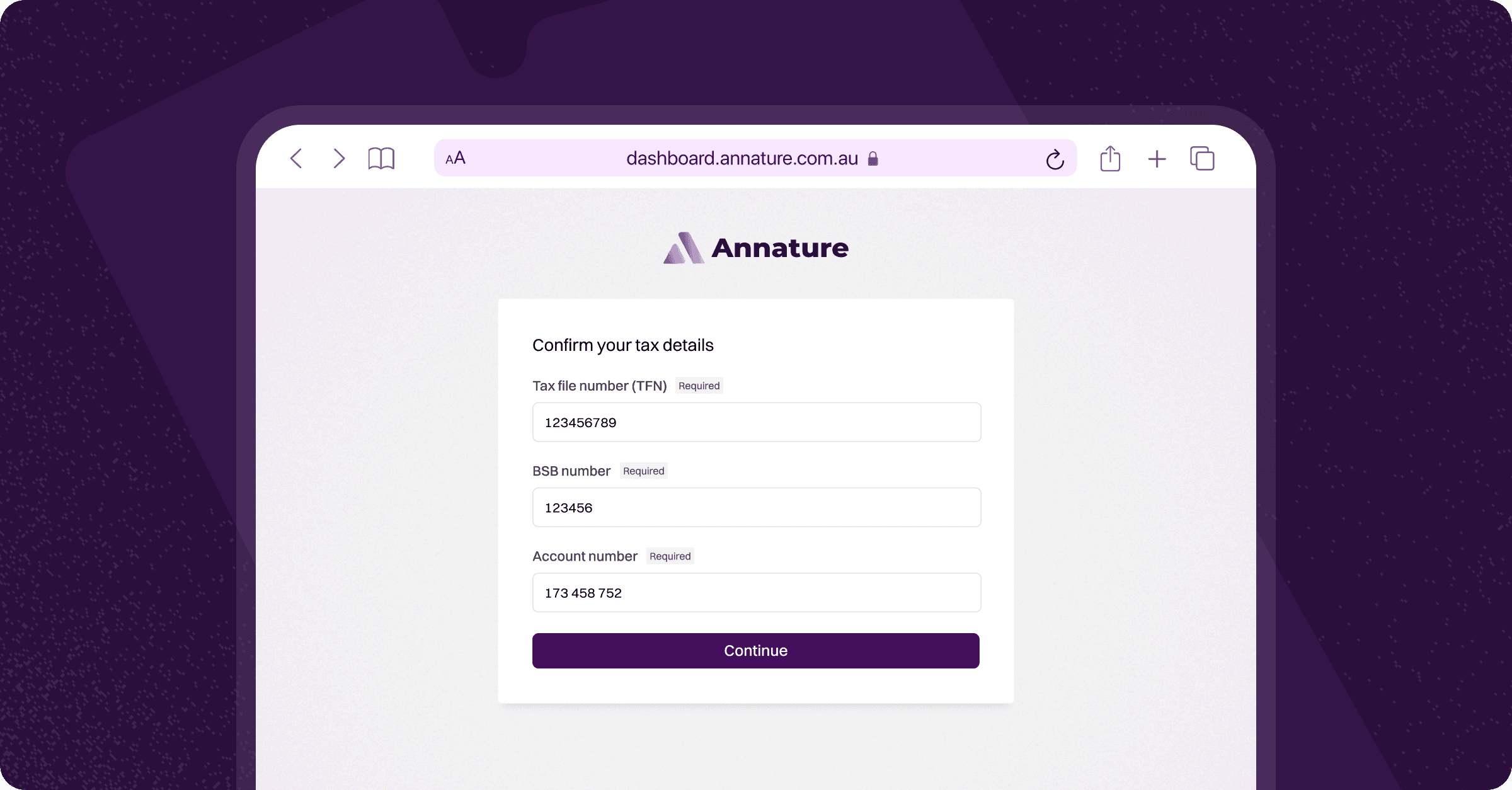
When creating an identity verification request, you can require your client to provide their Tax File Number (TFN) and bank account details alongside their personal information. This allows you to collect tax-related information as part of a single verification process, rather than requesting it separately.
Enabling Tax Details
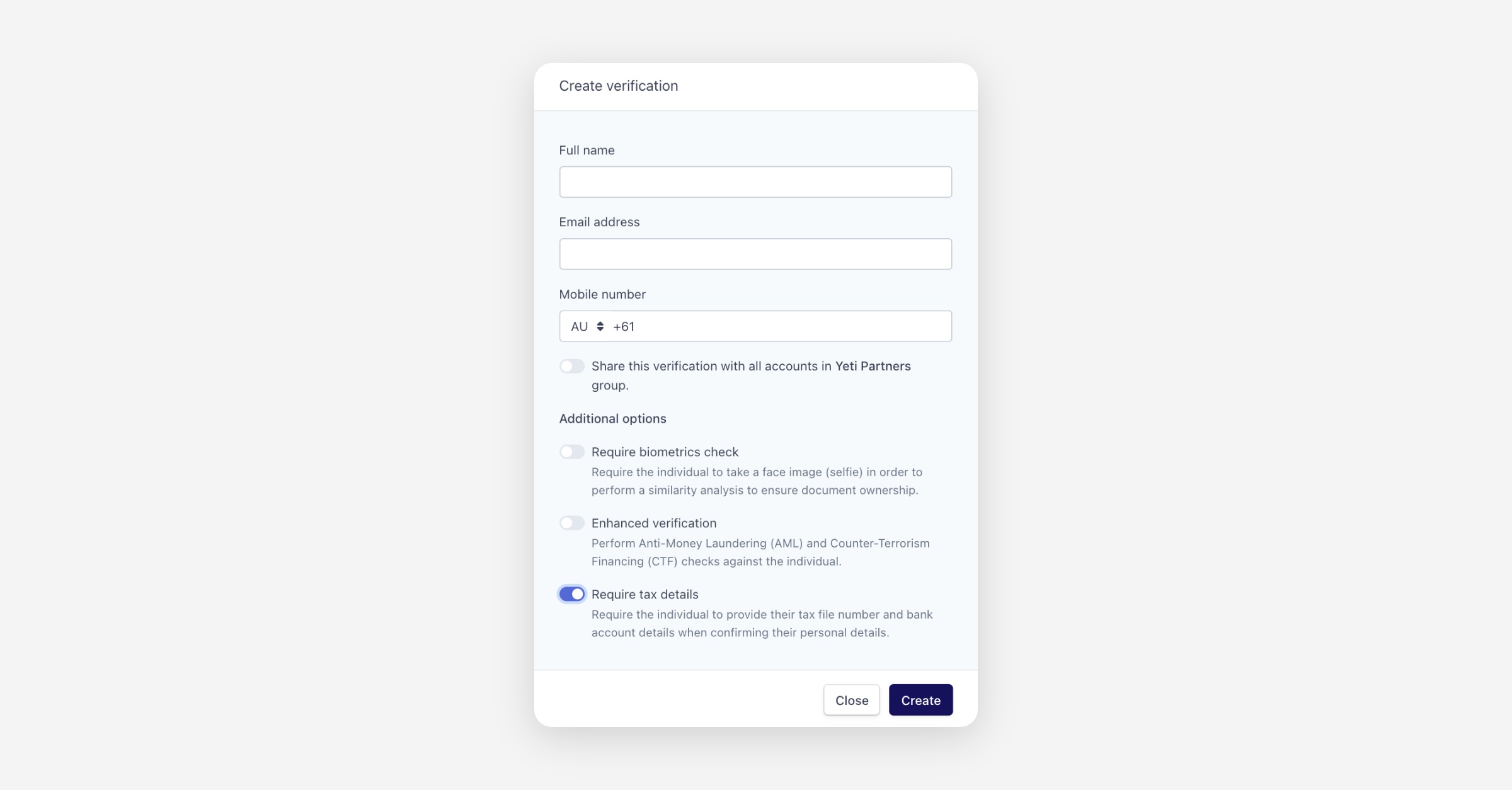
To require tax details, toggle on Require tax details under Additional options when creating the identity verification request. Your client will be prompted to enter their TFN and bank account details (BSB and account number) when confirming their personal details.
Once the verification is complete, the tax file number, BSB number, and account number will appear in the Captured document data section of the verification detail view.
If you do not see the Require tax details option when creating a verification request, you may need to enable it under Settings > Add-ons. Learn more in the Add-ons article.
Was this helpful?