
Docs / Envelope Basics
Recall an Envelope
Recalling an envelope allows you to pull back an in-progress envelope, convert it back to a draft, and make changes before resending it. This is useful when you need to modify documents, update recipients, or correct details that cannot be changed while the envelope is in progress.
How to Recall an Envelope
Open the in-progress envelope from the dashboard.
Click Envelope actions in the upper right corner and select Recall envelope.
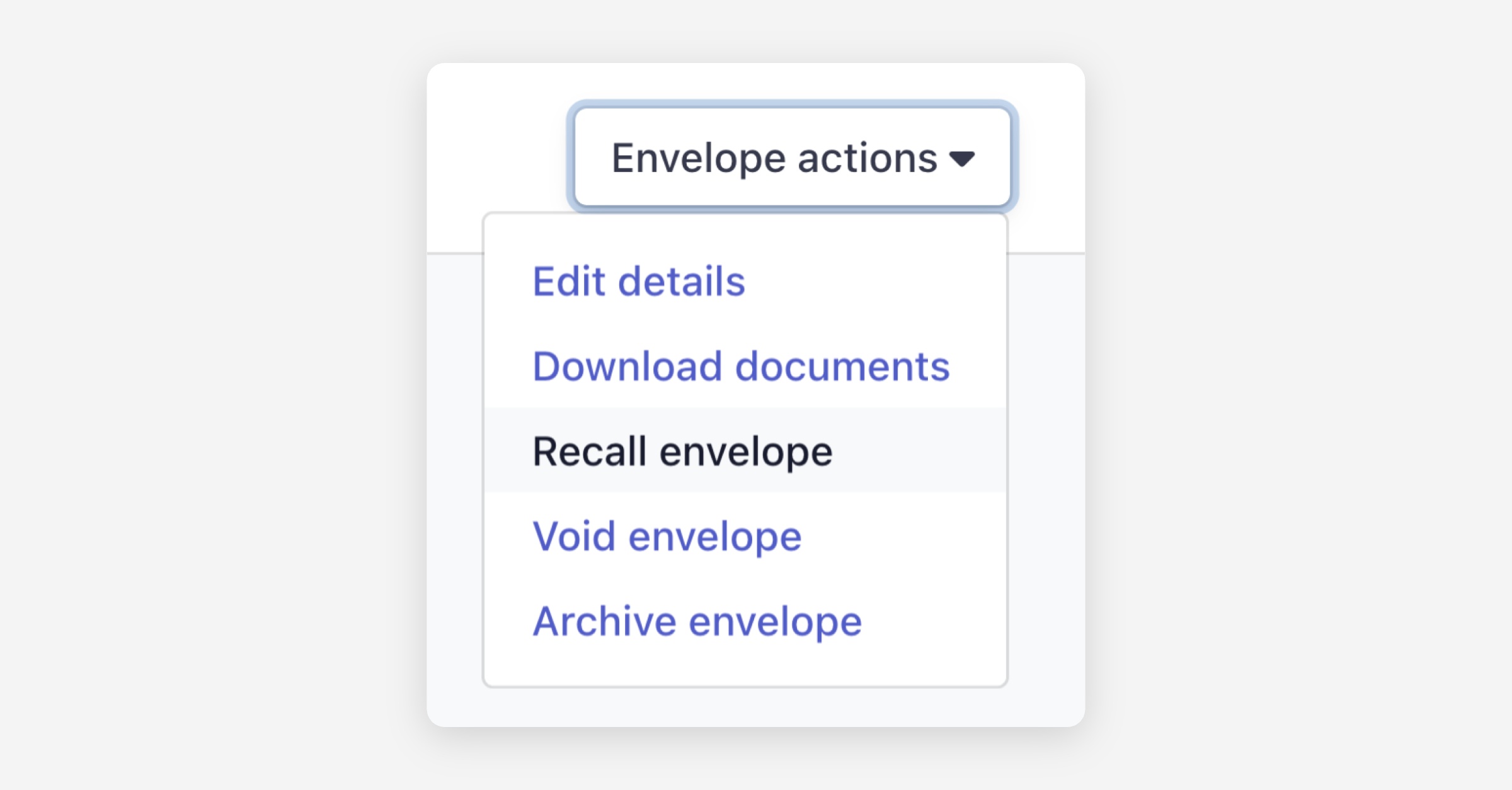
Click Confirm when prompted.
What Happens When an Envelope is Recalled
All outstanding signature requests are cancelled.
The envelope is converted back to Draft status.
Recipients who attempt to access the envelope using the link from the original email or SMS will see a message indicating that the envelope has been recalled, along with your organisation's contact information.
After Recalling
What you can edit depends on whether any recipients have already signed:
No recipients have signed — You have full control to edit everything, including replacing or removing documents, changing recipients, updating fields, and modifying any other details.
One or more recipients have already signed — You can only edit fields assigned to recipients who have not yet signed. You cannot edit or remove the documents, as they already contain completed signatures.
When you are ready, send the envelope again — recipients will receive a new email notification and SMS (if a mobile number has been provided).
Was this helpful?