
Creating identity verifications for Xplan clients
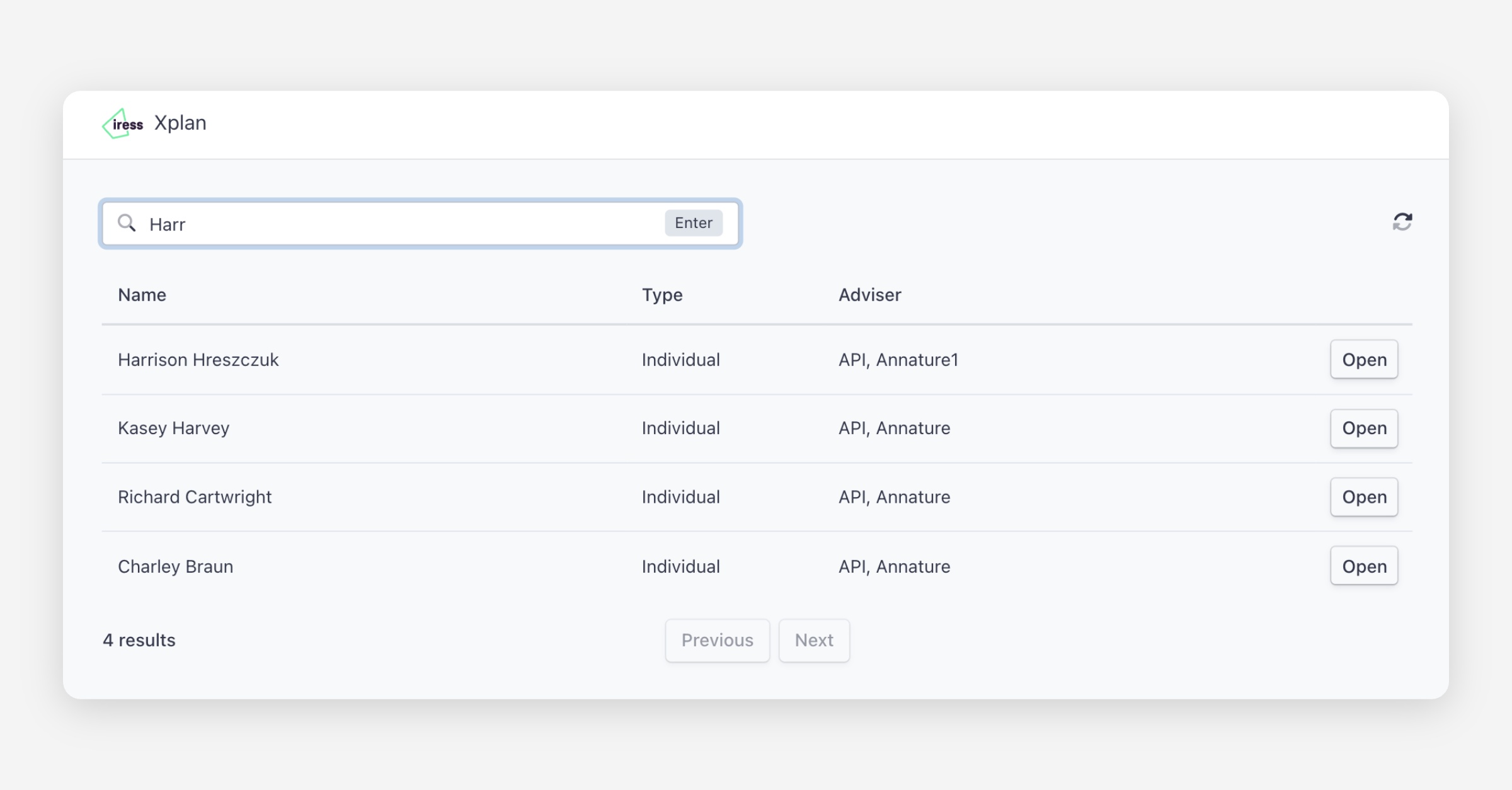
On the Xplan integration page, click Open beside the client.
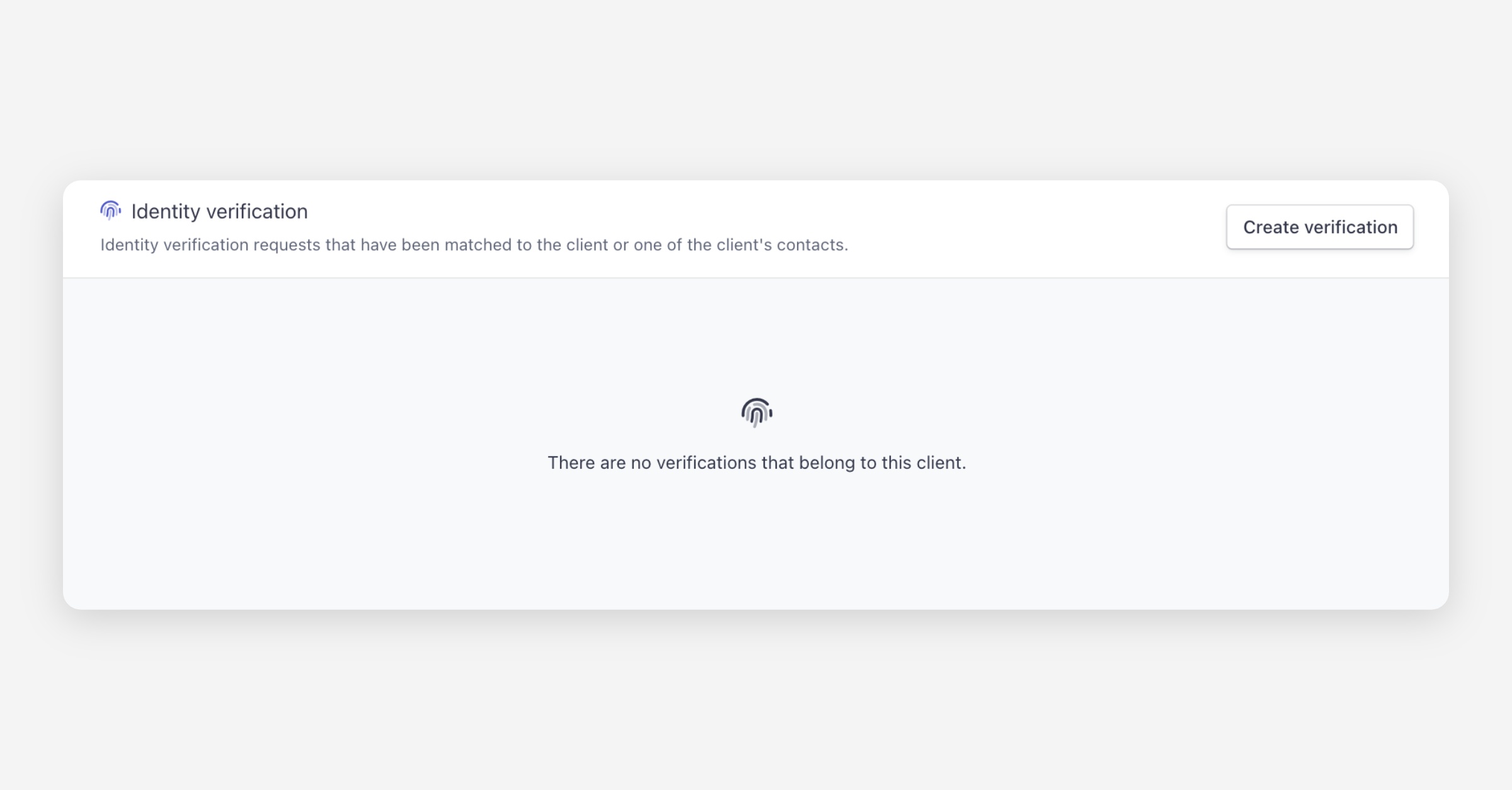
Under Identity verification, click Create verification.
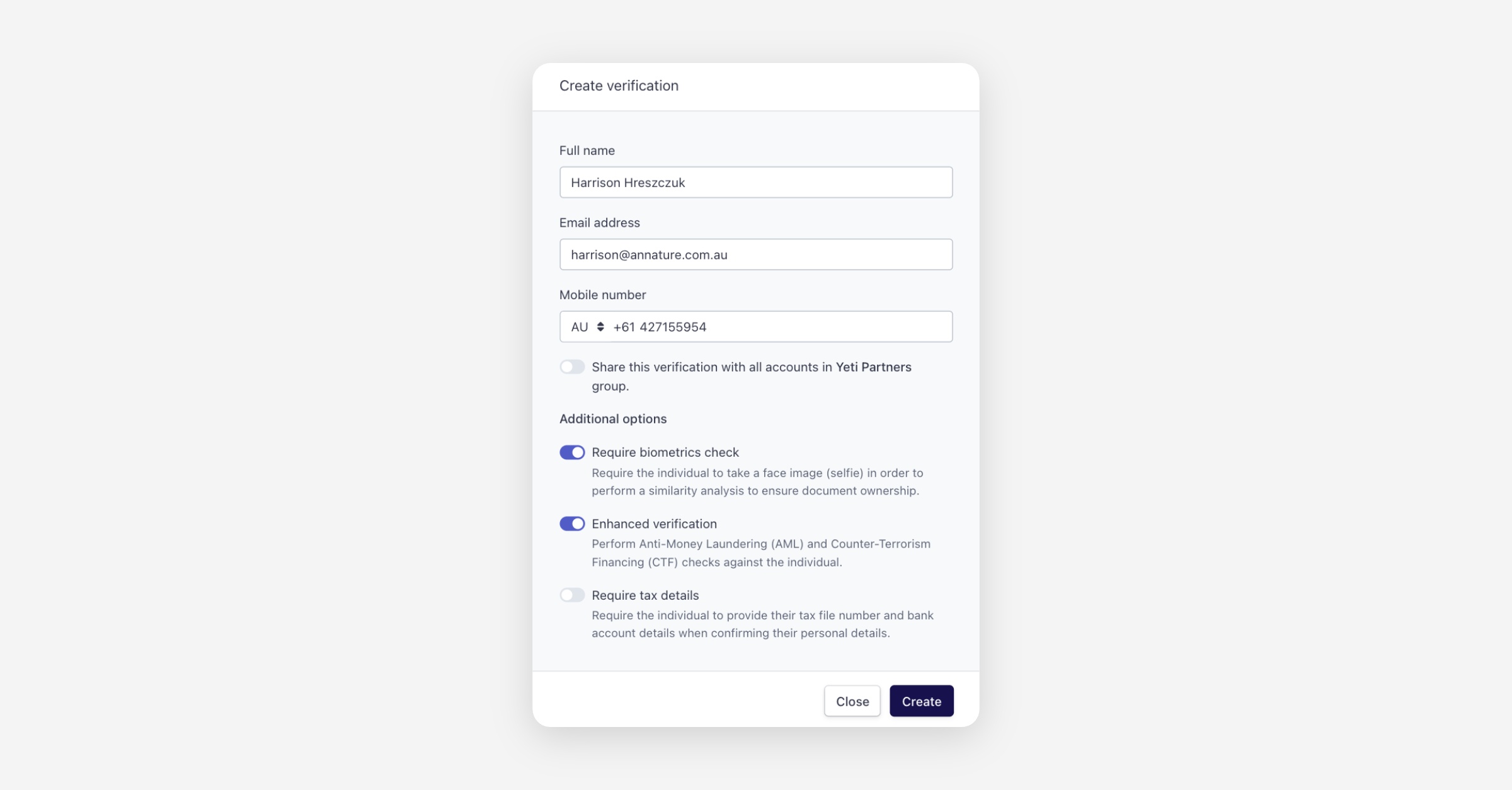
Review the pre-filled client details and click Create.
Once the verification is complete, a copy of the certificate is automatically pushed to Xplan and added to the client's file notes.
Was this helpful?