
Connecting to Xplan
Connecting your Xplan site to Annature takes just a few minutes. Once connected, you can import your Xplan contacts into your Annature address book and keep them in sync automatically.
Connecting Xplan
Go to Settings > Integrations.
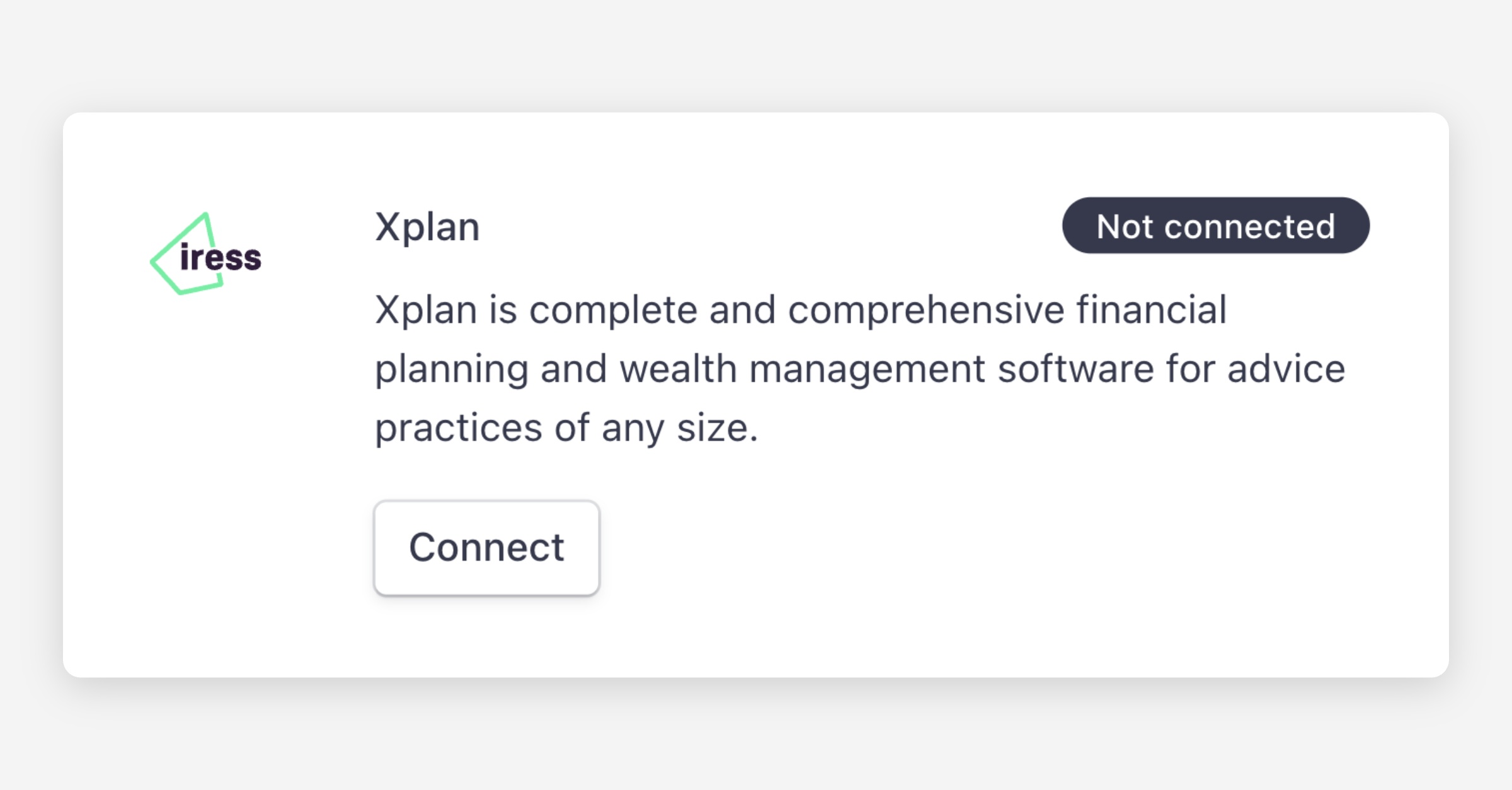
Click Connect under Xplan.
Enter your Xplan site URL (e.g.
https://yourfirm.xplan.iress.com.au).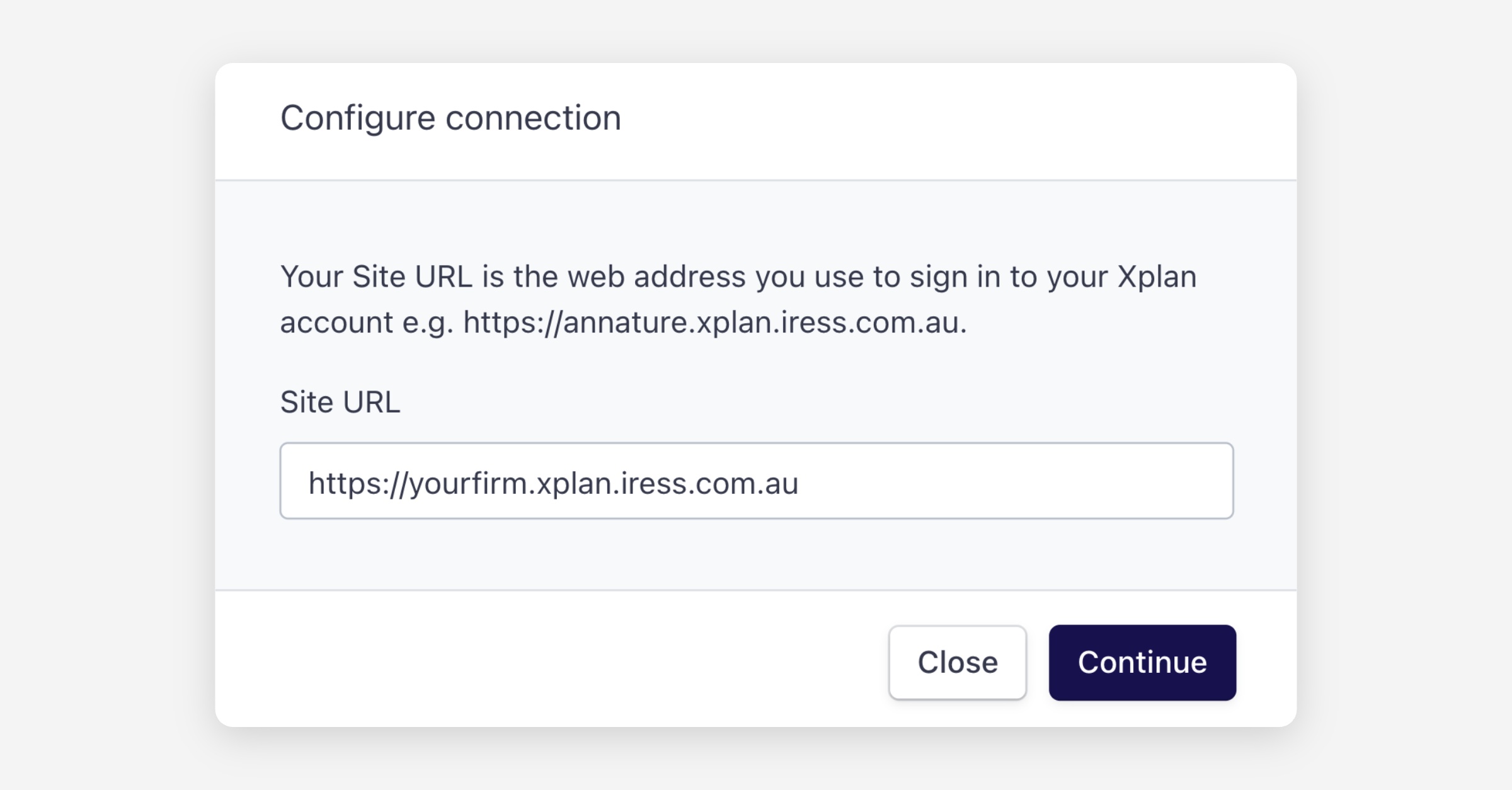
Click Continue and log in to your Xplan account if prompted.
Click Allow to grant Annature access.
Was this helpful?